



When Your “HubSpot Person” Leaves, Does Your System Fall Apart?
Many companies have one person who “knows HubSpot”:
- They remember why certain workflows exist.
- They know which lists are safe to delete.
- They can explain odd properties and pipelines.
When that person leaves or gets busy, you’re left with:
- A black-box CRM.
- Fear of touching anything.
- Slowed projects and broken reports.
Documentation is not about bureaucracy.
It’s about making sure your HubSpot architecture is an asset, not tribal knowledge locked in someone’s head.
This article explains what to document, how deep to go, and how to keep it up to date—so your HubSpot setup survives turnover and continues to serve the business.
Step 1 – Decide What Actually Needs to Be Documented
You don’t need a 200-page manual.
You need just enough documentation in the right places.
We focus on four areas:
- Data model – Core objects and properties.
- Processes & automation – Lifecycle, routing, key workflows.
- Pipelines & stages – How deals and tickets move.
- Reporting & dashboards – Source-of-truth views.
If someone new can understand these four areas in a few hours, you’ve de-risked 80% of turnover.
Step 2 – Create a Simple HubSpot Architecture Overview (1–3 Pages)
Start with a high-level “map” that answers:
- What objects do we use? (Contacts, Companies, Deals, Tickets, Custom Objects)
- What are our lifecycle stages and what do they mean?
- What are our pipelines, and what is each for?
- What are the key workflows that hold everything together?
- Where do external systems connect (product, billing, chat, etc.)?
This can live in:
- A short Google Doc/Notion page.
- An internal wiki.
- A simple diagram (Lucidchart, Miro, etc.).
The goal: a new RevOps or HubSpot admin should be able to say,
“I understand the backbone of this portal”
after 20–30 minutes.
Step 3 – Document the Core Data Model (Properties That Matter)
Next, we create a data dictionary for your most important fields, not every property.
For each core object:
Contacts – example fields to document
- Lifecycle stage
- Lead status
- Contact owner
- Normalized lead source
- Persona / role
- Country / region
- ICP tier / fit score (if used)
Companies – example fields to document
- Industry
- Company size / segment
- Region
- Company owner
- Customer status (Prospect / Customer / Former)
Deals – example fields to document
- Pipeline
- Deal stage
- Amount
- Close date
- Deal owner
- Product line / brand
- Segment/region (if not inherited from company)
For each field, capture:
- Name & type (e.g., dropdown, text, number).
- Definition – in normal language.
- Who updates it (user, workflow, integration).
- Where it’s used (lists, workflows, dashboards).
- Owner – who cares if this field changes.
This makes it possible to:
- Safely change a field with full awareness of downstream impact.
- Onboard new ops staff without weeks of “guess and test.”
Step 4 – Document Lifecycle and Lead Management
Lifecycle and lead management are the spine of your customer journey.
We document:
Lifecycle stage definitions
For each stage (Subscriber, Lead, MQL, SQL, Opportunity, Customer, etc.):
- What must be true to enter this stage?
- What action/event moves a record into this stage?
- Who owns the record here (Marketing/Sales/CS)?
Lead status definitions
For Lead statuses (New, In Progress, Qualified, Unqualified, Nurture):
- How reps should use each.
- What typical transitions look like (e.g., New → In Progress → Qualified or Unqualified).
Routing logic
How inbound leads are assigned:
- By territory?
- By brand/product?
- By segment?
How form submissions map to lifecycle, Lead status, owners, and queues.
We also list the workflows that implement this logic:
- “Lead Intake – Global”
- “Routing – Brand A – EMEA”
- “Lifecycle – MQL to SQL Promotions”
And note:
- Their purpose.
- Their main triggers.
- Key fields they update.
Step 5 – Document Pipelines, Stages, and Handoffs
For each pipeline (sales, renewals, onboarding, etc.), we document:
Pipeline purpose
- What type of motion is this?
- New business?
- Renewals/expansion?
- Implementation/onboarding?
Stage-by-stage definitions
For each stage:
- Name
- Entry criteria – what must be true to move here.
- Exit criteria – what moves the record forward or out.
- Ownership – which team/role is responsible.
Handoffs between teams
SDR → AE → CS → AM, etc.
What information must be captured at each handoff (e.g., notes, fields, attachments).
We keep this in a simple table so anyone can run a pipeline review and know exactly:
- What the stage name means.
- What should have happened before the next stage.
Step 6 – Create a “Key Workflows” Catalog
Your goal isn’t to document every workflow.
It’s to document the ones that matter.
We create a catalog listing:
- Workflow name.
- Object type.
- Category: Lifecycle, Routing, Nurture, Data hygiene, Notifications/alerts, Integrations/helper
- Purpose (1–2 sentences).
- Triggers (enrollment criteria).
- Fields impacted (especially lifecycle, Lead status, deal stage, owner, source).
- Owner (person/role).
Example entry:
Name: LIFECYCLE – Promote to MQL
Object: Contact
Category: Lifecycle
Purpose: Promotes leads to MQL based on score + ICP fit.
Triggers: Score ≥ 70 AND ICP tier A/B AND not yet MQL+.
Impacts: Sets Lifecycle to MQL, sends alert to SDR, assigns lead owner.
Owner: RevOps.
This way, when something odd happens (e.g., Lifecycle changing unexpectedly), you know which workflows to inspect first.
Step 7 – Document “Source of Truth” Dashboards and Reports
Reporting is often where trust breaks first after turnover.
We document:
Executive dashboards
For each one:
- Name & link.
- Audience (CEO, leadership, board).
- Primary questions it answers (e.g., “Are we on track this quarter?”).
- Main filters (pipelines, date ranges, segments).
Ops dashboards
- Funnel & conversion dashboards.
- Lead source and campaign performance.
- Data quality monitors.
Team dashboards
- Sales rep/manager views.
- Marketing campaign dashboards.
- CS/Support health dashboards.
We clearly mark certain dashboards as:
“Source of Truth for X”
…and ensure new ones aren’t created ad hoc to replace them without reason.
Step 8 – Decide Where Documentation Lives and Who Owns It
Documentation only works if:
- People know where to find it.
- Someone is accountable for keeping it current.
We recommend:
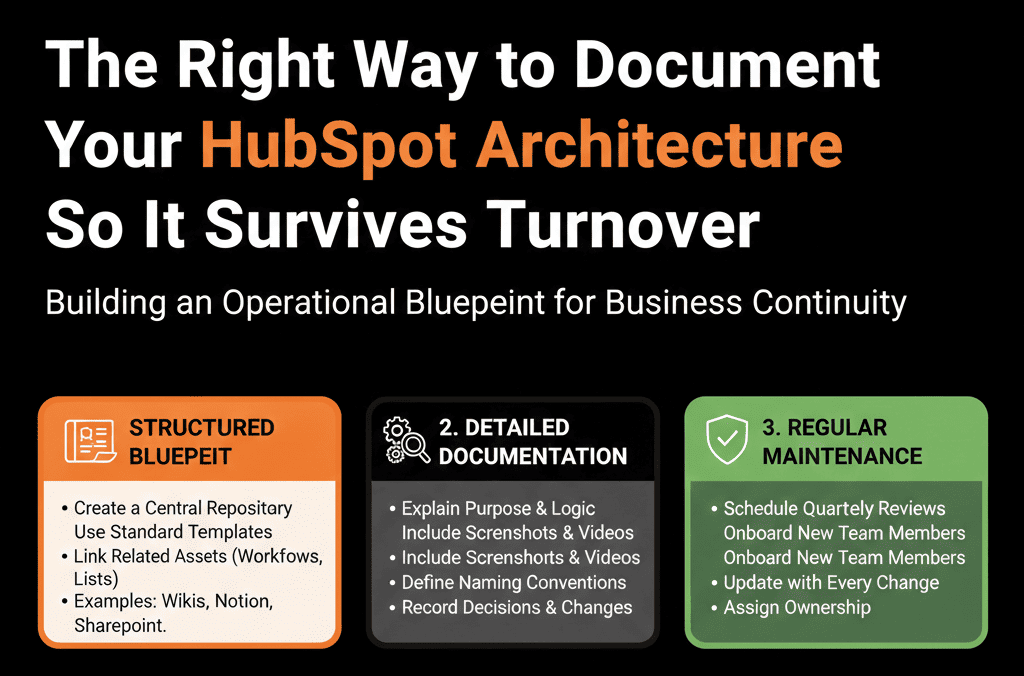
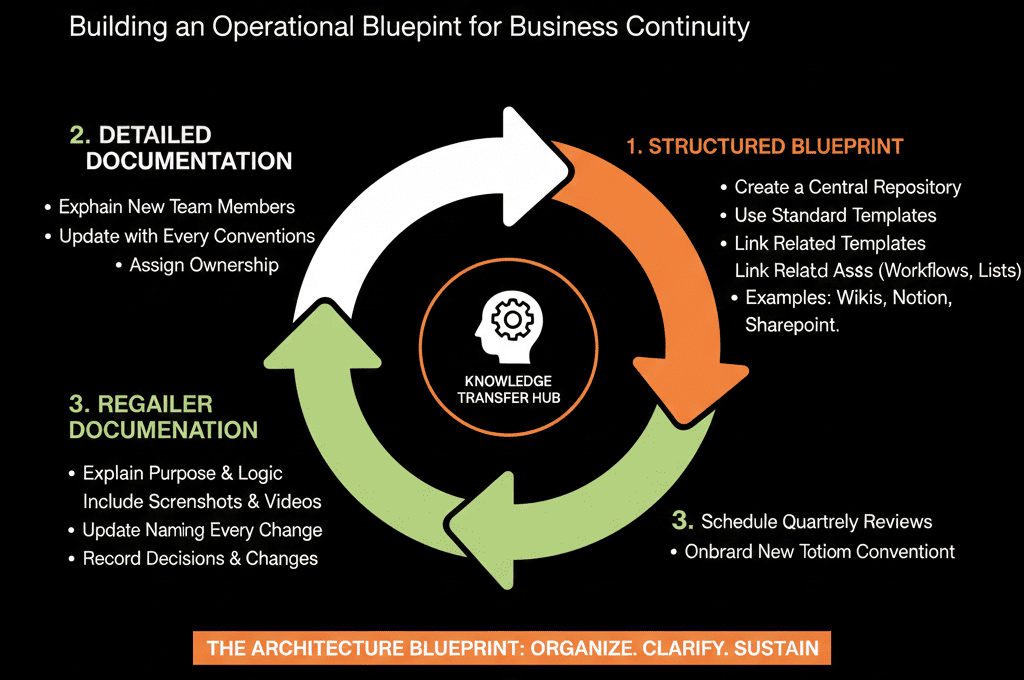
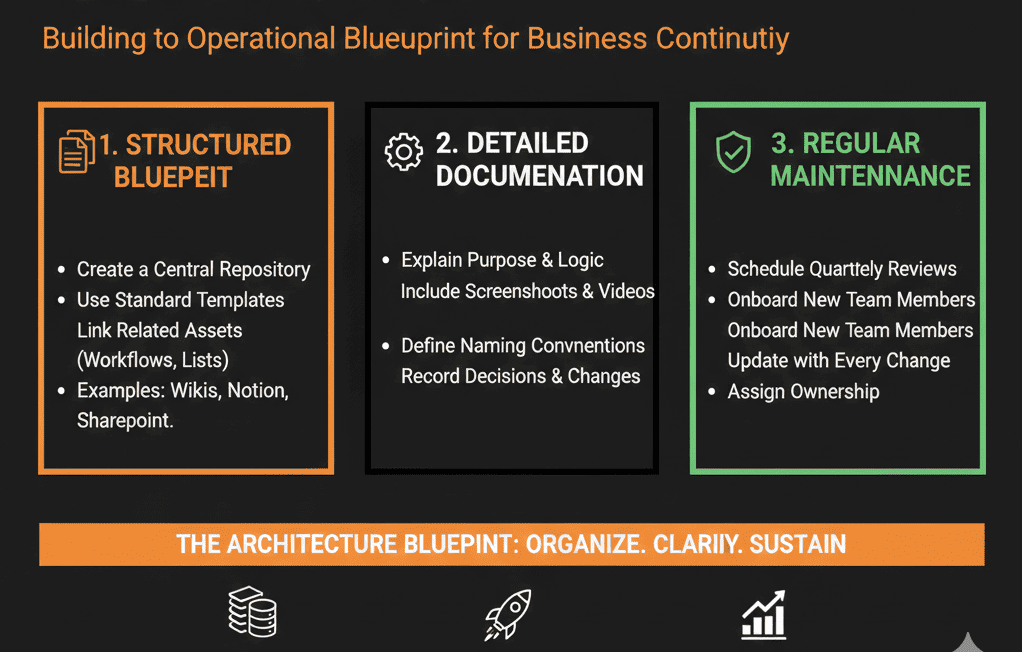
- A single internal space (Notion, Confluence, Google Sites, etc.) as your “HubSpot Architecture Hub.”
- Top-level sections matching what we covered: Overview, Data model, Lifecycle & lead management, Pipelines & stages, Workflows catalog, Reporting & dashboards
- An owner: Usually RevOps lead / HubSpot Architect, with clear mandate to update docs when significant changes are made.
We keep it lightweight:
Not every small update requires documentation.
Major changes in architecture, fields, or critical workflows do.
Step 9 – Build Documentation into Your Change Process
To keep documentation alive:
Any major change (new pipeline, major lifecycle rewrite, big workflow overhaul) must include:
- Update to the relevant documentation pages.
- Short internal announcement (what changed, why, where to find details).
Use a simple change log:
- Date
- Change summary
- Area affected
- Link to updated documentation
This change log becomes invaluable when:
- Things suddenly look different in reports.
- Someone asks “when did we change how MQLs are defined?”
- New team members want to see how the system has evolved.
What You Can Do in the Next 30 Days
If your HubSpot knowledge currently lives in a few people’s heads:
- Create a single “HubSpot Architecture” page in your internal wiki or docs.
- Add:
- A 1–2 page high-level overview of objects, lifecycle, pipelines, and key workflows.
- A starter data dictionary for your top 10–20 fields.
- List your key workflows and dashboards with a 1–2 line purpose for each.
- Assign a clear HubSpot documentation owner (usually RevOps/Admin).
- After any major HubSpot change this month, update the docs and post a short summary to your team.
You don’t have to document everything at once.
You just need to start with the backbone and build from there.
Want Help Reverse-Engineering and Documenting Your Existing HubSpot Architecture?
If your current HubSpot setup evolved organically over years and you’re not sure how all the pieces fit together, writing documentation from scratch can feel overwhelming.
Our HubSpot Portal Health Check / HubSpot Audit can include a:
- Reverse-engineered architecture map of your portal.
- Data model summary and key properties dictionary.
- Workflow and lifecycle diagrams.
- Recommendations for a simple, sustainable documentation framework.






