



Most HubSpot Portals Are Designed Around Departments, Not Customers
You can usually tell who designed a HubSpot portal by looking at it:
- Marketing-centric portals: tons of campaigns, weak pipeline.
- Sales-centric portals: strong pipelines, weak attribution/funnel.
- Support-centric portals: good tickets, no clear view of pre-sale journey.
The problem:
Your customer doesn’t experience your internal org chart.
They experience a journey:
- Problem awareness
- Education and evaluation
- Buying and implementation
- Adoption, renewal, and expansion
If HubSpot is built around teams rather than that journey, you’ll see:
- Fragmented handoffs.
- Gaps in visibility.
- Inconsistent experiences.
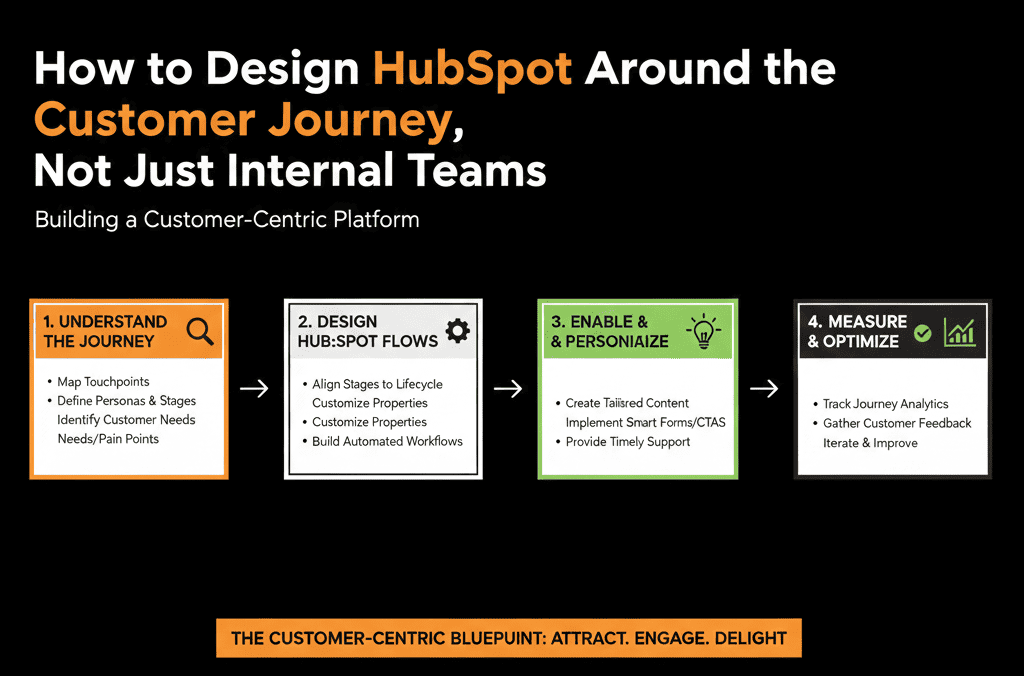
This article explains how we redesign HubSpot architecture to follow the customer journey, not just departmental lines.
Step 1 – Map Your Real Customer Journey in Plain Language
Before touching HubSpot, we map the journey outside the tool.
We ask:
- What are the key phases a customer goes through, from first contact to renewal/expansion?
- What do they think is happening (not just what we do internally)?
A common B2B journey looks like:
- Anonymous awareness – They find content, search, attend events.
- Engaged lead – They download content, attend webinars, subscribe.
- Problem/Solution fit – They show specific interest, request demo, talk to sales.
- Evaluation & selection – They compare solutions, involve stakeholders.
- Decision & onboarding – They sign, implement, and start using the product.
- Adoption & value realization – They achieve outcomes, deepen usage.
- Renewal & expansion – They stay, expand, or churn.
We then decide:
- Which phases must HubSpot track and support end-to-end?
- Where do other systems (product, billing, CS tools) plug in?
Step 2 – Align Lifecycle Stages to the Journey (Not Just MQL/SQL Jargon)
HubSpot’s Lifecycle stages can be powerful—but only if they map to a real journey.
We design lifecycle roughly as:
- Subscriber – Engaged with content, basic contact.
- Lead – Showed some interest (form, event), not yet qualified.
- MQL – Marketing-qualified based on ICP + behavior.
- SQL – Sales has accepted and is actively engaging.
- Opportunity – There is a live evaluation/opp with a defined potential deal.
- Customer – Signed and onboarded.
- Evangelist – Advocates, references, or power users.
We define:
What customer behavior or internal action moves a record from one stage to the next:
- e.g., MQL when they hit a score threshold and fit ICP.
- SQL when a rep has done a first qualification call.
- Opportunity when a real deal is created.
- Customer when first deal is closed-won.
Lifecycle should tell the story of the journey, independent of which team handled each step.
Step 3 – Design Deal Stages to Match Evaluation and Decision Steps
Deal stages should model how customers evaluate and buy, not your internal approval routing.
We align them to the evaluation/selection part of the journey:
- New / Discovery – Initial conversation and fit check.
- Evaluation – Requirements, solution design, stakeholder mapping.
- Proposal / Quote – Commercials presented and discussed.
- Negotiation / Review – Terms refined, approvals under way.
- Commit – Mutual agreement that they will buy, pending final steps.
- Closed Won / Closed Lost.
For each stage, we define:
- What must be true in the customer journey: e.g., in Evaluation, “Customer has shared key pains and success criteria.”
- What HubSpot should reflect: required fields or methodology signals (MEDDIC/BANT items), activities or meeting types.
Now, Lifecycle and Deal stages work together:
- Lifecycle stage describes where they are overall.
- Deal stage describes where the live opportunity is within evaluation/decision.
Step 4 – Design Handoffs as Part of the Journey, Not as Ownership Fights
Handoffs are where customer experience often breaks:
- Marketing → SDR
- SDR → AE
- AE → CS/Implementation
- CS → AM for renewal/expansion
We design each handoff as a joint moment in the customer journey, not “throw it over the wall.”
For each handoff, we specify:
- Customer reality: What has they experienced? What is their expectation?
- HubSpot data/field changes: Lifecycle stage change, owner change (or additional owner), lead status / deal creation.
- Operational expectations: SLA for next touch, required context (notes, fields, links).
Example:
MQL → SQL (Marketing → SDR)
- Customer: requested a demo or high-intent content.
- HubSpot: Lifecycle moves to MQL; routing assigns SDR; Lead status = New.
- Ops: SDR must reach out within X hours; if accepted, Lifecycle = SQL; if not, recycle or nurture.
We then implement these in:
- Workflows (routing, lifecycle updates).
- Tasks and notifications.
- Views and playbooks for the receiving team.
Step 5 – Build Views and Reports That Follow the Journey End-to-End
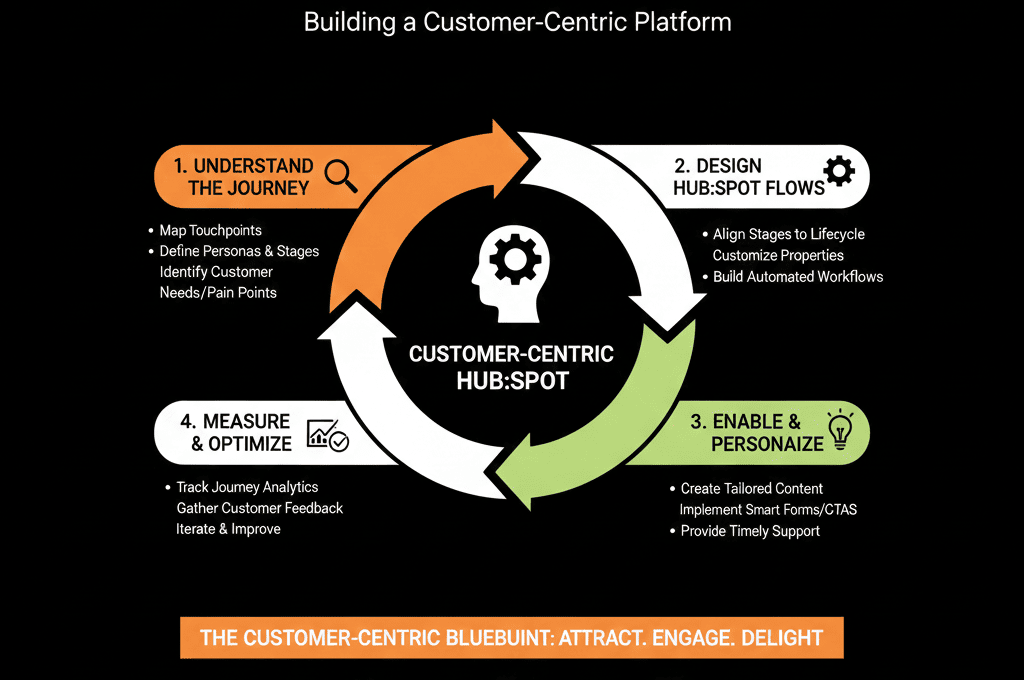
Now we want to see the journey inside HubSpot.
We build:
1. Journey-aligned funnels
Lead → MQL → SQL → Opportunity → Customer.
Funnel by:
- Source.
- Segment/ICP.
- Brand/product (if multi-brand).
This shows where customers drop off at each stage of their journey.
2. Stage-specific dashboards
Marketing view:
- Focus on early journey stages (Subscriber/Lead → MQL).
- See which motions push people deeper into evaluation.
Sales view:
- Focus on SQL → Opportunity → Closed Won.
- See how quickly prospects move between journey steps.
CS view:
- Onboarding → Adoption → Renewal.
- Use tickets, NPS, and health indicators.
Leadership can then look across all three to see a continuous journey.
Step 6 – Bring CS and Product Signals Into the Journey
Customer journey design doesn’t end at Closed Won.
We integrate post-sale signals into HubSpot where possible:
- Onboarding milestones: first login, implementation completed, first value moment achieved.
- Health and engagement: product usage scores (if integrated), support ticket volume and CSAT, NPS or customer feedback.
We map those signals to:
- Lifecycle refinements (e.g., “Onboarded Customer,” “At-Risk Customer”).
- Renewal/expansion opportunities (new deals or ticket pipelines).
- CS and AM workflows (renewal reminders, QBR triggers).
Now, the journey inside HubSpot truly extends from first touch to renewal and expansion.
Step 7 – Reduce Internal-Silo Reporting in Favor of Journey Reporting
Finally, we adjust reporting so that teams see themselves as parts of one journey, not isolated functions.
Examples of journey-focused reporting:
- “From first website visit to first meeting” — Owned jointly by Marketing and SDR.
- “From first meeting to proposal sent” — Joint responsibility of SDR/AE.
- “From signed deal to go-live” — Owned by CS/Implementation.
- “From go-live to first expansion” — CS + Sales/Account Management.
We create dashboards that:
- Cross filters by lifecycle stage, deal stage, and post-sale events.
- Show time between journey stages, not just team metrics.
- Highlight where customers wait or fall into gaps between teams.
This reframes success from:
“Marketing hit MQL target.”
“Sales hit quota.”
…to:
“We moved X% of ICP leads all the way through the journey efficiently and successfully.”
What You Can Do in the Next 30–60 Days
If your current HubSpot setup feels team-centric instead of customer-centric:
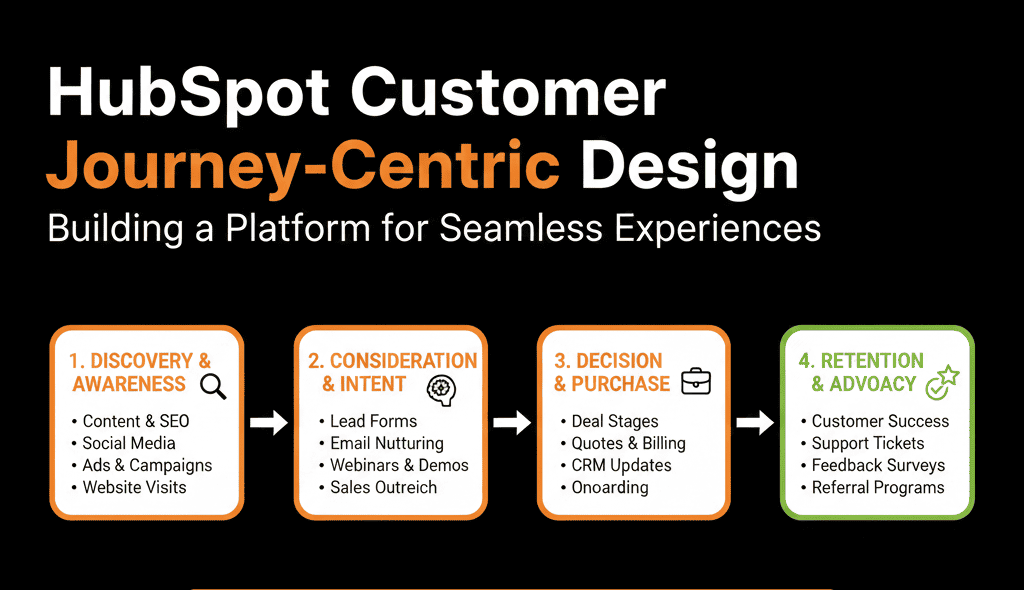
- Map your real customer journey in 6–8 phases, across pre- and post-sale.
- Align your Lifecycle stages to those phases and define exact triggers.
- Review your deal stages and rewrite them to reflect buyer steps, not just internal admin steps.
- Redesign one major handoff (e.g., Marketing → Sales or Sales → CS) as a journey step: clear definition, field changes, SLAs and tasks.
- Build or update one end-to-end funnel dashboard that crosses at least two teams (e.g., Marketing + Sales).
Small, concrete changes like these start shifting the entire organization to think in customer journeys, not silos.
Want Help Re-Architecting HubSpot Around Your Customer Journey?
If your HubSpot portal mirrors your internal structure more than your customer’s experience, you’ll keep fighting:
- Handoff issues.
- Data gaps.
- Inconsistent reporting.
Our HubSpot Portal Health Check / HubSpot Audit can be oriented specifically around your customer journey:
- We map your current HubSpot architecture against the real journey.
- Identify where the system breaks the experience or loses visibility.
- Design a pragmatic journey-based architecture for lifecycle, pipelines, routing, and reporting.






