



Your Sales Methodology Lives or Dies in the CRM
You can run all the MEDDIC/BANT training you want.
If HubSpot doesn’t support that methodology:
- Reps fall back to old habits.
- Managers can’t see which deals are truly qualified.
- Forecasts ignore critical qualification signals.
The goal is not to “install MEDDIC in HubSpot” as a checkbox.
It’s to embed your sales methodology into how deals are created, updated, and reviewed—without turning HubSpot into a rigid admin chore.
This article walks through how we align HubSpot with common sales methodologies like MEDDIC and BANT in a practical, scalable way.
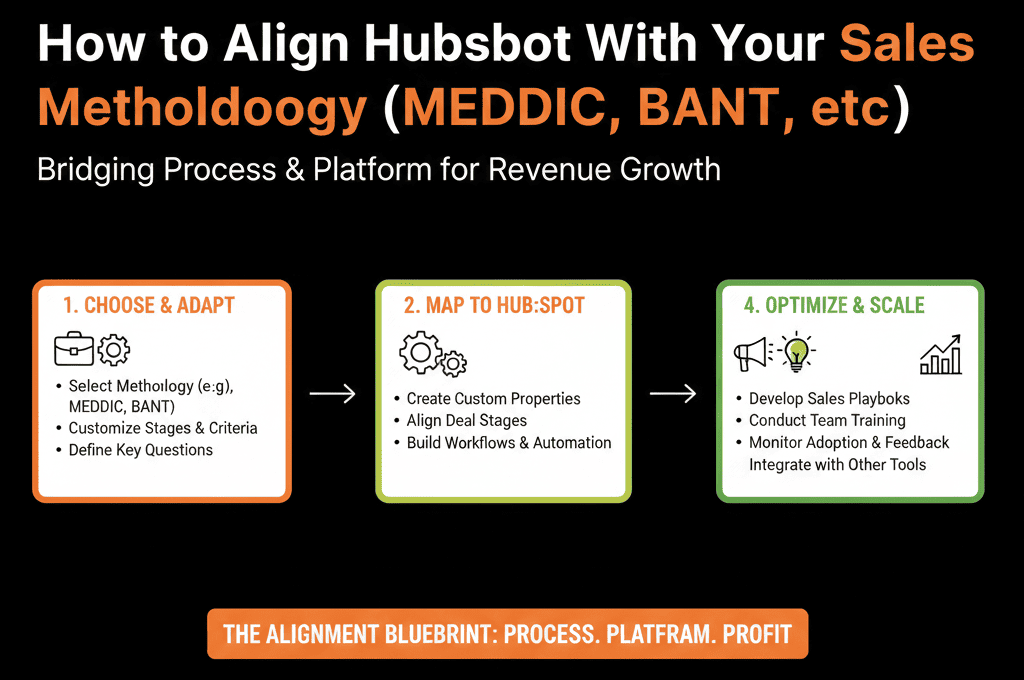
Step 1 – Decide What Your Methodology Should Actually Do for You
Sales methodologies (MEDDIC, BANT, Challenger, etc.) can get theoretical fast. We bring them back to:
“What do we want reps and managers to do differently in real deals?”
We ask:
- What are the must-have qualification elements?
- What are the key questions managers should ask in 1:1s and deal reviews?
- Which of those need to be visible and reportable in HubSpot?
Examples:
MEDDIC:
- Metrics
- Economic Buyer
- Decision Criteria
- Decision Process
- Identify Pain
- Champion
BANT:
- Budget
- Authority
- Need
- Timeline
We’re not trying to capture every nuance—only what meaningfully improves qualification, forecast, and win rates.
Step 2 – Create a Lean Set of Methodology Fields in HubSpot
We then model the methodology in HubSpot with restraint.
For Deals (primary place)
We typically add custom properties such as:
MEDDIC – Metrics defined? (Yes/No or dropdown with states)
MEDDIC – Economic buyer identified?
MEDDIC – Decision criteria clarity (Not defined / Partially / Clear)
MEDDIC – Champion strength (None / Weak / Strong)
Or for BANT:
BANT – Budget confirmed? (Yes/No/Unknown)
BANT – Authority level (User / Influencer / Decision Maker)
BANT – Need clarity (Low/Medium/High)
BANT – Timeline (This quarter / Next quarter / 6+ months)
We aim for:
- A small number of high-signal fields.
- Dropdowns instead of free text wherever possible.
- Short, guided options that reps can fill quickly.
For Contacts (optional, but useful)
Sometimes we also add:
Role-related fields:
Buying role (Economic Buyer, Technical Buyer, Champion, User, etc.).
This helps map who is who in the buying committee.
Step 3 – Tie Methodology Fields to Deal Stages
The biggest mistake is leaving methodology fields as “nice fields to fill if you remember.”
We instead associate them with stage progression.
Example (MEDDIC-ish):
Early stages (Qualified / Discovery):
- Expect at least: Identify Pain captured.
- Need clarity starting.
Mid stages (Evaluation / Solution Fit):
- Expect: Metrics defined.
- Decision criteria at least partially known.
- Economic buyer identified or at least hypothesized.
Late stages (Proposal / Negotiation / Commit):
- Expect: Champion identified, strength assessed.
- Decision process mapped.
- Timeline realistic and agreed.
We don’t always block stage movement in the tool. Instead we:
Use validation, prompts, or tasks:
“Before moving to Proposal, ensure Metrics and Economic Buyer are filled.”
Train managers to call out missing methodology fields on late-stage deals.
Step 4 – Make It Easy for Reps to Capture Methodology Data
If methodology fields are buried or awkward to fill, they won’t be used.
We:
Reorder and group deal fields
Put methodology fields:
- In a dedicated section (e.g., “MEDDIC” or “Qualification”).
- Near other key context fields (e.g., use case, segment).
Use HubSpot Playbooks (if available)
Create a “Qualification Call – MEDDIC” or “Discovery – BANT” playbook.
Structure key questions and map answers directly to relevant properties.
Example:
- Question: “What business metric will this solve?” → Maps to MEDDIC – Metrics.
- Question: “Who else needs to sign off?” → Maps to Economic buyer / Decision process.
Train reps to fill methodology fields in real time during or right after calls.
Goal:
Make methodology capture part of the natural flow of discovery, not a separate admin task later.
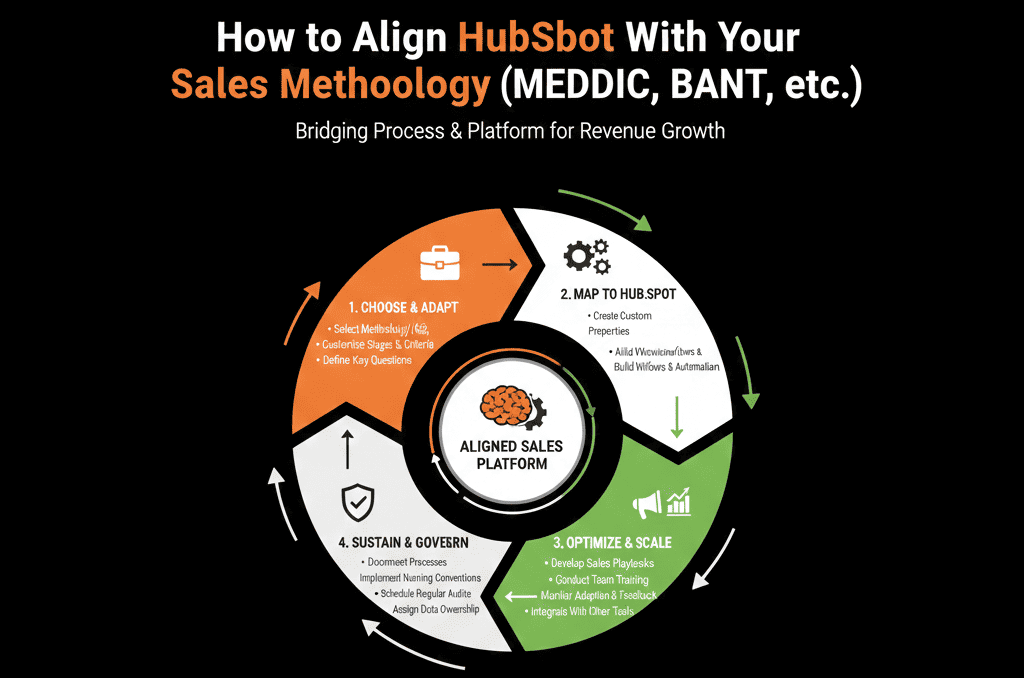
Step 5 – Turn Methodology Data Into Coaching and Forecast Inputs
The benefit of aligning HubSpot with MEDDIC/BANT is that managers can see deal quality, not just deal volume.
We build:
1. Deal health views
Pipeline views filtered or sorted by:
of key methodology fields completed.
Stage vs methodology completeness.
Example:
- “Late-stage deals with missing Economic Buyer or undefined Metrics.”
- “Deals >$X where Champion is None/Weak.”
2. Coaching dashboards
Reports such as:
- % of opportunities with Metrics defined by stage.
- Win rate when Champion is Strong vs Weak/None.
- Deals lost with low methodology coverage (e.g., missing decision criteria).
Managers can then:
- Prioritize coaching for deals with red flags.
- Spot reps who habitually skip parts of the methodology.
- Show leadership quality-based rationale for forecast confidence.
Step 6 – Keep the Methodology Layer Lightweight and Iterative
You don’t have to model the entire methodology perfectly on day one.
We recommend:
- Launch with 3–5 key fields that impact: Qualification, Stage progression, Forecast confidence.
- Observe for 30–60 days: Which fields reps actually use, which fields correlate with outcomes (win/loss, velocity, expansion).
- Refine: Retire fields that nobody uses or that add little value; add 1–2 more fields only if they unlock better coaching or reporting.
The worst outcome is to create 20+ methodology fields that clutter the UI and are never updated.
Step 7 – Train and Align Around “Why,” Not Just “Where to Click”
Aligning HubSpot to your sales methodology is as much change management as configuration.
We support teams by:
- Training sessions that connect: Methodology concepts (MEDDIC/BANT) → HubSpot implementation (fields, views, playbooks) → Outcomes (better win rates, more accurate forecasts).
- Showing before/after examples: Deals that followed the methodology closely vs those that didn’t, differences in forecast accuracy and close rates.
- Making it clear that: Methodology fields are not extra admin—they’re the language for better coaching and decision-making.
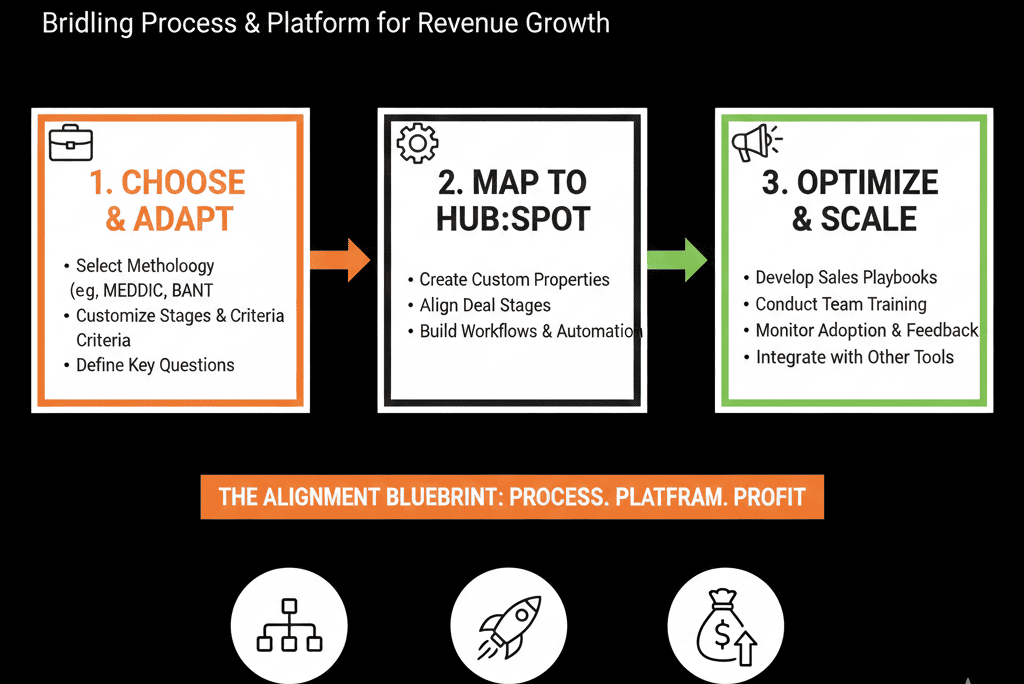
What You Can Do in the Next 30 Days
If you want to start aligning HubSpot with your sales methodology this month:
- Pick one methodology to focus on (MEDDIC, BANT, or your hybrid).
- Identify 3–5 key elements that truly change deal outcomes.
- Add a small set of deal properties to capture those, with dropdowns and clear options.
- Group those fields together in the deal layout for visibility.
- Build 1–2 views and reports that highlight: Late-stage deals missing key fields, correlation between completed fields and win rates.
- Train managers to use these in pipeline reviews and forecast calls.
Once this is embedded, you can expand thoughtfully if needed.
Want Help Embedding MEDDIC/BANT Directly Into Your HubSpot Process?
If your sales team talks about MEDDIC or BANT, but your HubSpot portal still behaves like a generic CRM, you’re not getting the full benefit of that investment.
Our HubSpot Portal Health Check / HubSpot Audit can:
- Review your current pipeline, deal data, and stage definitions.
- Design a lightweight, practical implementation of your chosen methodology inside HubSpot.
- Build the views and dashboards managers need to coach based on real methodology data, not gut feel.






