



Most Teams Use Less Than 20% of HubSpot (But Still Pay 100%)
We consistently see the same pattern:
- HubSpot licenses upgraded.
- Hubs purchased.
- Add-ons bolted on.
And yet:
- Sales still live in spreadsheets.
- Marketing still uses non-HubSpot tools for core campaigns.
- Leadership still asks for manual reports.
The good news: You don’t need a 4-week consulting project to see where you stand.
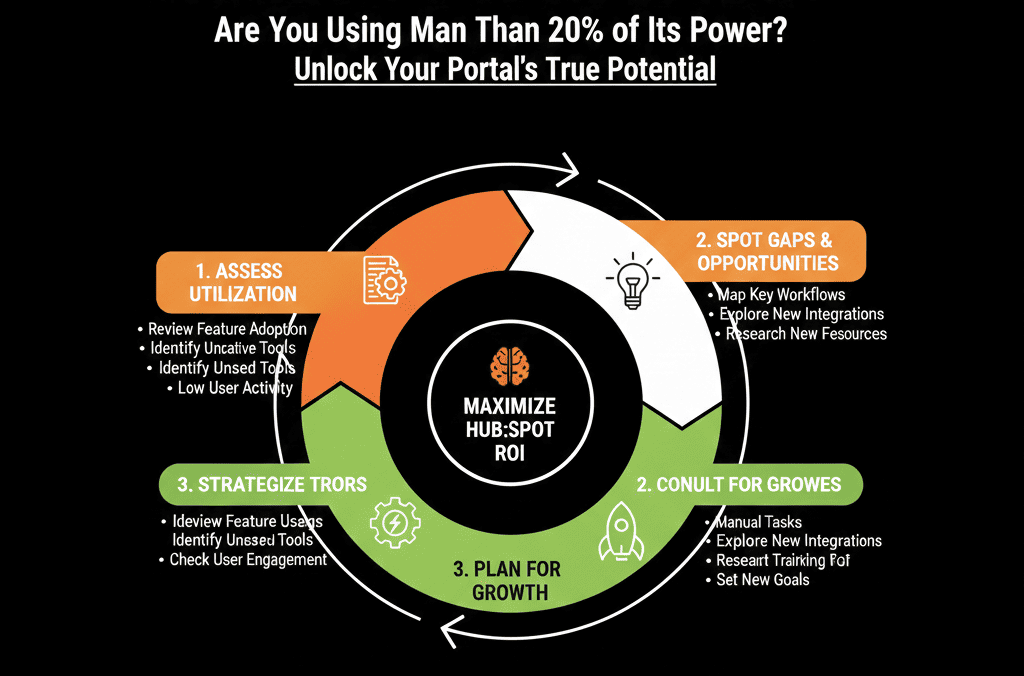
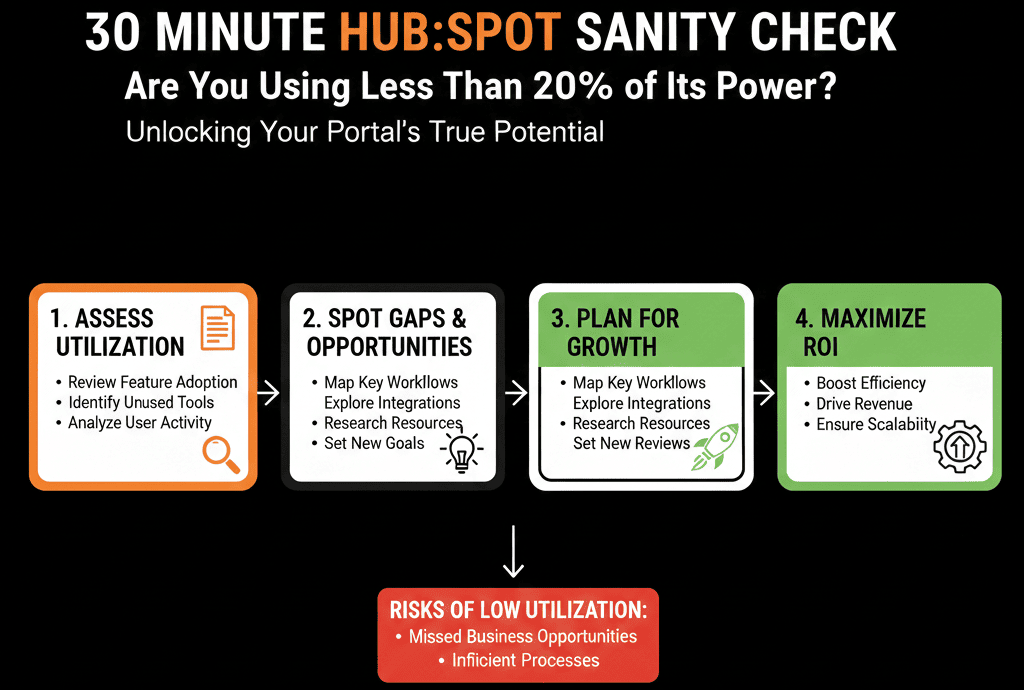
In this article, we’ll walk through a 30-minute HubSpot sanity check you can run today to answer one question:
“Are we using more than 20% of what we’re paying for—or barely scratching the surface?”
Use this as a quick self-audit or to prepare for a deeper HubSpot Health Check.
How to Use This 30-Minute Sanity Check
You can run this in:
- One 30-minute session, or
- Three 10-minute blocks (CRM, Sales, Marketing/RevOps).
You’ll score yourself in 6 areas:
- Data foundations
- Sales pipeline usage
- Lead management & routing
- Marketing execution
- Reporting & dashboards
- Governance & ownership
At the end, you’ll know if you’re closer to “HubSpot as a database” or “HubSpot as a revenue engine.”
Section 1 – Data Foundations (5 Minutes)
Open HubSpot and check:
1. Basic CRM hygiene
Are most contacts associated with a company?
Do companies have industry, company size, and region filled in?
Do deals have amount, close date, stage, and owner consistently populated?
Quick test:
- Go to Deals → filter for “Amount is unknown” or “Close date is unknown.”
- Go to Contacts/Companies → filter for “Owner is unknown.”
If you see a large number of core records failing these checks, it’s a sign you’re not using HubSpot as your single source of truth, only as partial storage.
2. Duplicate and garbage data
Check for obvious duplicate contacts (same email) and companies (same domain).
Look at a random sample of 10 contacts and ask: “Is this profile complete enough for sales/marketing to act on?”
Score (0–5):
- 0–1: Data is a mess, duplicates and missing fields everywhere.
- 2–3: Mixed—some order, but many gaps for active records.
- 4–5: Clean, consistent, and trusted by your team.
Section 2 – Sales Pipeline Usage (5 Minutes)
This is all about real adoption.
3. Do reps live in HubSpot for pipeline?
Check:
- Are all active opportunities in HubSpot, or do side tools/spreadsheets hold “real” pipeline?
- Are deal stages actually used, or do most deals sit in 1–2 stages?
Quick test:
- Filter Deals by Owner = top rep.
- Look at their funnel: Do deals move through multiple stages over time?
- Do they log calls, emails, and meetings consistently?
If pipeline meetings happen outside HubSpot, you’re using a fraction of the platform’s power.
4. Stage definitions and deal flow
Can you explain in one sentence what each deal stage means?
Do you see stalled deals (60+ days, no activity) cluttering late stages?
Score (0–5):
- 0–1: Pipeline is chaotic; HubSpot is not the true system of record.
- 2–3: Basic usage, but inconsistent adoption and unclear stages.
- 4–5: Reps and managers truly run pipeline from HubSpot.
Section 3 – Lead Management & Routing (5 Minutes)
This section tells you whether HubSpot helps you capture and respond to demand—or just collects form fills.
5. High-intent leads: what happens in the first 15 minutes?
Pick your main high-intent form (e.g., “Request Demo” or “Contact Sales”):
When someone submits, does HubSpot:
- Assign an owner automatically?
- Create a follow-up task?
- Send notifications to the right person or team?
- Can you measure speed-to-lead right now?
If you can’t answer “yes” confidently, you’re leaving money on the table.
6. Lifecycle and lead status usage
Do you use Lifecycle stages (Lead, MQL, SQL, Opportunity, Customer) in a consistent way?
Are Lead statuses (New, In Progress, Qualified, Unqualified, Nurture) used to manage follow-up?
Quick test:
- Open 10 recently created leads.
- Do they all have a clear lifecycle and Lead status?
- Can you tell, at a glance, what happened to them?
Score (0–5):
- 0–1: We don’t really know what happens after a form fill.
- 2–3: Some routing and statuses, but lots of manual handling and gaps.
- 4–5: Leads are captured, routed, and worked via clear HubSpot logic.
Section 4 – Marketing Execution (5–10 Minutes)
Now we check if HubSpot is your actual marketing engine, not just an email sender.
7. Are you running campaigns end-to-end in HubSpot?
Ask:
- Are the majority of your email campaigns built and sent via HubSpot?
- Do you use HubSpot landing pages/forms for key offers?
- Are nurtures and basic marketing automation running as workflows?
If you’re still using external tools for core campaigns (while paying for HubSpot Marketing), you’re underusing the platform.
8. Segmentation and personalization
Check your lists and emails:
- Do you send segmented campaigns (e.g., by industry, persona, lifecycle)?
- Or do most emails go to broad, generic lists?
Quick test:
- Look at the last 5 email campaigns.
- Were they aimed at well-defined segments or “everyone with an email address”?
Score (0–5):
- 0–1: HubSpot is mostly a contact database; campaigns run elsewhere or very basic.
- 2–3: Some campaigns and nurtures, segmentation is limited.
- 4–5: HubSpot is the primary engine for segmented, automated marketing.
Section 5 – Reporting & Dashboards (5 Minutes)
If leaders ignore HubSpot dashboards, that’s a big signal.
9. Can leaders see revenue and pipeline in HubSpot?
Check:
- Do you have an Executive / CEO dashboard that shows:
- Revenue vs target.
- Forecast vs target.
- Pipeline by stage.
- Funnel conversion.
Are these dashboards actually used in leadership or forecast meetings?
If leadership asks for spreadsheets instead of logging into HubSpot, your reporting layer isn’t doing its job.
10. Do you have basic source and segment insights?
Look for:
- Reports on pipeline and revenue by lead source.
- Reports on pipeline and revenue by ICP/segment.
If you can’t tell which channels and segments drive real revenue, HubSpot is underutilized as an analytics tool.
Score (0–5):
- 0–1: We don’t use HubSpot reporting for serious decisions.
- 2–3: Some dashboards exist, but trust and coverage are patchy.
- 4–5: Leadership runs key meetings off HubSpot dashboards.
Section 6 – Governance & Ownership (5 Minutes)
Finally, we check whether your portal is managed or left to drift.
11. Who owns HubSpot architecture?
Ask internally: “Who is responsible for how HubSpot is structured and evolves?”
If the answer is: “Everyone and no one,” …you’re almost certainly underusing (and damaging) the platform long-term.
12. Change control and cleanup
Check:
- Do you have standards for creating new properties?
- Building new workflows?
- Adding pipelines?
- Do you run any kind of regular portal review/cleanup?
If not, usage will naturally gravitate to the lowest common denominator: basic CRM and email.
Score (0–5):
- 0–1: No clear owner, no process; things just “happen” in HubSpot.
- 2–3: One or two people care, but no formal governance.
- 4–5: Named owner, simple change process, periodic health checks.
Interpreting Your 30-Minute Sanity Check Score
You now have 6 sub-scores (0–5 each). Add them up:
- 0–10: HubSpot is an expensive database. You’re using basic CRM and email at best.
- 11–18: Some good usage pockets, but architecture and adoption gaps hold you at ~20–30% of potential.
- 19–24: Solid fundamentals. You’re using 40–60% of the platform; time to optimize advanced areas.
- 25–30: You’re in the top tier. Remaining gains will come from fine-tuning RevOps and cross-system architecture.
Don’t get hung up on exact numbers. The goal is to see, quickly and honestly, where you’re leaving value on the table.
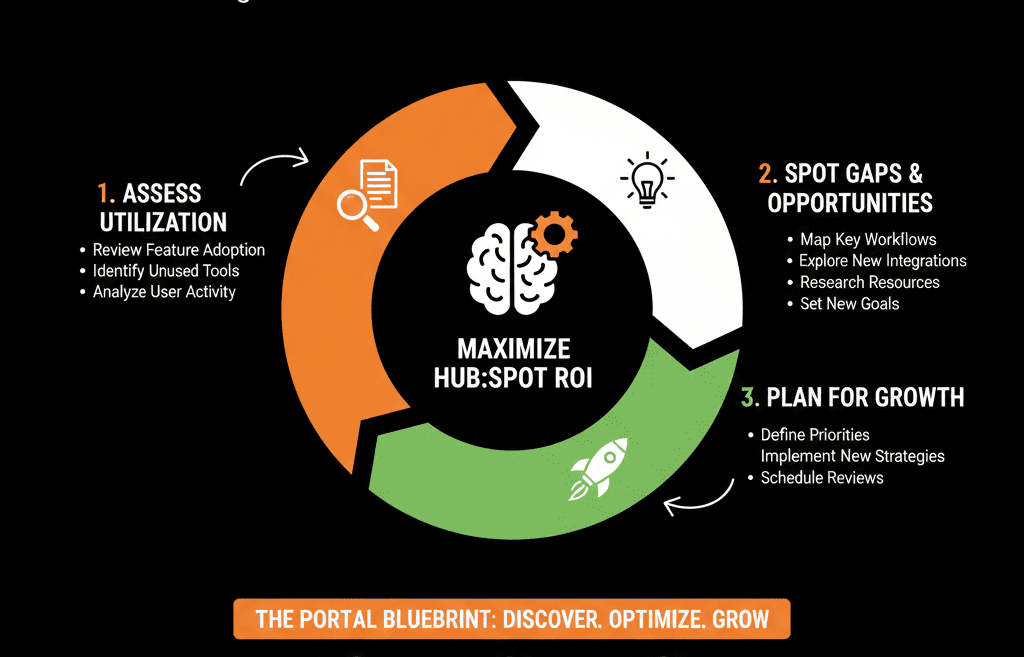
What to Do If You’re Under 20–25 Points
If this sanity check tells you you’re underusing HubSpot:
- Pick one or two areas to focus on first: Data foundations, Lead routing, Pipeline usage, Reporting.
- Set a 30–60 day objective, for example:
- “Make HubSpot the single source of truth for all deals.”
- “Ensure 100% of demo requests are routed and touched within X hours.”
- “Build one executive dashboard that leadership actually uses.”
- Treat it as an architecture and adoption project, not just “let’s send more emails.”
You’ll often see meaningful gains in pipeline, forecast accuracy, and team alignment within a quarter once the basics are fixed.
Want a Deeper, Structured Health Check After This Sanity Check?
If this 30-minute review surfaced more red flags than you’d like—and you want a detailed, prioritized plan instead of a vague “we should use HubSpot better,” this is where we come in.
Our HubSpot Portal Health Check / HubSpot Audit:
- Expands this sanity check into a full 80/20 diagnostic of your data, pipelines, automation, and reporting.
- Scores your portal against what we see in high-performing B2B HubSpot setups.
- Delivers a concise roadmap: what to fix in the next 30–90 days to unlock more of HubSpot’s power.






