



Your Property List Is a Mirror of Your Discipline
Open any mature HubSpot portal and check the property list.
You’ll usually see:
- Multiple versions of the same idea (Industry vs Industry 2 vs Sector).
- Free-text fields where dropdowns should be.
- Old campaign-specific fields never cleaned up.
- Critical properties left optional, while trivial ones are required.
This isn’t just “messy.”
It slows every new initiative, breaks reports, and frustrates your teams.
You don’t need hundreds of properties to run a sophisticated RevOps machine.
You need a clear property strategy:
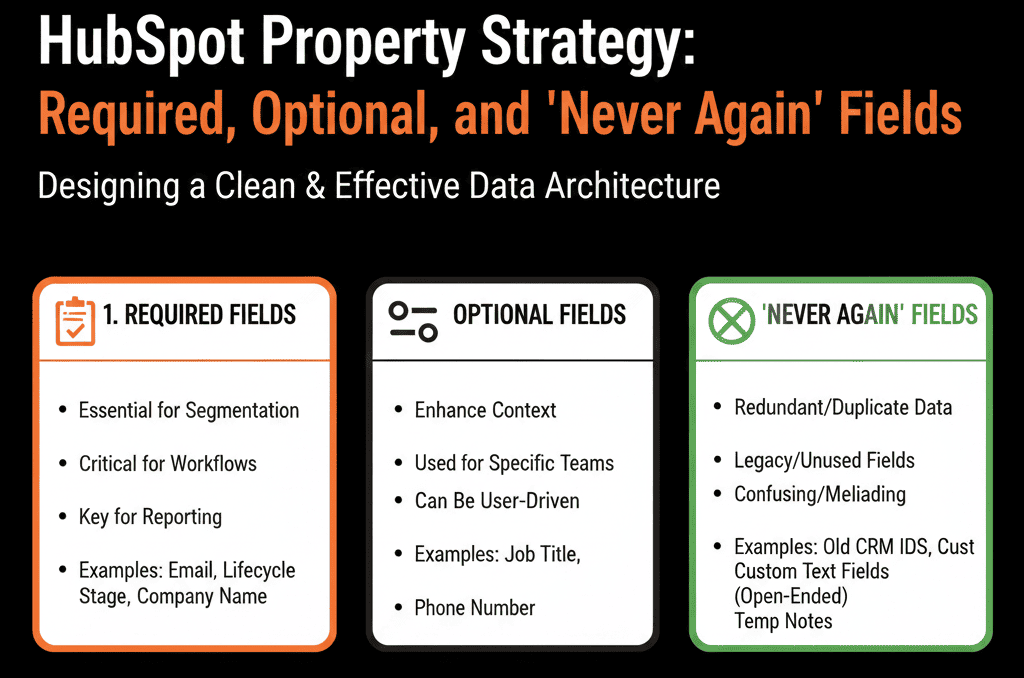
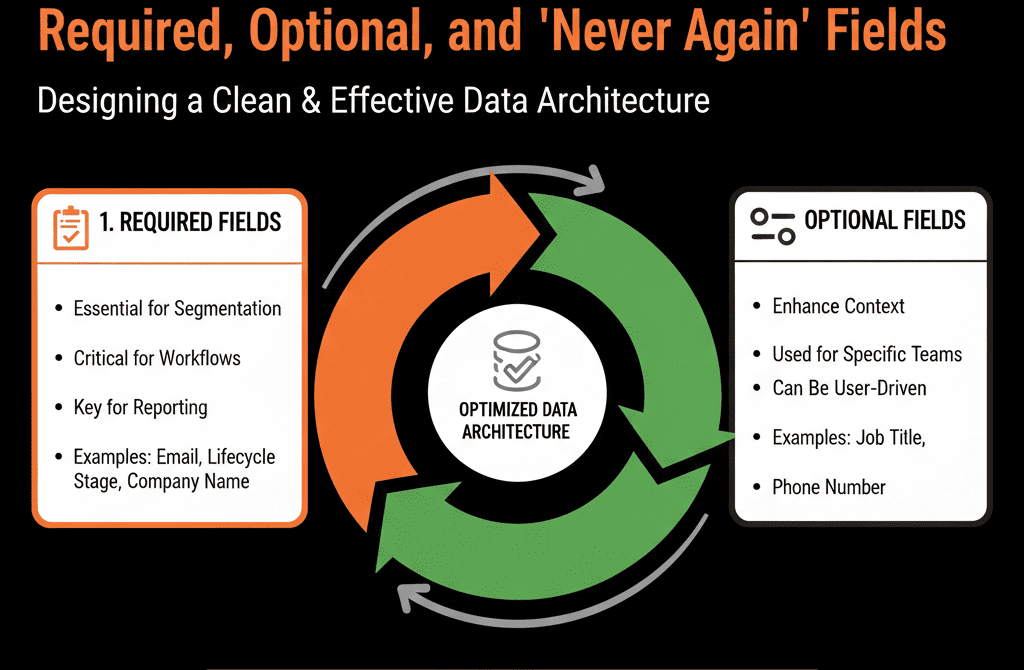
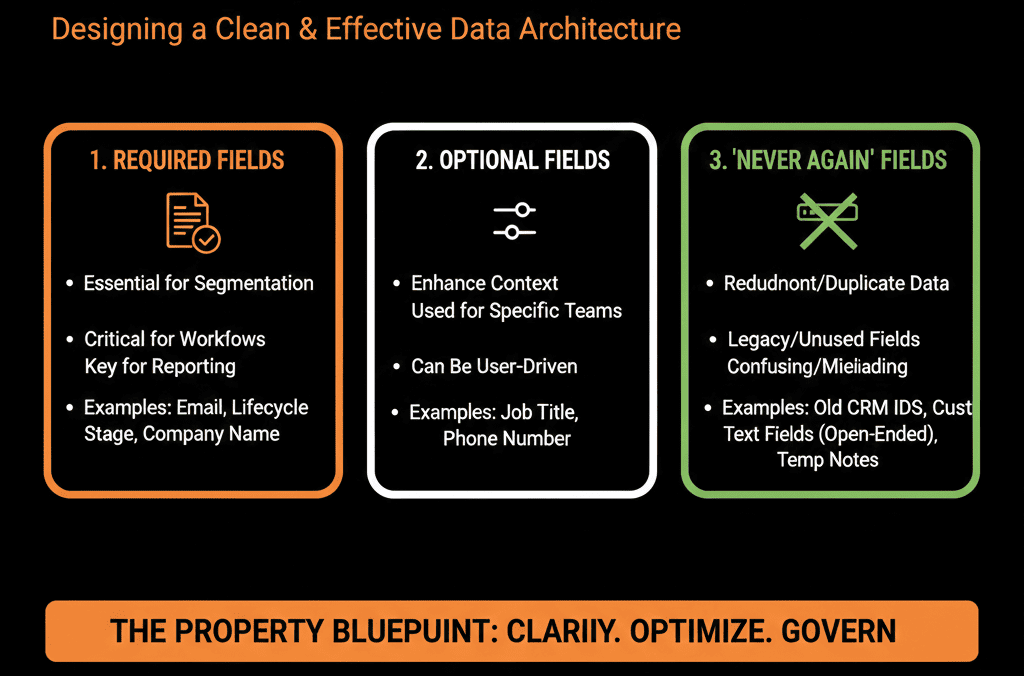
- What must always be filled (required).
- What’s nice to have (optional).
- What should never be created again (“never again” fields).
This article walks through how we design that property strategy in HubSpot.
Step 1 – Accept That Properties Are Part of Architecture, Not an Afterthought
Many portals treat property creation as:
“Just add a field for that.”
Short-term convenient. Long-term painful.
We flip the mindset:
Properties = schema = part of your architecture.
Every new property should have:
- A clear owner.
- A clear purpose.
- A known impact on reporting, routing, and UX.
If architecture is the skeleton, properties are the bones of your data model. You can’t bolt bones on randomly.
Step 2 – Define a Minimum Viable Property Set per Object
We start with the three core objects: Contacts, Companies, Deals.
Contacts – Minimum viable set
We define required (in practice, not just technically) properties around:
Identity:
- First/last name (or full name depending on region)
ICP & segmentation:
- Job title / role
- Department
- Country/region
- Persona or role type (e.g., Decision Maker, Champion, User)
Funnel & ownership:
- Lifecycle stage
- Lead status
- Contact owner
Attribution:
- Original source (system)
- Normalized lead source (custom)
Everything else is optional or situational.
Companies – Minimum viable set
For companies, we focus on:
Identity:
- Company name
- Domain
ICP:
- Industry
- Company size (employee band)
- Geography / region
- Segment (SMB, MM, Enterprise, or your bands)
GTM:
- Lifecycle or customer status (Prospect, Customer, Former Customer)
- Account owner
Deals – Minimum viable set
For deals, required fields typically include:
Commercials:
- Amount
- Currency (if multi-currency)
- Close date
Funnel:
- Pipeline
- Deal stage
- Deal owner
Context:
- Primary product/line of business (if needed)
- Region or segment (if not inherited from company)
Anything beyond these should be justified by a clear use case.
Step 3 – Decide What’s Truly Required vs Optional (By Stage)
A strong property strategy recognizes that not everything needs to be required at creation.
We ask:
Which properties are required at:
- Record creation (e.g., new contact, company, deal)?
- Specific lifecycle or deal stages (e.g., before Proposal can be sent)?
Examples:
A deal may be created with:
- Required: pipeline, stage, owner.
- Optional at first: amount, close date, product.
But when moving to a later stage (e.g., Proposal or Negotiation):
- Now, amount and close date become effectively required.
- Without them, forecast and pipeline are garbage.
We implement this by:
- Setting properties as required in the UI where possible (forms, deal creation overlays).
- Using workflows and validation rules to block or flag improper stage transitions.
Required should mean:
“This information is essential to our process or reporting, and we are willing to enforce collecting it.”
Not just “it would be nice to have this.”
Step 4 – Identify and Flag “Never Again” Field Patterns
Some property patterns cause long-term damage. We treat them as “never again” fields.
Common offenders:
Generic text fields for structured data
Examples:
- Free-text “Industry” instead of a dropdown.
- Free-text “Country” instead of standardized options.
- Free-text “Lead Source” instead of a normalized picklist.
Result:
Hundreds of inconsistent values → broken segmentation and reports.
Yes/No fields without clear semantics
Vague things like:
- “Qualified?” (Yes/No)
- “Good Fit?” (Yes/No)
Without defined criteria, these become meaningless and subjective.
Campaign- or project-specific fields
For example:
- “Webinar_XYZ Attended” as a contact property.
- “Event_2022_Paris” boolean.
These should be managed as list membership or custom objects/events, not permanent properties.
Properties nobody owns
Fields created by someone who left, with no documentation or usage.
Step 5 – Rationalize Existing Properties: Keep, Merge, Deprecate
We run a property audit per object:
Extract:
- Property name
- Internal name
- Field type
- Last used (where available)
- Use in:
- Forms
- Lists
- Workflows
- Reports
Categorize:
- Core (keep & enforce)
- Useful (optional, but actively used)
- Legacy (low/zero usage, no clear owner)
- Dangerous (bad design or conflicting with core)
Actions:
Core:
- Document definitions.
- Enforce consistent use.
- Make required where appropriate.
Useful:
- Keep, but document and group logically (e.g., “Optional enrichment”).
Legacy:
- Prefix with z_Archive_YYYYMM.
- Hide from forms and views.
- Plan deletion after a safe period if no issues surface.
Dangerous:
- Stop using immediately.
- Migrate values into better-designed fields if needed.
- Deprecate with clear comms.
This avoids breaking anything mid-flight while steering the system towards a clean schema.
Step 6 – Align Properties With Real Use Cases (Routing, Scoring, Reporting)
We never design properties in isolation.
We ask:
Does this property drive:
- Routing (who should own/handle this)?
- Scoring (is this lead a good fit / high intent)?
- Reporting (do we need to slice metrics by this)?
If the answer is none of the above, question whether the property is actually needed at all.
Examples:
- A property for “Tech Stack: CRM” (Salesforce, HubSpot, Pipedrive, etc.) → great for segmentation and targeting.
- A property for “Where did you hear about us?” as free text → often messy, but if used for content strategy and matched to normalized values, can be very valuable.
Each property should have:
- A data owner (who cares about this field).
- A usage note (how we use it, where it shows up).
- A lifecycle (is it long-term or campaign-specific?).
Step 7 – Put a Simple Property Governance Process in Place
To stop prop sprawl from coming back, we put guardrails around new property creation:
Limit who can create new properties
Typically: RevOps / HubSpot admin roles.
Not every marketer or rep.
Add a quick request workflow
A simple form or Slack template:
- What object is this for (Contact, Company, Deal, etc.)?
- Why is this needed (routing, reporting, scoring, compliance, other)?
- How do you plan to use it (lists, workflows, dashboards)?
- How long do you expect to use it (one campaign vs ongoing)?
Review and respond
- Approve and create with clear naming + grouping.
- Suggest use of an existing property instead.
- Redirect to a list or custom event if it’s clearly campaign-specific.
This reduces noise without making ops a bottleneck.
Step 8 – Communicate the Property Strategy Internally
A good property strategy only works if people know it exists.
We document, at a minimum:
A data dictionary for core properties:
- Name, description, field type.
- Where it’s used (forms, lists, workflows, dashboards).
- Who owns it.
A short guide:
- “These fields are required for Contacts/Companies/Deals.”
- “These are optional enrichment fields.”
- “Never create fields like X, Y, Z; use A/B instead.”
We then:
- Share it with Sales, Marketing, CS, and leadership.
- Train relevant roles (SDRs, AEs, Marketing Ops) on how to use key fields correctly.
This turns property strategy from “mystery in ops” into shared operational discipline.
What You Can Do in the Next 30–60 Days
To quickly professionalize your HubSpot property strategy:
- Define a minimum viable property set for Contacts, Companies, and Deals.
- Decide which should be required at creation and which only at specific stages.
- Identify 3–5 “never again” patterns you’ll stop using going forward.
- Audit existing properties for:
- Duplicates
- Legacy / unused fields
- Dangerous free-text fields
- Implement basic governance:
- Restrict property creation.
- Add a simple request + review process.
- Start a light data dictionary for your core fields.
You don’t need to fix every property at once; just stop adding bad ones and start consolidating the important ones.
Want Help Designing a Property Strategy for Your Specific HubSpot Portal?
If your property list already feels out of control—and you’re worried that every new field makes things worse—it can be hard to know where to start.
As part of our HubSpot Portal Health Check / HubSpot Audit, we:
- Audit your existing property schema.
- Identify core, useful, legacy, and dangerous fields.
- Design a clean data model and property strategy aligned to your ICP, routing, scoring, and reporting needs.






