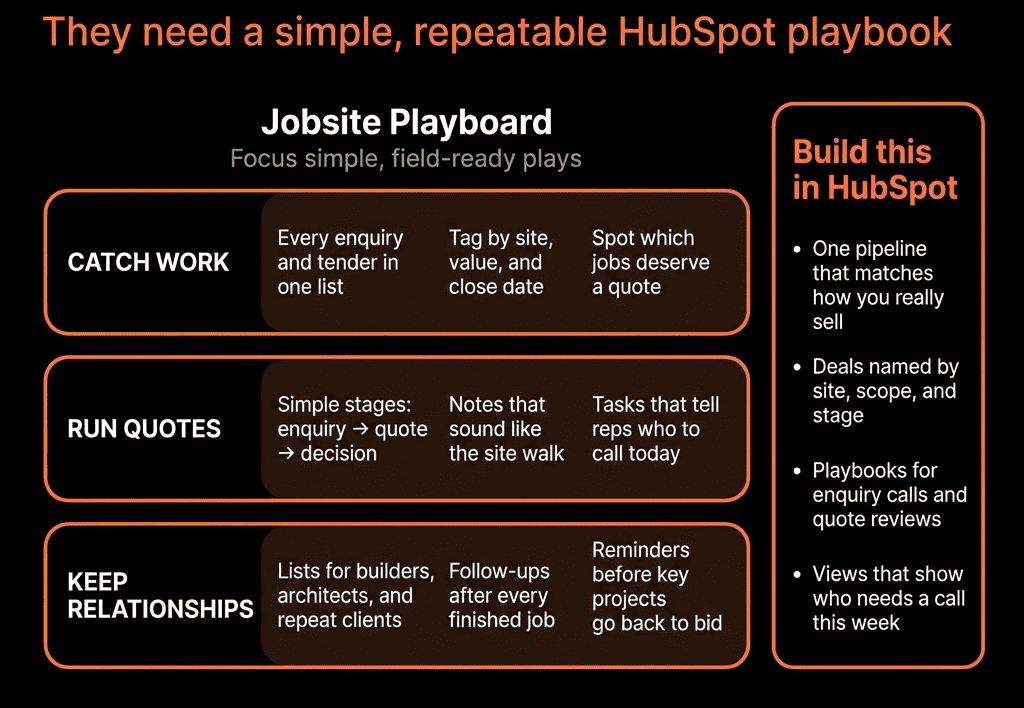
Step 1 – Bring Renewal Dates Into HubSpot at Account or Policy Level
Decide your level:
- Simple: one Next renewal date per Company (account/household).
- Advanced: a Policy custom object with its own Renewal date, LOB, Carrier, Premium.
Minimum fields:
- Next renewal date.
- Line of business (if one per record).
- Current premium band (optional but useful).
- Policy status (Active, Cancelled).
Sync from your AMS or import regularly so HubSpot has an accurate renewal calendar.
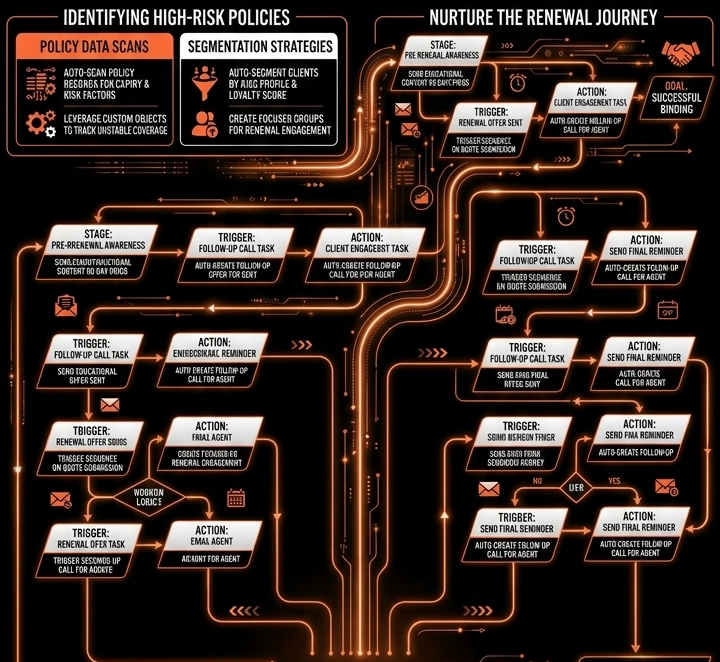
Step 2 – Create a Renewal Pipeline Using Deals
Treat renewals as Deals in a Renewals pipeline.
On Renewal Deals:
- Deal type = Renewal.
- LOB (GL, Property, WC, Auto, Home, etc.).
- Renewal date (Close date).
- Current carrier.
- Current premium and Proposed premium (optional).
- Renewal outcome (Renewed, Moved, Lapsed, Downgraded).
Stages, for example:
- Renewal Identified.
- Review / Remarketing.
- Quoted.
- Presented.
- Bound / Renewed.
- Lost / Lapsed / Moved.
Every renewal you care about should exist as a Deal.
Step 3 – Auto-Create Renewal Deals X Days Before Expiry
Use a Company- or Policy-based workflow:
Trigger:
- Next renewal date is in 120/90/60 days (pick your lead time).
Conditions:
- Policy status = Active.
- No open Renewal Deal exists for that LOB.
Actions:
- Create a Renewal Deal:
- Pipeline = Renewals.
- Deal type = Renewal.
- Close date = Next renewal date.
- Owner = account’s producer/AM.
- Create tasks:
- “Run pre-renewal review for [Account/Policy].”
- “Schedule renewal discussion.”
This makes your renewal book visible without manual spreadsheet work.
Step 4 – Automate Internal Renewal Reminders for Producers/AMs
Separate internal reminders from client-facing ones.
Internal task workflow on Renewal Deals:
Trigger points:
- 90 days before Close date → Task: “Review losses/coverage and decide remarket vs as-is.”
- 60 days before Close date → Task: “Prepare and send proposal/option(s).”
- 30 days before Close date → Task: “Confirm bind / chase decision.”
Escalations:
- If Deal still in early stages within 30 days of renewal → notify manager.
- If no activity logged on the Deal for X days in mid-late stages → create follow-up task.
This ensures producers don’t “forget” renewals until the last week.
Step 5 – Set Up Client-Facing Renewal Emails (Where Allowed)
Within compliance constraints:
Use HubSpot marketing emails or one-to-one templates for:
Early notice (info-only)
- 60–90 days out:
- “Your [LOB] policy renews on [date]. We’re reviewing your coverage and will be in touch with options.”
Action reminder (decision-focused)
- 30–14 days out:
- “We’ve shared your renewal proposal. Please review before [date] to avoid gaps in coverage.”
Enrollment logic (Contact-based workflow):
- Enroll key contacts when:
- Associated Renewal Deal moves to Quoted or Presented stage.
- With Close date in X–Y day window.
Always:
- Respect subscription/consent settings.
- Distinguish marketing vs transactional emails as per your regulator.
Step 6 – Use Simple Playbooks for Renewal Conversations
When a Renewal Deal is in Review or Presented:
Use a Renewal Playbook for calls/meetings covering:
- What’s changed in the client’s risk/operations.
- Loss experience.
- Coverage gaps and options.
- Competing quotes (if applicable).
- Final decision and reasons.
Map outcomes to fields:
- Renewal risk (Low/Med/High).
- Renewal outcome (Renewed / Moved / Lapsed / Downgraded).
- Churn reason (Price, Coverage, Service, Broker change, etc.).
Over time, this feeds your retention analytics.
Step 7 – Automate Post-Renewal Touchpoints
Once a Renewal Deal is Closed Won – Renewed:
Workflow:
- Send “Thank you / Confirmation” email with:
- High-level summary (no sensitive data).
- Next steps or who to contact for claims/changes.
Task for AM/CSR:
- “Check in 30–60 days post-renewal” (for key accounts).
Optional:
For cross-sell:
- If renewal is for GL/Property only and Company has no Cyber/Umbrella etc., flag for later cross-sell workflows (but not in the same email stream).
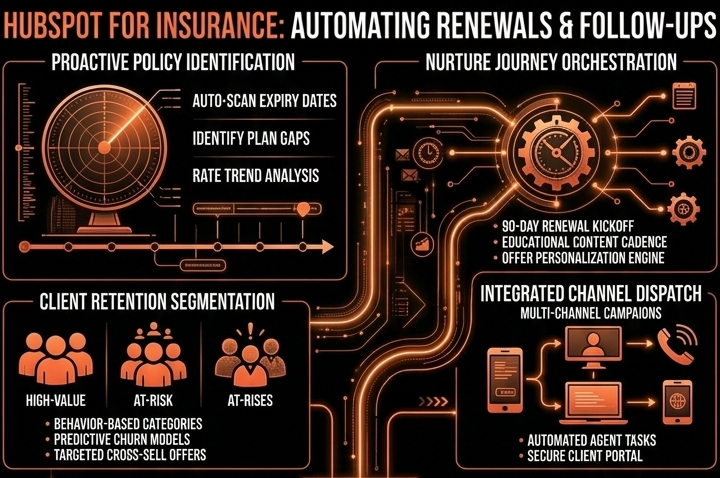
Step 8 – Build Renewal and Reminder Dashboards
Dashboards for producers/leadership:
Renewals by month/quarter
- Renewal Deals by Close date and stage.
- Filter by owner/LOB/segment.
Renewal performance
- Renewed vs Lost amount and count.
- Retention rate (by LOB, segment, producer).
Reminder compliance
- Renewal Deals missing key tasks or emails (e.g., no quote sent 30 days out).
- Deals with no activity in X days near renewal.
Churn reasons
- Lost renewal deals grouped by Churn reason.
This shows if your automated renewal process is actually being followed and working.
Step 9 – Keep AMS and HubSpot Data in Sync, Lightly
From AMS → HubSpot (via integration or imports):
- Updated Next renewal date.
- Policy status (Active/Cancelled).
- Premium band and LOB.
Use that to:
- Refresh renewal Deal amounts/fields.
- Avoid chasing renewals that already moved or cancelled.
From HubSpot → AMS:
- Optionally pass decision/status notes or flags, if your process supports it.
Document:
- Sync cadence.
- Field mapping.
- Who maintains and audits it.
Step 10 – Start Simple, Then Add Complexity
Phase 1:
- One Next renewal date per account or per key policy.
- Single renewal pipeline.
- Basic internal tasks only.
Phase 2:
- Split by personal/commercial or major LOBs.
- Add client-facing reminder flows.
- Add churn reason tracking and retention dashboards.
Phase 3:
- Multiple policy objects per account.
- Sophisticated cross-sell triggers post-renewal.
- Integration with AMS and BI for NRR and long-term value.
Keep everything focused on fewer surprises, higher retention, and less manual chasing.
Want Help Building an Automated Renewal Engine in HubSpot?
If renewals are still managed in AMS exports and personal calendars, HubSpot can sit on top as your proactive reminder and follow-up system.
Through our HubSpot Implementation Blueprints, Portal Health Check, and Managed RevOps Retainer, we:
- Design an insurance-specific renewal data model and pipeline.
- Integrate key policy/renewal dates from your AMS into HubSpot.
- Implement internal tasks, client reminders, and post-renewal workflows.
- Build dashboards that show renewal volume, retention, and reminder compliance.