



You’re Not Buying a Migration, You’re Buying a Data Future
Most vendors sell HubSpot migrations like a simple move:
- “We’ll move all your contacts, companies, and deals.”
- “We’ll recreate your forms, workflows, and reports.”
- “Timeline: 4–6 weeks. Fixed price.”
What they rarely talk about:
- How your data model will work after the move.
- How they’ll protect reporting, adoption, and compliance.
- How they’ll handle messy realities (multi‑region, multi‑product, multi‑entity).
If you don’t ask the right questions up front, you risk:
- A “successful” migration that recreates all your old problems.
- Hidden scope creep and surprise change orders.
- A portal nobody trusts, built by a team that’s already moved on.
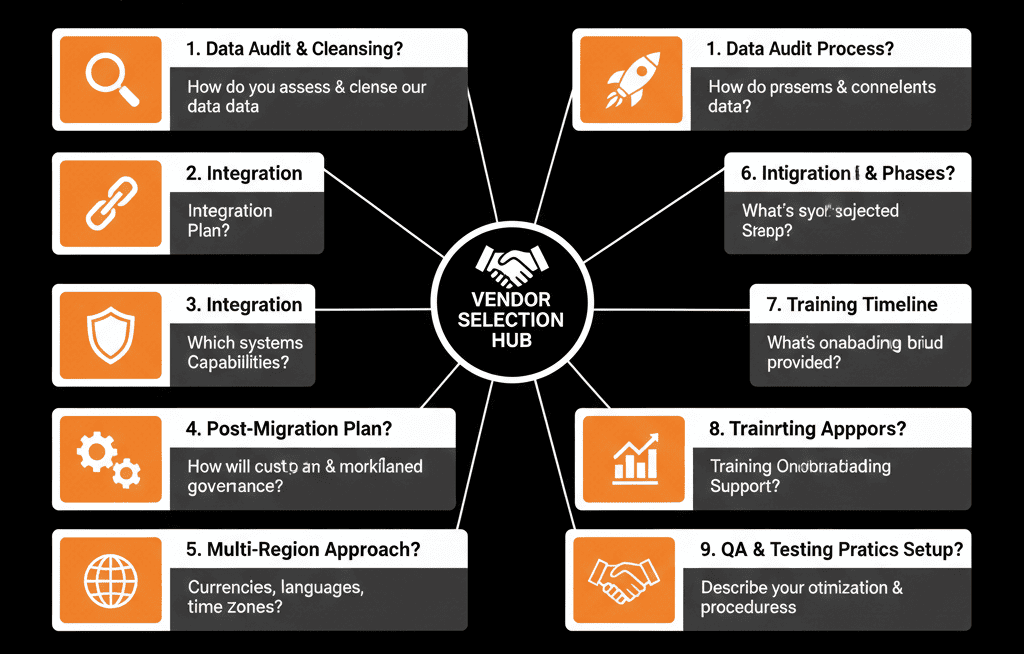
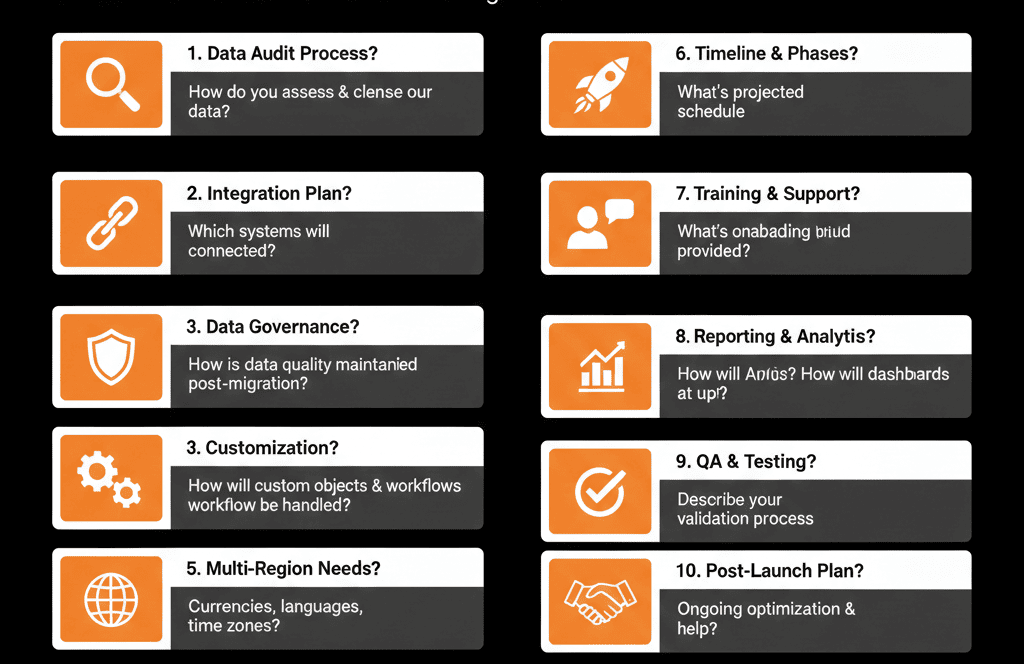
In this article, we’ll walk through 10 questions to ask any vendor before you sign off on a HubSpot migration—plus what good vs weak answers look like.
Question 1 – “What’s your approach to designing the HubSpot data model before touching any data?”
Why it matters
A migration that starts with exports and imports instead of a data model is just a copy‑paste job. You want a vendor that treats data architecture as step one, not an afterthought.
What you want to hear
- They run a structured discovery to map objects (Contacts, Companies, Deals, Tickets, Custom Objects), associations, key properties, and lifecycles.
- They can explain the difference between “mirroring old CRM tables” and designing a HubSpot‑native model.
Red flags
- “We’ll just bring over all your fields and records, then you can clean it up later.”
- “We migrate 1:1—object to object, field to field.”
Question 2 – “How do you handle data quality before, during, and after the migration?”
Why it matters
If they simply move bad data from one system to another, you’ll burn trust in HubSpot from day one.
What you want to hear
- A pre‑migration audit that checks duplicates, missing critical fields, and inconsistent values.
- A plan for what to clean pre‑migration, what to transform during migration, and what to address post‑migration with new processes.
Red flags
- “Data quality is not in scope.”
- “We’ll move everything as‑is so nothing gets lost.”
Question 3 – “How will our pipelines, stages, and lifecycles change (or not) in HubSpot?”
Why it matters
Pipelines and lifecycles are where your revenue process lives. A bad migration can freeze or break your ability to forecast.
What you want to hear
- They review your current pipelines, stages, and lifecycle definitions.
- They propose where to simplify and where to align HubSpot lifecycles with your real process.
- They show examples from previous projects.
Red flags
- “We’ll copy your existing stages into HubSpot so it feels familiar.”
- “Lifecycle stages will just follow HubSpot defaults without mapping to your process.”
Question 4 – “How do you handle custom objects and complex entities?”
Why it matters
If you have subscriptions, projects, contracts, or multi‑entity setups, custom objects can be powerful—or dangerous if misused.
What you want to hear
- They assess whether custom objects are actually needed.
- They design them around real use cases, lifecycles, and reporting needs.
- They can explain how custom objects will be associated and reported on.
Red flags
- “We’ll recreate all your existing objects as custom objects in HubSpot.”
- “We’ll decide on custom objects later, after the data is in.”
Question 5 – “How will you handle integrations and external tools as part of the migration?”
Why it matters
Most businesses don’t live in one system. Billing, product, support, and outbound tools all need to play nicely with HubSpot.
What you want to hear
- They map your current stack and propose which systems to connect, which to replace with HubSpot, and which to retire.
- They define data ownership: which system is source of truth for which fields.
- They have a clear integration testing plan.
Red flags
- “Integrations are out of scope; we just move CRM data.”
- “We’ll hook everything up via Zapier and you can adjust later.”
Question 6 – “What is your testing process before we go live?”
Why it matters
Migrations fail not because data doesn’t move, but because it moves wrong—and nobody notices until after go‑live.
What you want to hear
- Test migrations using representative sample data.
- Side‑by‑side validation: record counts, key fields, associations.
- Clear acceptance criteria before full cutover.
Red flags
- “We’ll test a few records internally, but you don’t need to worry about it.”
- “We just run the full migration and then fix things if issues show up.”
Question 7 – “How will you protect reporting and analytics during and after the migration?”
Why it matters
If your KPIs, dashboards, and historical trends disappear or change meaning, leaders will lose trust quickly.
What you want to hear
- They review your current reporting and analytics needs.
- They map how those reports will (or won’t) exist in HubSpot, and what will change in definitions or calculations.
- They help rebuild critical dashboards in HubSpot (or your BI tool) with updated logic.
Red flags
- “Reporting isn’t part of the migration—you can rebuild dashboards afterward.”
- “HubSpot has great reports out‑of‑the‑box; you won’t need anything custom.”
Question 8 – “What exactly is in scope—and what’s explicitly out of scope?”
Why it matters
Most failed migrations aren’t technical failures. They’re scope failures and misaligned expectations.
What you want to hear
- A clear breakdown of in‑scope objects, fields, automations, integrations, and configurations.
- Explicit out‑of‑scope items (e.g., certain legacy workflows, deep BI rebuilds).
- A change‑management process for new requirements discovered mid‑project.
Red flags
- “Everything in your current CRM is in scope; we migrate it all.”
- Vague answers about what will or won’t be rebuilt.
Question 9 – “How will you support adoption and training once HubSpot is live?”
Why it matters
A technically successful migration with poor adoption is a failed project.
What you want to hear
- Role‑based training plans for Sales, Marketing, CS/Support, and Leadership.
- Documentation for new processes, pipelines/lifecycles, and where to find key data.
- A short hypercare period after go‑live with fast response on issues.
Red flags
- “We’ll hand over a few Loom videos and you can train your team.”
- No mention of role‑based enablement or process documentation.
Question 10 – “How do you measure success for a HubSpot migration?”
Why it matters
If their success metric is “data moved” and yours is “teams actually use this to drive revenue”, you have a problem.
What you want to hear
- Success defined in terms of data accuracy/completeness, working processes, adoption/satisfaction, and ability to answer agreed business questions in HubSpot.
- A plan to review these metrics 30–90 days after go‑live.
Red flags
- “Success is when all the data is in HubSpot and there are no major errors.”
- No mention of adoption, process, or business outcomes.
Pulling It Together: Approve a Partner, Not Just a Price
These 10 questions are not about catching vendors out.
They are about finding a partner who:
- Thinks in data models, not just exports.
- Understands revenue operations, not just field mappings.
- Designs for adoption and reporting, not just a clean import log.
When you get strong, specific answers, you’re no longer buying a “migration package”. You’re buying a transition to a HubSpot portal your teams can actually run the business on.
Want a Second Opinion on a Migration Proposal?
If you have a proposal on the table (or a migration already in motion) and you’re not sure it covers what really matters, this is where we can help.
Our HubSpot Portal Health Check and Migration & ROI Plan are designed to:
- Review your current CRM and proposed HubSpot setup through a data architecture lens.
- Stress‑test vendor plans against these 10 questions.
- Provide an independent migration blueprint that protects your data, processes, and reporting.






