



You Don’t Need 100 New Tactics. You Need 5 High-Impact Plays.
If you’re running a B2B SaaS business, you’re probably thinking about:
- Pipeline quality and volume.
- Turning product usage into PQLs.
- Faster, more reliable forecasting.
- Expansion and net retention.
- Cleaning up a messy HubSpot instance.
You don’t need to overhaul everything in one shot.
You can get real traction in 90 days by running a small number of focused HubSpot plays.
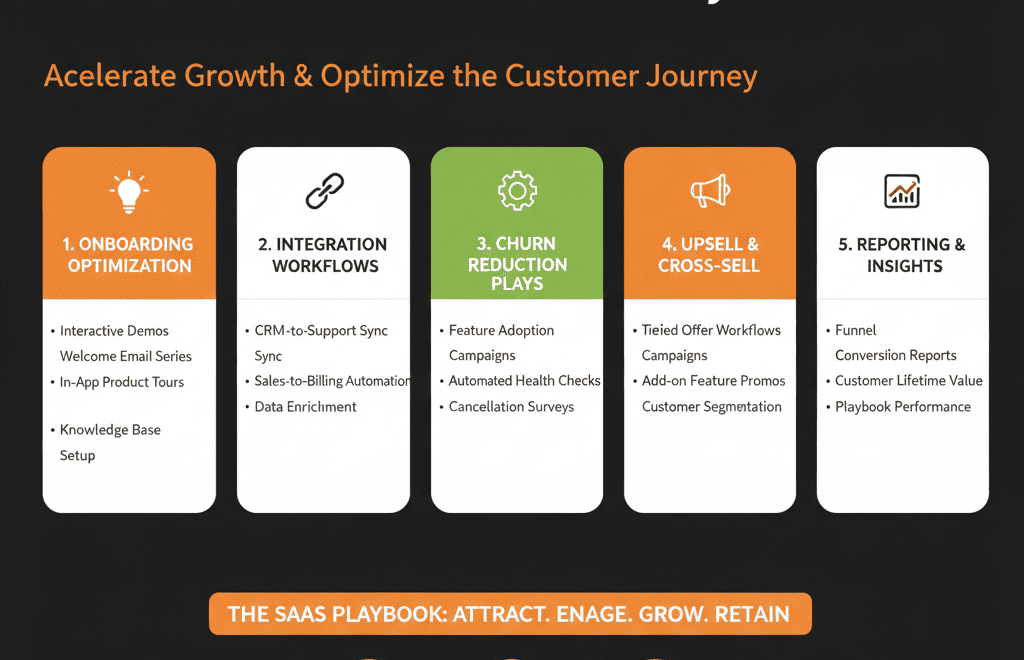
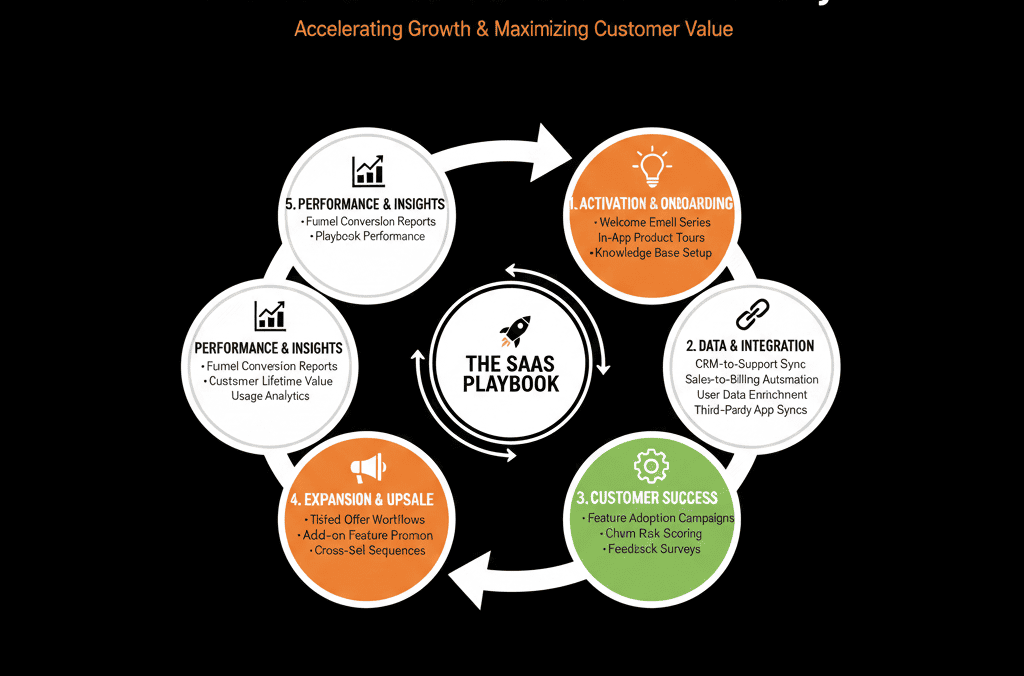
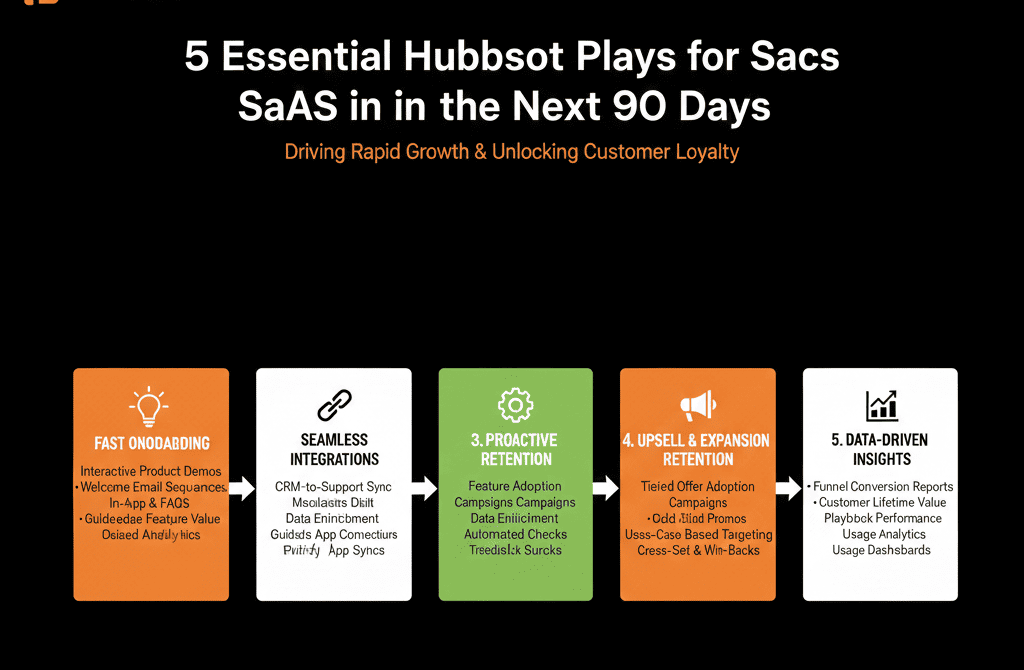
This article outlines 5 plays we recommend almost every SaaS company run:
- Fix lead & PQL intake.
- Stabilize your main pipeline.
- Turn product data into real PQLs.
- Make renewals and expansions visible.
- Build a board-ready revenue dashboard.
Play 1 – Fix Lead & PQL Intake So Nothing High-Intent Slips
Why it matters
If you’re:
- Spending on ads.
- Running content and events.
- Driving product signups or demos.
…but your intake is messy, you’re burning money.
What to do in HubSpot (30–45 days)
Map all entry points
Website forms:
- Demo, trial, contact, pricing.
Product signups (if PLG).
Partner/referral inboxes.
Manual imports and SDR lists.
Standardize fields on creation
For Contacts:
- Fit: role, company size, region, industry (as structured as possible).
- Source: normalized Lead source (Paid Search, Organic, Referral, Outbound, PLG, etc.).
For Deals (when created at intake for high-intent):
- Basic pipeline and stage.
- Owner (initial routing).
Implement a master intake workflow
Normalizes lifecycle:
Lead → MQL → PQL (if product-driven).
Sets Lead status = New.
Tags lead/PQL type (Inbound Demo, PQL, Outbound, Partner).
Route high-intent leads appropriately
Demo/trial/contact sales:
Round robin or territory-based.
PQLs:
To AEs / growth reps.
Outbound:
Stay with assigned SDRs.
Add simple SLAs
For high-intent:
First touch within X hours.
Create:
Tasks for owners.
Escalation alerts for missed SLAs.
Outcome:
You stop losing the best opportunities at the door.
Play 2 – Stabilize Your Main Sales Pipeline Around Real Stages
Why it matters
Forecasting and coaching both fail if pipeline stages:
- Reflect admin tasks instead of buying steps.
- Are used inconsistently across reps.
- Don’t tie into your forecast categories.
What to do in HubSpot (30 days)
Redesign your primary pipeline stages
Typical SaaS pattern:
- New / Discovery
- Qualified / Solution Fit
- Evaluation / Technical Review
- Proposal / Commercials
- Negotiation / Legal
- Verbal Commit
- Closed Won / Closed Lost
Define clear stage criteria
For each stage:
- Entrance: what must be true?
- Exit: what moves it forward or closes it?
Clean up old stages and pipelines
Archive or merge:
- Redundant pipelines.
- Useless stages.
Enforce minimum deal data
From a given stage onward:
- Amount and Close date must be set.
- Primary contact and company set.
- Segment/plan/product fields populated.
Align forecast categories
Map stages to:
- Pipeline / Best Case / Commit.
Train reps and managers to maintain forecast category in HubSpot.
Outcome:
Your pipeline becomes a real reflection of buyer progress, not just a mess of admin labels.
Play 3 – Turn Product Usage Into Actionable PQLs
Why it matters
If you have a free trial, freemium, or PLG motion:
- You likely have strong product data.
- But sales and marketing don’t always know who is ready to talk.
What to do in HubSpot (30–45 days)
Define PQL criteria
Based on your product signals:
- of active users.
- Feature adoption (hit key milestones).
- Frequency and recency of use.
- Account fit (ICP, company size, segment).
Bring summary usage into HubSpot
On Contacts/Companies:
- Last login date.
- Usage level (Low/Medium/High).
- Plan/tier.
- Key feature flags (used/not used).
Create a PQL = Yes/No or score field
Use workflows or external tools to:
- Set PQL when conditions are met.
- Optionally set a PQL score.
Route and prioritize PQLs
Assign to AEs/growth reps.
Create tasks and sequences specific to:
- Expansion/upgrade.
- Converting free to paid.
Measure PQL performance
Pipeline and revenue from PQLs.
Conversion rates vs classic MQLs.
Inform future PLG investments.
Outcome:
Product data stops being an analytics-only asset and becomes a deal-generation engine.
Play 4 – Make Renewal and Expansion Revenue Visible
Why it matters
SaaS growth isn’t just new logos:
Renewals and upgrades drive net revenue retention.
Many teams still track this in spreadsheets or CS tools only.
What to do in HubSpot (30–60 days)
Create separate pipelines or deal types
- New business pipeline (or Deal type = New).
- Renewal pipeline (or Deal type = Renewal).
- Expansion/upsell (or Deal type = Expansion).
Connect billing/subscription data
From Stripe/Chargebee/Recurly/etc.:
- Current MRR/ARR.
- Plan.
- Renewal date.
Automate renewal deal creation
X days before renewal date:
- Create a Renewal deal.
- Assign to CSM/AM.
- Set tasks for review outreach.
Track expansion opportunities
From usage/billing:
- Identify accounts near limits or with strong adoption.
- Create deals or tasks for expansion plays.
Build revenue dashboards
- New vs Renewal vs Expansion over time.
- Renewal rates and NRR by segment.
- Pipeline for renewals and expansions.
Outcome:
You get a real picture of net growth, not just logo wins.
Play 5 – Build a Board-Ready Revenue Dashboard in HubSpot
Why it matters
Board and leadership conversations hinge on:
- Pipeline health.
- Forecast accuracy.
- Segment and source performance.
If HubSpot’s numbers aren’t the basis for these discussions, your data is underused.
What to do in HubSpot (30 days)
Finalize definitions with Finance / leadership
New business vs expansion vs churn.
What counts as an Opportunity/qualified deal.
Which pipelines and stages are “live.”
Build an Executive Revenue & Pipeline dashboard
Include:
- Closed-won revenue vs target (by quarter).
- Forecast vs target.
- Pipeline by stage for current and next period.
- New vs Expansion revenue breakdown.
- Pipeline and revenue by segment (ICP, size, region).
- Pipeline and revenue by source (Paid, Organic, Partner, Outbound, PLG).
Sanity-check against Finance
Reconcile:
- Major variances.
- Date field definitions (close date vs invoice date, etc.).
Run leadership meetings from HubSpot
Use the dashboard live.
Drill into deals where needed.
Log questions and action items tied to specific data gaps.
Outcome:
HubSpot becomes your operational and board reporting spine, not just a side tool.
How to Sequence These 5 Plays Over 90 Days
A realistic sequence:
Weeks 1–4
- Play 1: Lead & PQL intake.
- Play 2: Pipeline stabilization (at least for new business).
Weeks 5–8
- Play 3: PQL activation (if you have product data).
- Play 4: Renewal and expansion visibility (start with one segment if needed).
Weeks 9–12
- Play 5: Executive/board-ready dashboard.
Iterate based on what the new data exposes.
You don’t need to be perfect; you need to be structured and consistent.
Want Help Designing and Implementing These 5 Plays in Your Portal?
If your HubSpot portal is already alive but under-leveraged, trying to run all 5 plays alone can feel daunting.
Our HubSpot Portal Health Check / HubSpot Audit for SaaS companies can:
- Evaluate how close you are on each play today.
- Prioritize which plays will move the needle fastest for your motion (sales-led, PLG, partner).
- Provide a concrete 60–90 day HubSpot roadmap with these plays built in. Now update this content






