



Great HubSpot Portals Aren’t “Lucky” – They’re Architected
When we audit HubSpot portals, the difference between average and elite isn’t the number of features used.
It’s architecture.
Elite portals:
- Are simple to understand.
- Scale with new products, regions, and teams.
- Produce reports leadership actually trusts.
Over the years, we’ve noticed we keep reusing a set of architecture patterns across high-performing B2B HubSpot instances—regardless of industry.
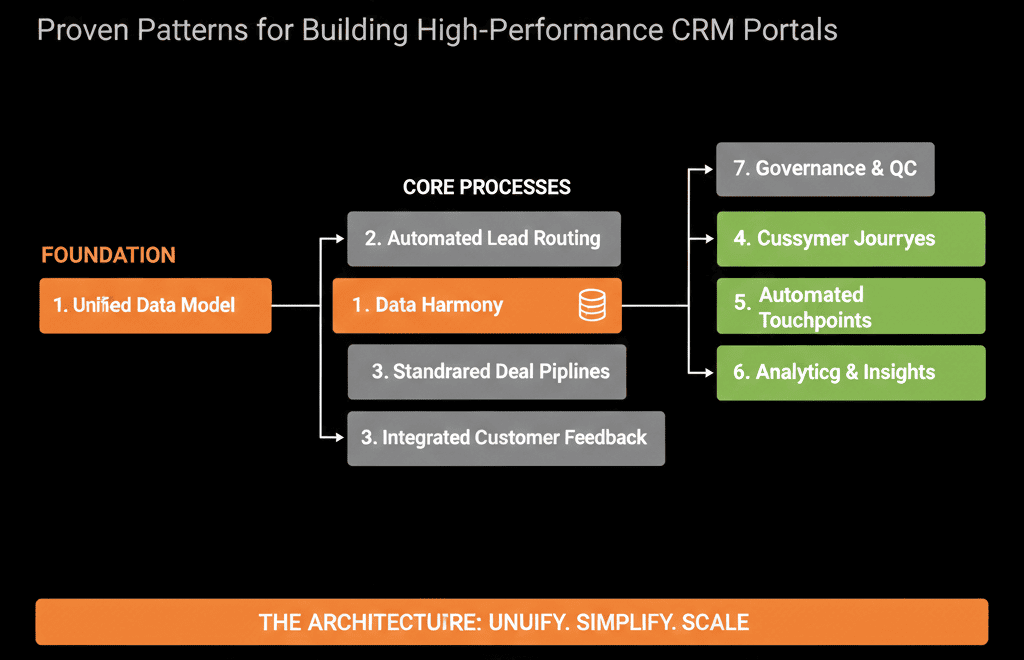
This article shares 7 of those patterns you can borrow and adapt for your own portal.
Pattern 1 – One Core Revenue Pipeline, Not Five Variations
Weak portals often have:
- Multiple pipelines for inbound vs outbound.
- Pipelines for small vs big deals.
- Pipelines for every new experiment someone ran.
The result:
- Fragmented reporting.
- Confusing dashboards.
- Reps struggling to know where to put what.
High-performing portals usually have:
- One primary new business pipeline reflecting the customer journey, not internal org charts.
- Additional pipelines only for meaningfully different motions:
- Renewals / expansions.
- Partner-sourced deals (if process is truly different).
- Specific product lines only when required.
Why it works:
- All core new-business revenue lives in one consistent funnel.
- Leadership can see pipeline and forecast without jumping between views.
- Enablement and coaching are simpler.
What to do:
- List all your current pipelines.
- Ask: could 70–80% of our new deals go through a single standardized pipeline?
- Consolidate niche or overlapping pipelines into that one, and keep only what’s truly distinct.
HubSpot supports setting up and managing multiple pipelines per object, but you can also enforce pipeline consistency with pipeline rules and stage-level requirements—so consolidation can be reinforced by the system, not just “best intentions.”
Pattern 2 – Lifecycle as the Funnel Spine, Lead Status as the Sales Detail
In many portals, lifecycle and Lead status fight each other:
- Lifecycle is edited manually.
- Lead status is used inconsistently.
- Nobody can tell what an MQL or SQL really is.
In high-performing portals:
Lifecycle tells the funnel story:
- Subscriber → Lead → MQL → SQL → Opportunity → Customer → Evangelist.
Lead status tells the sales story for non-opportunity leads:
- New → In Progress → Connected → Qualified → Unqualified → Nurture.
Key principles:
- Only specific events change lifecycle (e.g., hitting a scoring threshold, SDR qualification, deal creation).
- Lead status is where sales reps operate before an opportunity exists.
- Lifecycle should not bounce backwards without a strong reason; Lead status can.
Why it works:
- Marketing & Sales can share funnel metrics without arguing definitions.
- Sales gets enough granularity to manage daily work without breaking funnel logic.
- Attribution and funnel reporting become reliable.
What to do:
- Define lifecycle stages and Lead statuses in plain language.
- Map which actions or events are allowed to change each.
- Align workflows to this map and remove any that violate it.
HubSpot supports customizing lifecycle stages and also provides automation settings to set and sync lifecycle stages (e.g., default stages for new records, and automatic updates when deals are created or won), which is why lifecycle can and should be treated as a controlled funnel spine.
Pattern 3 – Normalized Lead Source and UTM Strategy
We covered lead source chaos in detail in Article 24. The architecture pattern we keep reusing:
- Use HubSpot’s Original source for technical first-touch origin.
- Create a normalized Lead source dropdown (10–15 values) for human-friendly reporting:
- Paid Search
- Paid Social
- Organic Search
- Direct / Brand
- Partner / Referral
- Outbound
- Event / Webinar
- etc.
- Capture UTM parameters for campaign-level detail.
Why it works:
- Reporting is both accurate and readable.
- You can cut data by origin and by specific campaigns cleanly.
- Integrations have clear rules on where to write.
What to do:
- Pick your normalized lead source options and document their meaning.
- Build workflows that translate system and UTM data into that normalized field.
- Stop uncontrolled edits to Original source and its drill-down fields.
HubSpot’s Original and Latest traffic source properties (plus drill-downs) are automatically set to categorize how a contact first and most recently interacted with your website, which makes them strong “technical truth” fields for first-touch vs ongoing source context.
Pattern 4 – Standardized Data Model Across Contacts, Companies, and Deals
Low-performing portals usually have:
- Dozens or hundreds of custom properties nobody can explain.
- Critical fields missing or optional.
- Different teams tracking the same idea in different fields.
High-performing portals use a standard data model:
Contacts
- Basic identity: email, name, job title, phone.
- ICP/segmentation: role, department, seniority, persona, region.
- Funnel: lifecycle, Lead status.
- Attribution: Original source, normalized Lead source, campaign tags.
Companies
- Identity: domain, company name.
- ICP: industry, employee range, revenue band, region.
- GTM: segment (SMB/MM/Enterprise), status (Target, Engaged, Customer).
Deals
- Commercials: amount, close date, currency, pipeline, stage.
- Context: product line, primary use case, region.
- Links: associated company and contacts.
Why it works:
- Everyone speaks the same language.
- Required fields are enforced in the right places.
- Reporting and segmentation are easy.
What to do:
- Define a minimum viable property set per object.
- Mark which fields are required at creation and at specific stages.
- Create naming conventions and deprecate duplicate/legacy properties.
HubSpot’s conditional stage properties let you show or require specific properties when users create or move records into a stage, which is a practical way to enforce a standardized data model at the moment it matters.
Pattern 5 – Master Lead Intake + Centralized Routing Workflows
We see two extremes:
- No routing automation at all → leads sit untouched.
- Dozens of form-specific workflows → chaos and blind spots.
High-performing portals usually have:
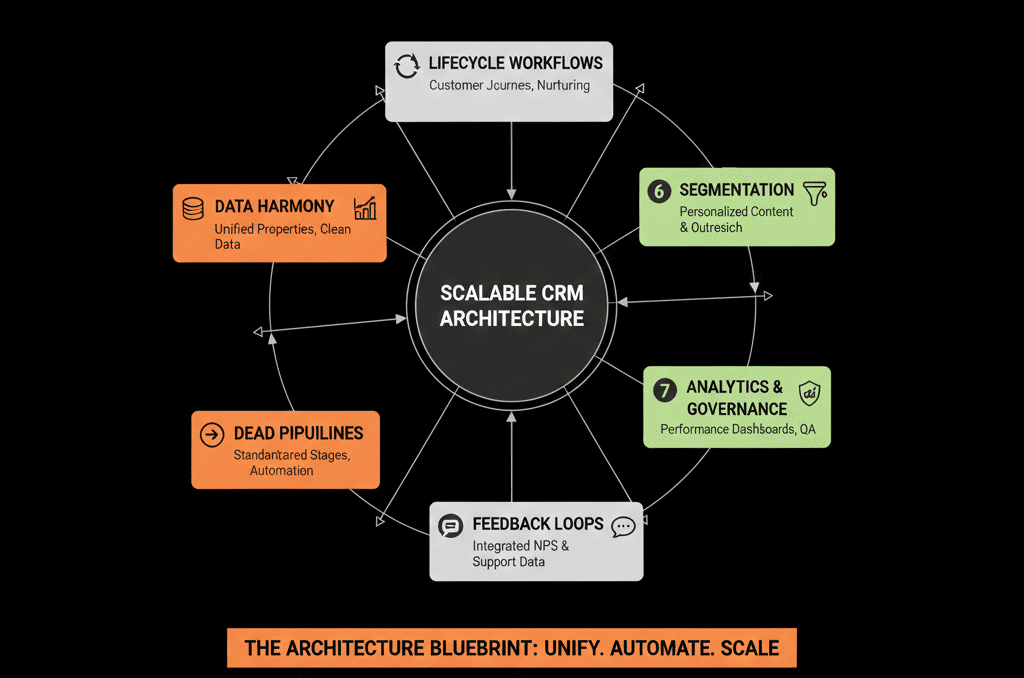
One Master Lead Intake workflow
- Enrolls most new contacts that fit basic criteria (e.g., non-employee, non-partner).
- Sets initial lifecycle and Lead status.
- Tags source and entry point.
One or a small set of Routing Workflows
- Assign by region, segment, or ownership rules.
- Create follow-up tasks.
- Enforce SLAs for high-intent leads.
Why it works:
- Logic is centralized and visible.
- Changing routing rules doesn’t require editing 20 workflows.
- Reporting on speed-to-lead and assignment is straightforward.
What to do:
- Map all current lead sources and routing rules on paper first.
- Replace scattered form-specific workflows with a single intake + routing architecture.
- Add alerts and SLA enforcement for demo/contact-sales leads.
Pattern 6 – Role-Based Dashboards with Clear “Source of Truth” Labels
In weaker setups:
- Everyone uses the same messy dashboards.
- Or worse: everyone builds their own private set of reports.
- Leadership doesn’t know what to trust.
In high-performing portals, we see layered dashboards:
Executive Dashboard (Source of Truth – Revenue)
- New pipeline created.
- Forecast vs target.
- Win rate and sales cycle.
- Revenue by segment/source.
RevOps / Management Dashboards (Source of Truth – Operations)
- Funnel conversion (Lead → MQL → SQL → Opportunity → Customer).
- Speed-to-lead and SLA adherence.
- Pipeline health by stage/owner.
- Source and campaign performance.
Team Dashboards (Source of Truth – Daily Work)
- For Sales: My pipeline, stalled deals, tasks due, activity.
- For Marketing: Leads/MQLs/SQLs by campaign, channel, and segment.
- For CS: Renewals, expansions, risk indicators.
Dashboards are labeled and communicated as “source of truth” for their audience.
Why it works:
- Everyone knows which numbers matter.
- Leaders can run meetings directly off HubSpot.
- RevOps doesn’t have to rebuild the same numbers in spreadsheets.
What to do:
- Identify 1–2 dashboards per audience that should be canonical.
- Clean them up, name them clearly, and deprecate confusing clones.
- Train teams on which dashboards to use for which purpose.
Pattern 7 – Governance: One Architect, Clear Guardrails
The last pattern: governance.
Fragile portals often:
- Let anyone create properties, pipelines, and workflows.
- Have no review or approval process.
- Rely on “tribal knowledge” that disappears when people leave.
High-performing portals have:
- A clearly defined HubSpot / RevOps owner (or small architecture group).
- A simple change process: Request → impact assessment → test → approve → deploy.
- Guardrails: limited super admins, standards for naming, documentation, and testing, a regular “HubSpot Health” review.
Why it works:
- The system evolves with the business instead of decaying.
- New requests don’t create long-term technical debt.
- Everyone knows where to go when HubSpot “needs to do X.”
What to do:
- Assign a clear architecture owner.
- Create a lightweight request form and monthly review rhythm.
- Lock down permissions for sensitive objects, properties, and workflows.
How to Start Applying These Patterns to Your Portal
You don’t need a full rebuild to benefit from these architecture patterns.
In the next 30–60 days, you can:
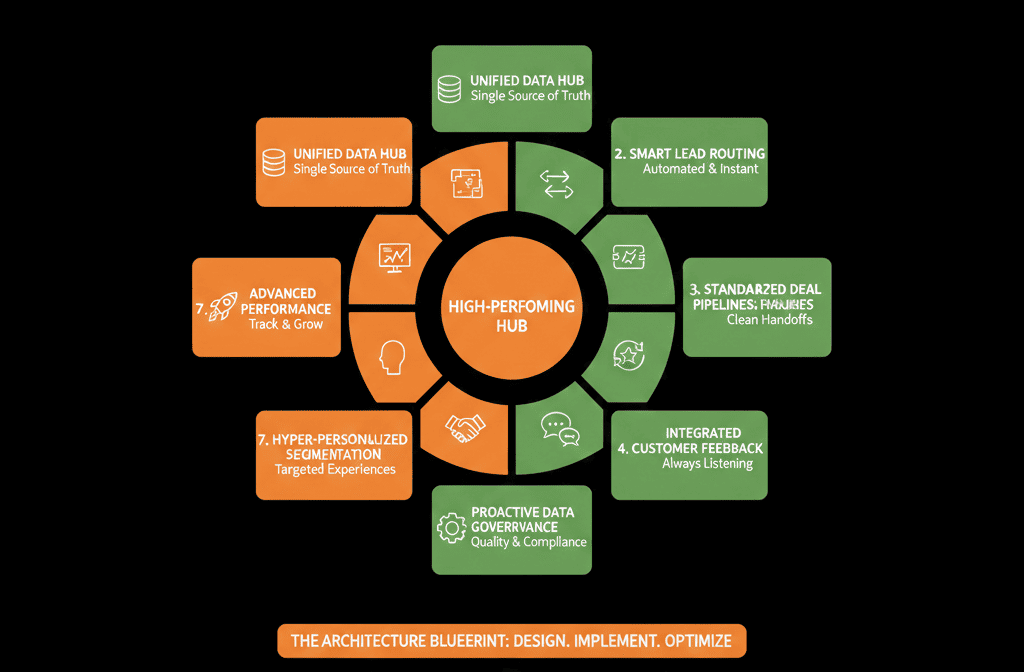
- Pick 2–3 patterns that clearly don’t match your current reality (e.g., too many pipelines, messy lifecycle, no routing).
- Sketch your “desired future state” for each in one page.
- Make changes in a sandbox or controlled scope first (e.g., one region or one team).
- Roll out with training and clear documentation, not quiet background edits.
The result won’t be “perfect HubSpot.”
It will be intentional HubSpot—and that’s what separates high-performing portals from the rest.
Want an Architect’s View of Which Patterns Your Portal Is Missing?
If you’re not sure which of these patterns your HubSpot portal follows—and which it breaks—an external, structured look can save months of guesswork.
Our HubSpot Portal Health Check / HubSpot Audit is built around patterns like these:
- We evaluate your data model, pipelines, lifecycle, routing, and dashboards.
- We score how closely your portal matches proven architecture patterns.
- We deliver a practical roadmap of which patterns to implement next and in what order.






