



Why the First 90 Minutes Decide the Value of Your HubSpot Audit
Most “HubSpot audits” are either:
- A generic automated report.
- A random walk through dashboards and settings.
Both waste time and tell you what you already know: “Things are messy.”
When we audit a HubSpot portal, the first 90 minutes are scripted.
We don’t try to see everything. We go straight to the parts of the system that reveal:
- How bad the data problem really is.
- Whether the pipeline reflects reality.
- If leadership can trust the numbers in HubSpot.
- How hard or easy it will be to fix.
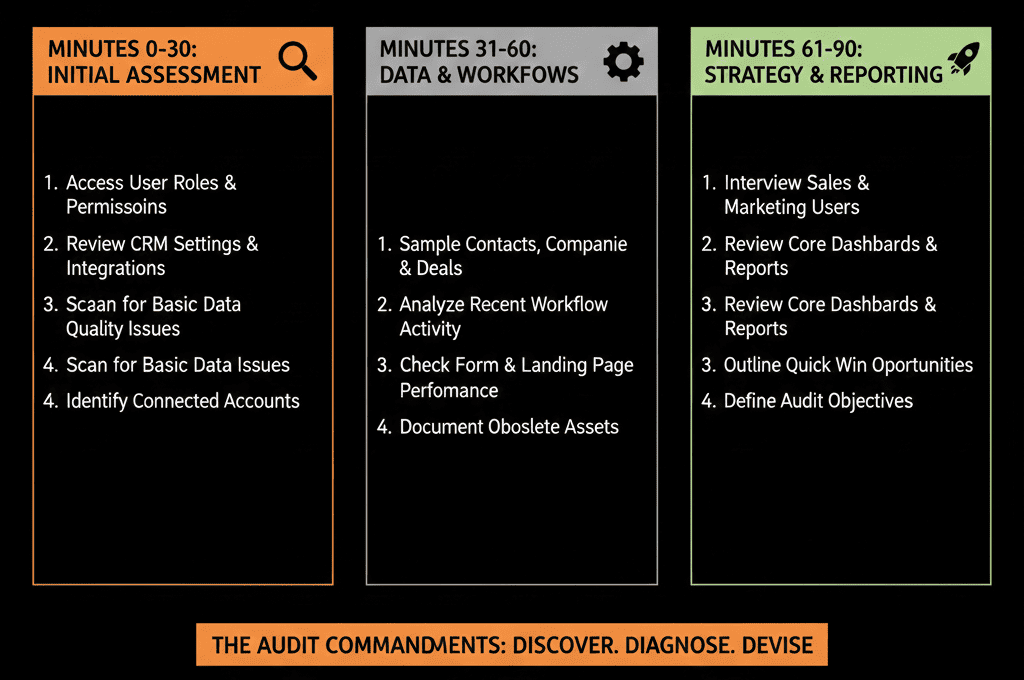
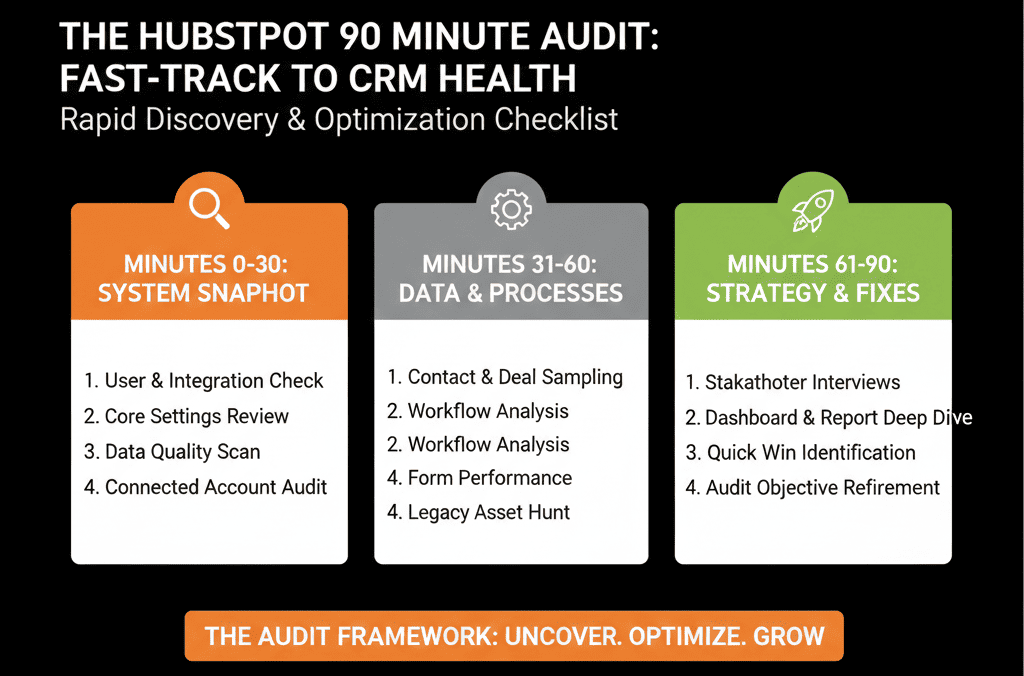
This article walks you through our internal 90-minute HubSpot audit checklist.
You can use it as:
- A self-audit guide for your own portal, or
- A way to benchmark whether a partner’s “Health Check” will go beyond surface-level screenshots.
Phase 1 – Context and Access (10–15 Minutes)
Before touching settings, we clarify business context.
1. Quick context from the main stakeholder (5–10 minutes)
We ask 4 questions:
- What are your top 2–3 business goals for the next 12 months?
- What do you hope HubSpot will do that it isn’t doing today?
- What’s the single most frustrating thing about your portal right now?
- Who actually uses HubSpot day-to-day (Marketing, SDRs, AEs, CS, leadership)?
This tells us:
- How to prioritize findings.
- Whether we’re diagnosing for marketing, sales, CS, leadership—or all of them.
- What “success” will look like after fixes.
2. Confirm access and environment (5 minutes)
We check:
- Access level (Super Admin or equivalent for the audit).
- Whether a sandbox exists (for safe changes later).
- If there are multiple portals and which one is primary.
This avoids surprises like auditing a test portal or missing critical areas due to restricted permissions.
HubSpot distinguishes Super Admin access from “all permissions,” and only a Super Admin can grant Super Admin access to another user—so confirming this early prevents audit blockers.
Phase 2 – Quick Portal Health Scan (15–20 Minutes)
Here we get a fast x-ray of the portal.
3. High-level object counts and age
We look at:
- Total number of Contacts, Companies, Deals, and Tickets.
- Growth over the last 6–12 months.
- How many records were created in the last 30/90 days.
Why it matters:
It tells us whether we’re dealing with:
- A lean, recently implemented portal.
- A multi-year legacy environment with technical debt.
- A portal that’s active vs one that’s essentially abandoned.
4. Quick data hygiene red flags
We run a few basic filters:
Contacts:
- Contacts missing email.
- Contacts with bounced or unsubscribed status.
- Contacts with no owner but active lifecycle stages.
Companies:
- Companies without associated contacts.
- Companies without industry/segment, where those matter.
Deals:
- Deals with no amount or close date.
- Deals with no associated company or contact.
- Deals open for 180+ days without activity.
If these basic filters look bad, we know data hygiene will be a main pillar of the recommendations.
Phase 3 – Pipelines and Stages (20–25 Minutes)
Now we look at the skeleton of the revenue engine.
5. Deal pipeline inventory
We check:
- How many pipelines exist.
- Which pipelines have actual activity in the last 90 days.
- Whether pipelines are clearly named and purposeful (e.g., New Business, Renewals).
Patterns we flag:
- 5–10 pipelines, most of them inactive or used for “experiments.”
- Pipelines created for reporting hacks rather than real processes.
- Different teams using separate pipelines for similar motions (e.g., outbound SDR vs inbound SDR vs AE, all new business).
6. Deal stage health inside the primary pipeline
We focus on the main new business pipeline first:
- List every stage in order.
- See how many deals are in each stage.
- Identify any “parking lot” stages where deals go to die.
- Check average time in stage (if data allows).
Without even reading definitions, we can see:
- If there are too many stages.
- If stages are aligned to real buying milestones or internal admin steps.
- If pipeline velocity is healthy or heavily stalled.
HubSpot supports managing pipelines and stages, and you can also add conditional stage properties (suggested or required) to make stage movement reflect real exit criteria rather than “best guesses.”
7. Closed-lost and closed-won quality
We scan:
- How many deals close as lost vs won.
- The spread of close reasons (if captured).
- How often deals are marked lost vs simply left open forever.
If most lost deals have no closed-lost reason, or “Other” dominates, we know win/loss reporting is unreliable.
Phase 4 – Lifecycle, Lead Flow & Handoffs (20–25 Minutes)
Here we check whether Marketing → Sales → CS are aligned in HubSpot.
8. Lifecycle stage distribution
We look at how many contacts sit in:
- Subscriber / Lead
- MQL
- SQL
- Opportunity
- Customer
- Evangelist / Other custom stages
We’re not aiming for perfect proportions. We’re looking for:
- Huge numbers of “Leads” with no progression.
- Very few MQLs or SQLs despite decent traffic.
- Many “Customers” with no associated deals (or vice versa).
9. Lifecycle stage update logic
We ask:
- How are lifecycle stages updated right now?
- Manual edits by reps?
- Workflows triggered by form submissions?
- Deal creation/changes?
We quickly review key workflows tied to lifecycle fields and check whether:
- The logic is understandable and documented.
- There are conflicting workflows updating the same field.
- Lifecycle can be manually overwritten with no guardrails.
If lifecycle is chaos, we know funnel reporting is not credible.
10. Lead capture and assignment
We review:
- Main forms that generate leads (contact us, demo, trial, pricing).
- Which lists or workflows they feed.
- How ownership is assigned (round robin, territories, manual).
We test a typical high-intent path:
- Fill a “Request Demo” or similar form (or simulate the process).
- See what happens in HubSpot:
- Who gets the lead?
- How fast is a task created?
- Are there alerts?
If high-intent leads can sit untouched or get misrouted, this becomes a top-priority recommendation.
Phase 5 – Workflows and Automation Snapshot (10–15 Minutes)
We don’t review every workflow in 90 minutes—but we know where the danger is.
11. Workflow count and categories
We check:
- Total number of workflows.
- How many are active vs inactive.
- Categories: marketing, sales, service, operations.
Huge numbers of workflows are not automatically bad, but they usually signal sprawl.
HubSpot lets you organize and manage workflows using workflow views and search, which helps quickly identify sprawl (and find the workflows that matter during an audit).
12. High-risk workflows
We scan for workflows that:
- Update core fields (lifecycle stage, deal stage, owner, lead status).
- Enroll large portions of the database.
- Create or delete records automatically.
We open a handful of the most impactful workflows to see:
- Is the logic clear and documented?
- Is there an obvious owner?
- Are there any conditions that look dangerous (e.g., “if lifecycle is known, set it back to Lead”)?
This tells us how much automation risk we’re dealing with if we make changes later.
Phase 6 – Reporting and Leadership View (10–15 Minutes)
Finally, we check whether leadership sees reality or noise in HubSpot.
13. Executive dashboards in use
We ask the main stakeholder:
- Which dashboards does your leadership team actually look at?
- Which metrics are debated vs trusted?
- What key numbers still live outside HubSpot (e.g., in spreadsheets)?
We then:
- Open those dashboards.
- Check the underlying filters and reports.
- See if the metrics align with the architecture we just saw (pipelines, lifecycle, sources).
14. Basic funnel and pipeline reporting
We look for:
- A pipeline overview by stage and amount.
- Funnel conversion by lifecycle stage.
- New pipeline created vs closed-won over time.
If these basic views are missing, or obviously wrong, we know:
- Either the data is broken.
- Or the reports were never built properly.
- Or both.
What We Produce After the First 90 Minutes
At the end of this 90-minute pass, we can usually answer four key questions:
- How healthy is your HubSpot portal, really?
- What are the top 3 structural issues hurting revenue or visibility?
- How risky is it to start changing things right now?
- What should be tackled in the next 30–60 days vs later?
For our internal use, we capture this in a short “First 90-Minute Audit Summary”:
- Portal Health Score (gut feel + quick metrics).
- Top 3 risks (e.g., data integrity, pipeline design, lifecycle chaos).
- Top 3 quick wins (e.g., basic routing fix, stage cleanup, core dashboards).
- Whether a deeper HubSpot Portal Health Check is justified and what it should focus on.
You can do the same internally and turn this into a recurring practice—quarterly or bi-annually.
How to Turn Your Own 90-Minute Audit into a Real Improvement Plan
If you run this checklist on your own portal, don’t stop at notes.
Highlight anything that touches live revenue:
- Leads not routed.
- Deals without owners or amounts.
- Stalled stages with big pipeline amounts.
Group your findings into three buckets:
- Data: duplicates, missing fields, inconsistent usage.
- Process: unclear stages, weak handoffs, unowned workflows.
- Reporting: missing or misleading dashboards.
Pick a realistic 30-day scope:
- 2–3 data fixes.
- 1–2 process clean-ups.
- 1–2 reporting improvements.
You’re not trying to rebuild HubSpot in a month.
You’re aiming to stop the biggest leaks and create a foundation you can actually improve from.
Want Us to Run This 90-Minute Checklist on Your Portal?
If you read this and thought “we’ve never looked at our HubSpot this systematically,” you’re not alone.
Most teams only see the surface: campaigns, email sends, number of deals.
Our job as a HubSpot Gold Solutions Partner is to go deeper:
- Run this 90-minute diagnostic on your portal.
- Expand it into a focused HubSpot Portal Health Check.
- Deliver a clear, prioritized roadmap of what to fix first, what to ignore, and what to redesign.






