



A Migration Without a Data Audit Is Just a Fancy Copy‑Paste
Most teams worry about “moving everything over” to HubSpot.
They say things like:
- “We just need all our contacts, companies, and deals in HubSpot.”
- “We’ll clean the data once we’re live.”
- “The integrator will handle the mapping.”
What they underestimate is the hidden risk of skipping a structured data quality audit:
- Duplicates and broken associations carried into your new CRM.
- Incomplete or mis‑mapped fields (e.g., lifecycle, owners, custom fields).
- Bad data poisoning adoption, reporting, and automation from day one.
A HubSpot migration is not just a data move. It’s a chance to reset how you trust and use your data. In this article, we’ll walk through how to audit data quality both before and after your migration so HubSpot becomes a clean, reliable system of record—not just a prettier version of your old mess.
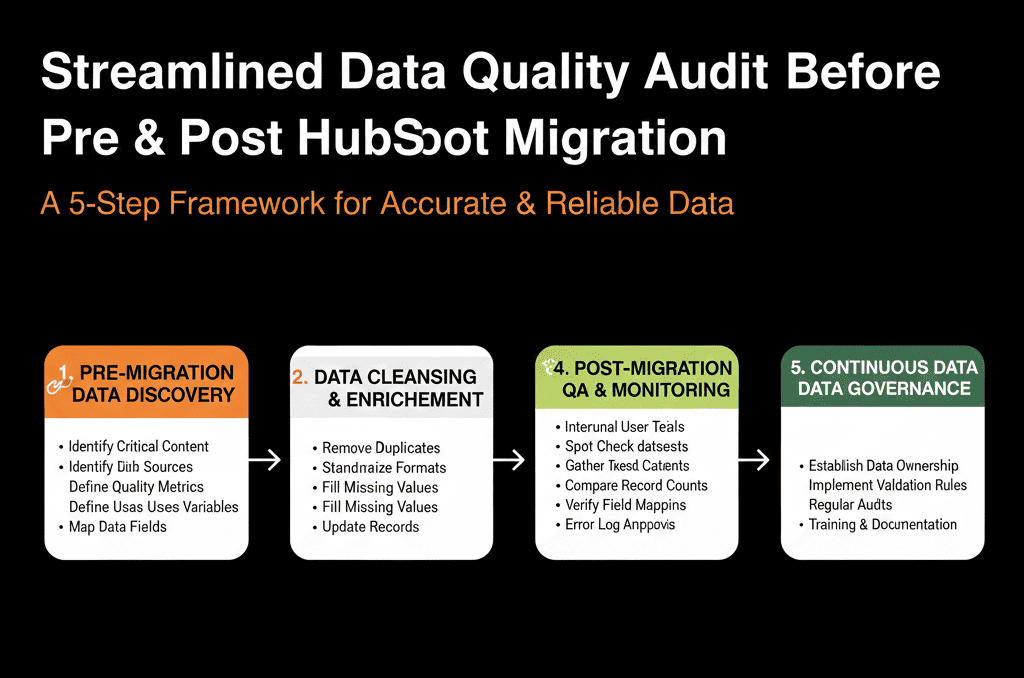
Phase 1 – Pre‑Migration Data Quality Audit (Know What You’re Moving)
Before you touch HubSpot, you need an honest picture of your current data.
You are not trying to fix everything at this stage. You are trying to know what you’re dealing with.
Step 1: Inventory your core objects and volumes
From your current system(s), list:
- # of Contacts.
- # of Companies/Accounts.
- # of Deals/Opportunities.
- # of Tickets/Cases (if relevant).
- Any key custom objects (e.g., subscriptions, projects, contracts).
This gives you a baseline to compare against once data lands in HubSpot.
Step 2: Check duplicates and basic hygiene
For each core object, run basic hygiene checks:
- Duplicate rate: % of contacts with duplicate emails, % of companies with duplicate domains or near‑identical names.
- Required fields: % of records missing critical fields (email, company, lifecycle, owner, etc.).
- Invalid formats: broken emails, phone numbers, countries, states, or picklist values.
You do not need perfect cleaning here, but you do need to:
- Flag the worst issues (e.g., 30% of contacts with missing email).
- Decide what to fix before migration vs what to handle in HubSpot.
Step 3: Map key fields and normalize where needed
Next, identify the fields that must come across accurately, such as:
- Identity & association: email, domain, company name, contact‑company links.
- Ownership: record owner, team, territory.
- Lifecycle: lead, MQL, SQL, opportunity, customer, churned.
- Status & segmentation: lifecycle dates, segments, industries, regions, products.
For each:
- Confirm there is a clean equivalent in HubSpot (or define one).
- List values that need normalization before migration (e.g., NA variants → “North America”, lifecycle beyond defaults).
This mapping becomes part of your migration runbook and gives you something concrete to test against after migration.
Phase 2 – Test Migration Audit (Small Sample, Deep Checks)
Never go straight from “export everything” to “we’re live in HubSpot”.
A test migration is your chance to catch mapping issues and surprises early.
Step 4: Run a controlled test migration
Work with whoever is managing the migration (internal team, partner, or tool) to:
- Migrate a small, representative sample (e.g., 500–2,000 contacts, 100–500 companies, 50–200 deals).
- Include multiple segments, owners, and lifecycle stages.
- Use your actual field mapping from Phase 1.
Step 5: Validate record counts and basic mapping in HubSpot
After the test load, validate:
- Counts: do migrated sample totals match source counts?
- Key fields: spot‑check email, name, lifecycle, owner, key segments.
- Associations: contacts linked to companies, deals linked to companies and primary contacts.
If something looks off in a small batch, it will be a disaster at full scale. Fix it here.
Step 6: Deep‑dive a handful of accounts and opportunities
Pick 5–10 real accounts and 10–20 deals from the test set and compare source vs HubSpot side by side:
- Are all critical fields present and correct?
- Are notes, activities, and attachments where you expect them (or intentionally excluded)?
- Are lifecycle and stage histories preserved (or acceptable approximations)?
Document any mis‑mappings, missing data, or structural surprises. These become specific corrections in your mapping and your next test run.
Phase 3 – Full Migration Audit Immediately After Go‑Live
Once the full migration runs, you only have a short window to catch and correct major issues before adoption solidifies around bad data.
Step 7: Reconcile record counts across systems
Immediately after the full migration, compare totals for Contacts, Companies, Deals, Tickets (and any custom objects).
Then compare by simple segment filters (e.g., Customers count, Open opportunities above a certain deal size) before teams fully switch over.
Step 8: Spot‑check data quality at scale
Use HubSpot lists and reports to check:
- % of records missing key fields (email, owner, lifecycle, country).
- % of “Customer” lifecycle contacts without a closed‑won deal.
- % of open deals without an associated company or primary contact.
Prioritize fixes that would cause lost routing (no owner), broken reports (missing lifecycle/stage), or bad segmentation (missing region/product).
Step 9: Validate high‑value segments and accounts
Manually review top accounts and open pipeline above a threshold value.
If your biggest customers and deals look wrong, adoption will tank—focus here first.
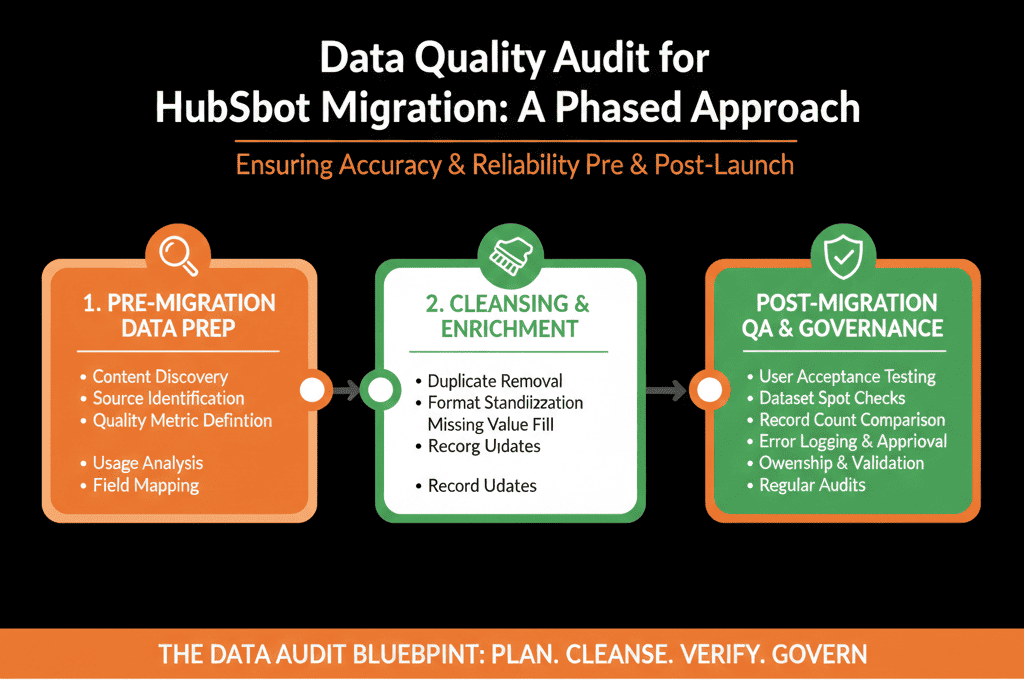
Phase 4 – Post‑Migration Monitoring and Governance (First 30–90 Days)
Step 10: Monitor duplicates and record creation patterns
In the first 1–3 months, track newly created duplicates and watch where manual record creation is happening instead of automation.
Use this to tighten duplicate management, required fields, and automated record creation workflows.
Step 11: Watch lifecycle, stage, and owner drift
Monitor lifecycle stage changes, deals stuck in stages, and orphan records (no owner/company/contact).
Where you see drift, clarify process, adjust required fields/validation, and update training.
Phase 5 – Turn Your Findings into a Simple Risk and ROI Story
You do not need a 50‑page data audit. You need a clear, credible story for leadership: what you found, what you fixed, what risks remain, and why it matters.
Summarize across three dimensions:
- Accuracy: % of core objects migrated correctly (key fields + associations), issues resolved vs remaining.
- Usability: can teams find the right records and trust views/reports, early adoption feedback and quick wins.
- Future‑proofing: property standards, ownership rules, duplicate management, and how this reduces manual work and mis‑reporting.
This is how you show that a structured data audit around your migration was not “extra work”, but a core part of making HubSpot a system you can actually run the business on.
Want Help Auditing Data Quality Around a HubSpot Migration?
If you’re planning a HubSpot migration—or already mid‑migration—and you are not confident about data quality, this is where we can help.
Our HubSpot Portal Health Check and Migration & ROI Plan are designed to:
- Audit your current data for duplicates, gaps, and risky mappings.
- Design a clean, migration‑ready data model and field mapping for HubSpot.
- Validate test loads and full migration results so you don’t start day one on bad data.






