Stop Measuring Churn After It Happens
Most teams use HubSpot to:
- Log renewal deals.
- Mark churn when it’s too late.
- Maybe send an exit survey.
That’s churn accounting, not churn reduction.
To actually reduce churn, HubSpot needs to:
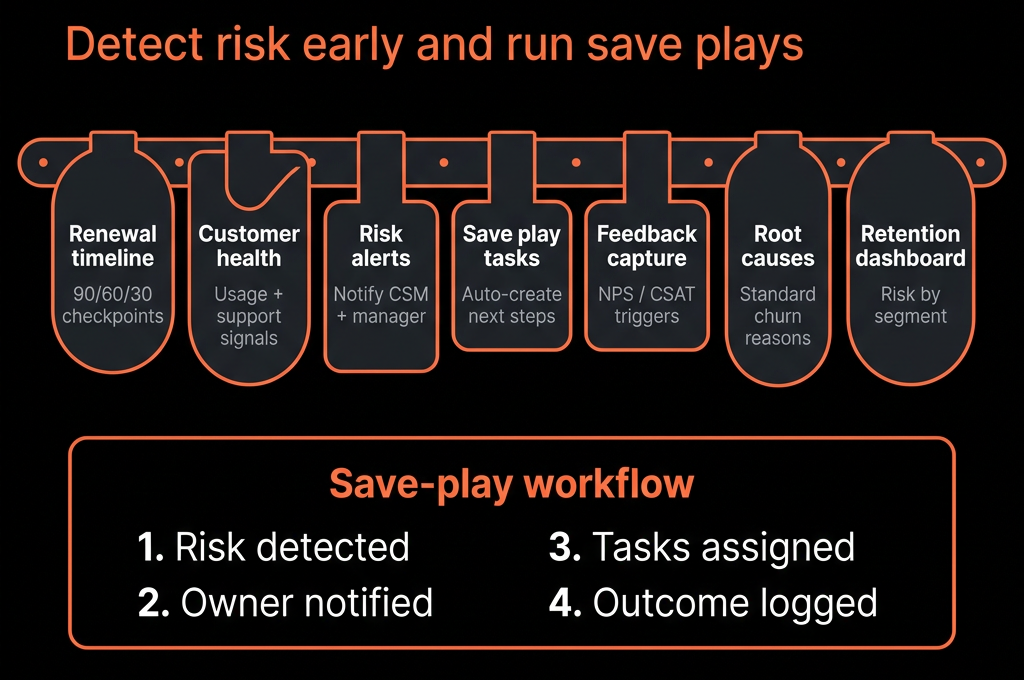
- Track risk signals.
- Alert CSMs early.
- Standardize save plays.
- Make learnings visible across RevOps.
Here’s how we implement a churn-reduction strategy fully inside HubSpot.
Step 1 – Decide What “Churn” Means in Your HubSpot Data Model
Start with clear definitions and object design.
We usually pick Company or a Customer Deal as the “unit of churn”, then:
- Use Deal type for: New / Renewal / Expansion.
- Create a Renewal deal per contract/term.
- Mark churn as:
- Renewal deal → Closed Lost with a specific Closed lost reason, or
- Company → Customer status = Churned.
Key properties:
On Company:
- Customer status (Active, At Risk, Churned, On Hold).
- CSM owner.
- Customer tier / plan / package.
- MRR / ARR (if subscription-based).
- Contract start / Contract end (renewal date).
On Renewal Deals:
- Deal type = Renewal.
- Amount, Close date.
- Renewal outcome (Renewed, Downgraded, Churned).
- Churn reason (if Closed Lost).
This gives you a consistent place to track churn and retention KPIs.
Step 2 – Define a Simple Customer Health Model in HubSpot
You don’t need a perfect health score; you need a usable one.
Start with a small set of signals:
Relationship & engagement
- Last meeting date.
- Last email reply date.
- Number of meetings in last 90 days.
Support & satisfaction
- Open tickets count (and priority).
- CSAT / NPS scores.
Product or service usage (if integrated)
- Logins, usage events, or implementation milestones completed.
Create properties on Company:
- Health score (0–100 or Poor/Fair/Good).
- Health band (Red/Amber/Green).
- At-risk flags (checkboxes: Low engagement, High support volume, Low usage, etc.).
Use workflows to:
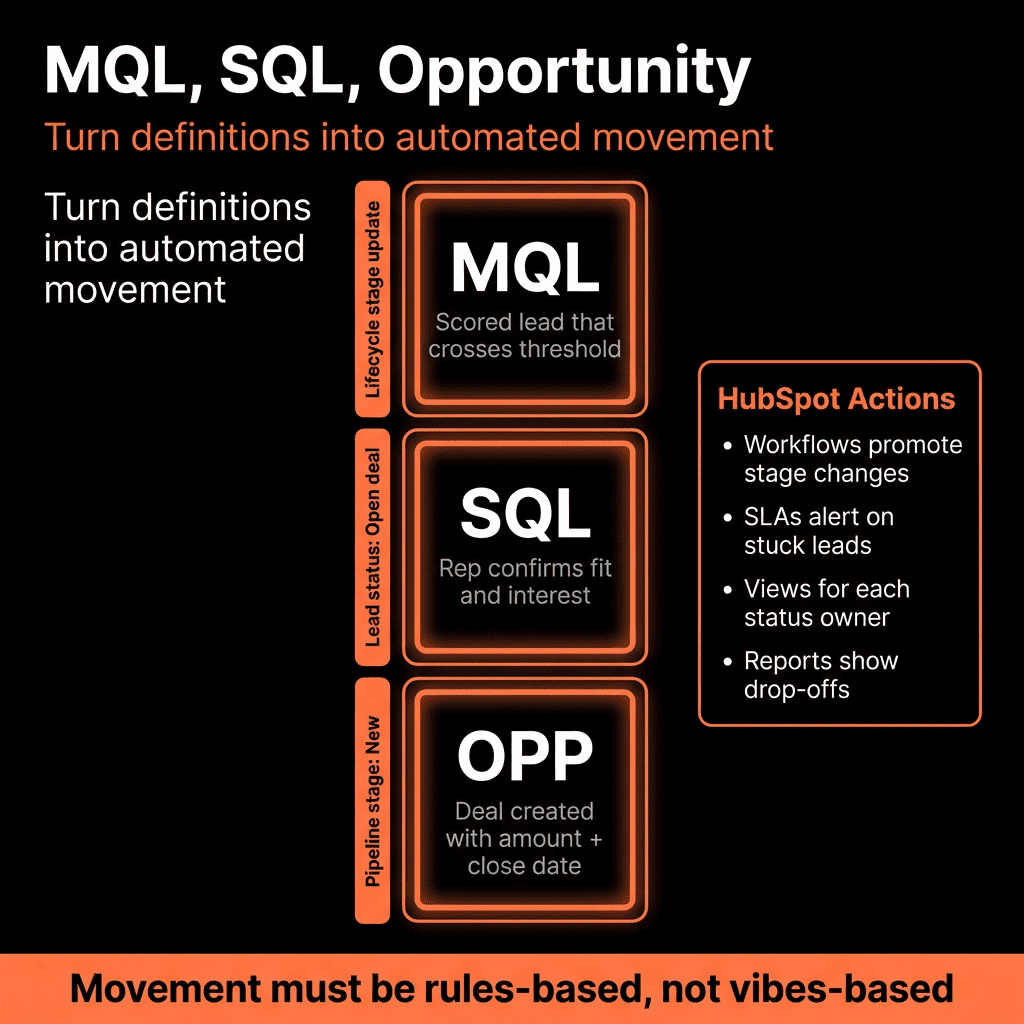
- Translate raw metrics into health bands.
- For a first pass, even simple rules work, e.g.:
- If NPS ≤ 6 → Health = Red.
- If >3 open tickets OR 1+ High priority ticket → Health = Red.
- If no meeting in 60–90 days → Health = Amber (unless small/low-touch tier).
Treat this as a v1 model and refine quarterly.
Step 3 – Build a Renewal Engine in HubSpot
Now we architect renewals so they’re proactive, not last-minute.
3.1 Auto-create renewal deals
Company-based or deal-based workflow:
Trigger:
- X days before Contract end on Company, or
- Closed Won New Business deal (create renewal deal with future Close date).
Actions:
Create Renewal deal with:
- Pipeline = Renewals.
- Deal type = Renewal.
- Amount = current contract value.
- Close date = contract end date.
- Assign to CSM/AM as owner.
- Associate to Company and key Contacts.
3.2 Renewal playbook and tasks
When renewal deal hits a specific stage (e.g., Renewal – Discovery):
Auto-create tasks for CSM/AM:
- “Run renewal discovery call”
- “Review usage and NPS prior to renewal discussion”
Link a Playbook that prompts:
- Value achieved.
- Open issues.
- Expansion potential.
- Risk factors.
This ensures every renewal is approached methodically.
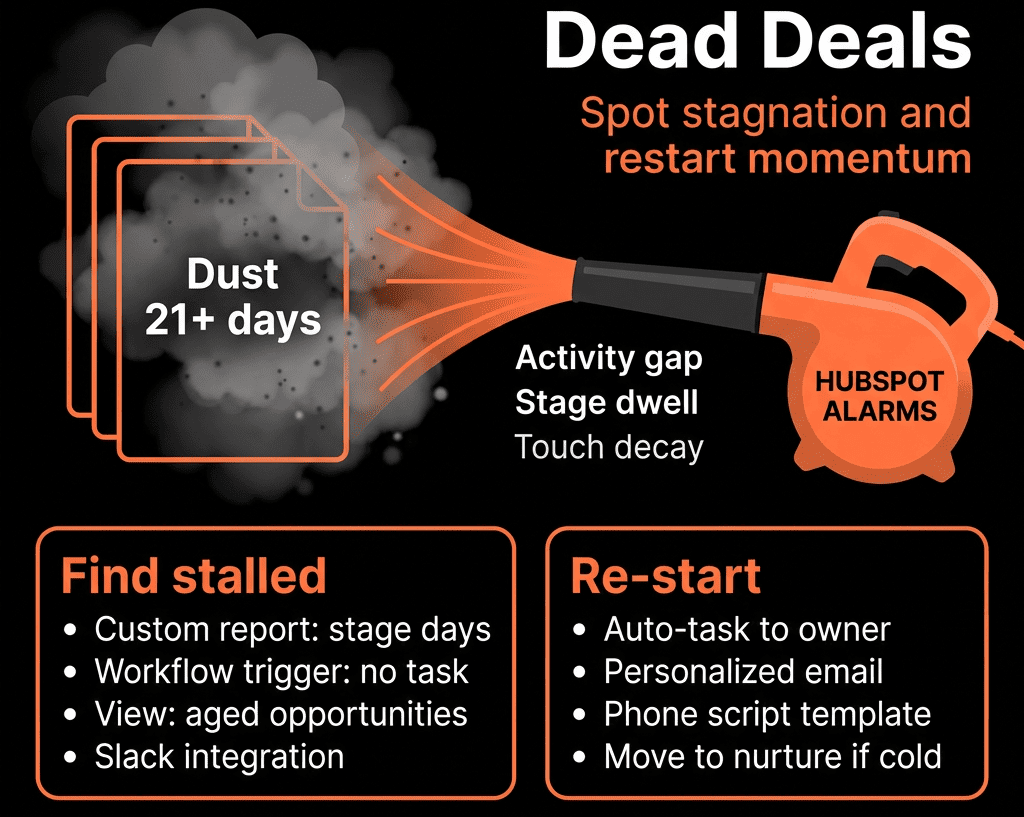
Step 4 – Set Up At-Risk Alerts and Save-Play Triggers
Churn reduction is about catching issues before the renewal date.
Create Company-based workflows:
High support risk
Trigger:
- More than X tickets in last 30 days, or
- Any High priority ticket open for ≥ Y days.
Actions:
- Set Customer status = At Risk.
- Set At-risk reason = Support volume / Unresolved ticket.
- Notify CSM and/or team channel (email/Slack).
- Create task: “Proactive check-in with [Account] – support risk”.
Low engagement risk
Trigger:
- No meeting OR email reply in last 60–90 days (by tier).
Actions:
- Customer status = At Risk.
- At-risk reason = Low engagement.
- Task for CSM: “Re-engage low-touch account [Account]”.
Negative feedback risk
Trigger:
- NPS/CSAT detractor submitted.
Actions:
- Mark as At Risk.
- Create follow-up ticket or task: “Follow up on detractor feedback”.
Each risk type can link to a Save Play:
A sequence and/or Playbook guiding the CSM through:
- Situation assessment.
- Conversation framework.
- Recovery offers or steps.
Step 5 – Standardize Onboarding to Prevent Future Churn
A lot of churn is decided in the first 60–90 days.
Use Deals + Tickets + Workflows:
On Closed Won New Business:
- Create an onboarding ticket or project with a predefined checklist.
- Assign to Implementation/Onboarding owner.
- Copy key fields from deal: Goals, promised outcomes, timelines, constraints.
Track onboarding milestones:
- Kickoff completed.
- First value delivered.
- Go-live date.
Health impact:
If onboarding is overdue or key milestones are missed:
- Push Health band to Amber/Red.
- Notify CSM/AM.
This reduces early churn by catching failed onboarding early.
Step 6 – Capture and Analyse Churn Reasons in HubSpot
We want structured, useful churn data.
On Renewal deals:
Churn reason (Dropdown):
- Budget / cost.
- No value realized.
- Champion left.
- Competition.
- Product gaps.
- Internal changes (M&A, shutdown).
- Bad fit / wrong ICP.
Churn sub-reason (optional).
Churn preventable? (Yes/No).
Churn notes (free-text).
Make Churn reason required for any Renewal deal marked Closed Lost.
Optional:
Use a Win/Loss Playbook for Renewals to capture details without slowing the team down.
Over time this becomes your roadmap for:
- Ideal customer profile refinement.
- Product and onboarding improvements.
- Pricing/packaging adjustments.
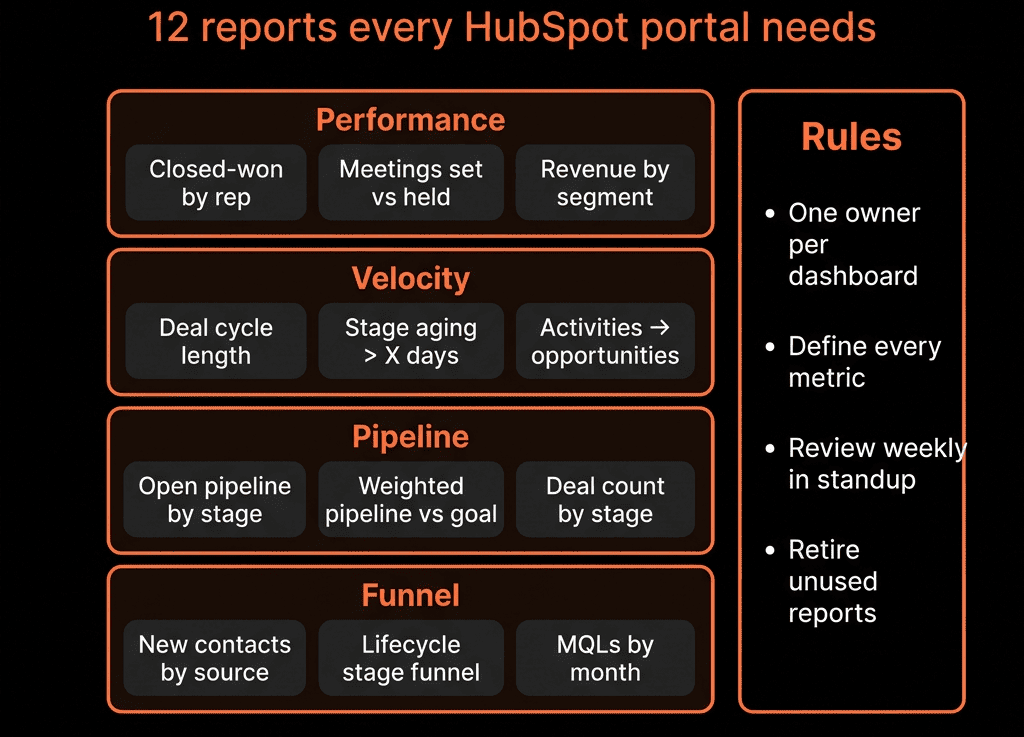
Step 7 – Build a Churn & Retention Dashboard in HubSpot
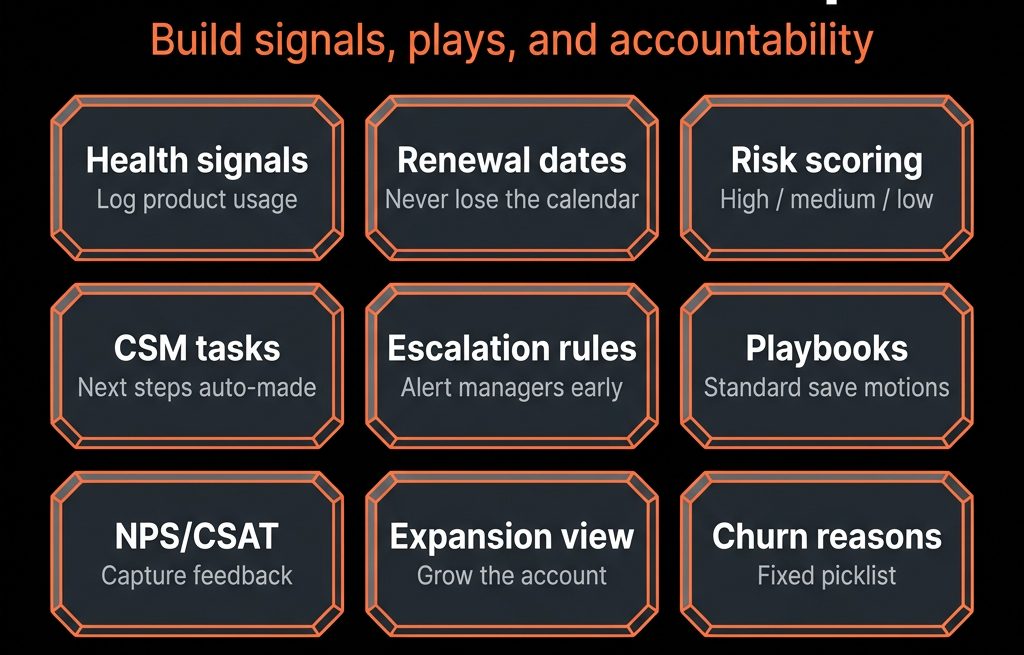
Now we surface the right metrics.
Key reports:
MRR/ARR retained vs churned
- Renewal deals Closed Won vs Closed Lost amount per period.
- Show GRR/NRR if you maintain those as calculated metrics.
Churn by segment
Churned amount by:
- Industry.
- Company size.
- Region.
- Customer tier.
Churn by reason
- Bar chart by Churn reason (amount + count).
- Trend over time.
At-Risk accounts list
- Companies with Customer status = At Risk.
- Columns: Health band, MRR/ARR, renewal date, At-risk reasons, CSM owner.
Onboarding status & time-to-first-value
- Onboarding tickets by status and age.
- Deals: Close date vs first live date.
This dashboard becomes the backbone of a monthly Customer Health review.
Step 8 – Give Sales and Marketing Visibility into Churn Drivers
Churn reduction is not just a CS job.
Share churn and health dashboards with:
- Sales leadership (to refine ICP and sales promises).
- Marketing (to adjust targeting and messaging).
Add reports that link churn back to acquisition source:
- Churned revenue by channel/campaign.
- Health scores by original source.
Patterns usually emerge:
- Certain channels/campaigns produce high-churn customers.
- Certain promises in sales/playbooks create misaligned expectations.
Use these insights to:
- Tighten qualification.
- Adjust marketing claims.
- Introduce “customer fit” checks before closing.
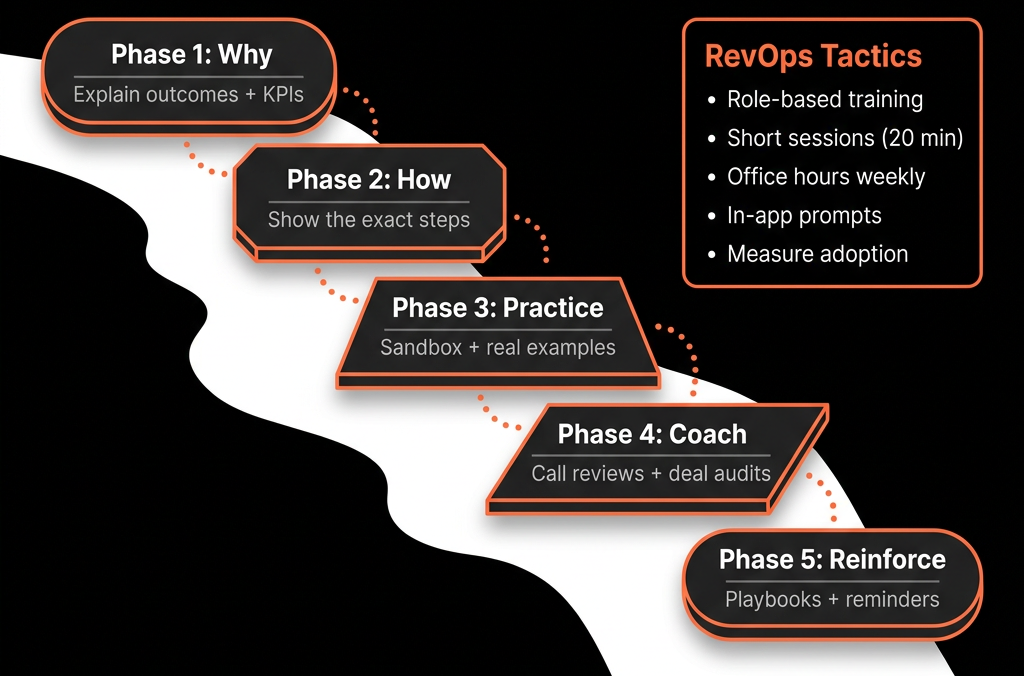
Step 9 – Make Churn Reduction Part of Your Operating Rhythm
Process beats intention.
We recommend:
Weekly CSM/CS standup
- Review At-Risk accounts list.
- Renewals closing in next X days.
- Critical onboarding issues.
Monthly Customer Health & Churn review (RevOps + CS + Sales)
- Churn/retention KPIs.
- Top churn reasons.
- Save-play outcomes.
- Action items for GTM and product.
Quarterly strategy review (Exec)
- GRR/NRR and churn trends.
- Strategic changes needed (ICP, packaging, onboarding capacity, etc.).
Run these reviews directly from HubSpot dashboards, not spreadsheets.
Step 10 – Iterate the Health Model and Save Plays Using Real Results
As data accumulates:
- Analyse which risk flags correlate most with actual churn.
- Refine your Health score rules based on real outcomes.
- Track save-play effectiveness:
- How many At-Risk accounts returned to Green?
- Which interventions worked best?
- Revise:
- Workflows thresholds.
- CSM playbooks.
- Renewal strategies (when to push expansion vs focus on retention).
This keeps your churn-reduction system evolving with the business.
Want Help Turning HubSpot Into a Churn-Reduction Engine?
If HubSpot only tells you a customer churned after they cancel, you’re missing most of its power.
Through our HubSpot Portal Health Check and Managed RevOps Retainer / Migration & ROI Plan, we:
- Design your customer and renewal data model in HubSpot.
- Implement health scores, risk alerts, and renewal workflows.
- Build churn/retention dashboards and monthly review rhythms.
- Align Sales, CS, and Marketing around the same churn insights.
- So HubSpot shifts from tracking churn to actively helping you prevent it.