



When “Multiple Portals” Quietly Becomes a Growth Blocker
Many teams end up with multiple HubSpot portals by accident:
- Different regions spun up their own instance.
- Marketing and Sales started in separate portals.
- An acquisition brought in another HubSpot environment.
- Someone tested HubSpot “for a business unit” and it stuck.
At first, it doesn’t seem urgent.
Over time, it becomes a problem:
- No single view of the customer.
- Fragmented reporting and attribution.
- Duplicate work in multiple systems.
- Confusing onboarding for new hires.
Consolidating into one clean HubSpot instance is often the only sustainable path—but it can feel risky.
This article explains how we approach multi-portal consolidation into a single HubSpot without breaking data or revenue.
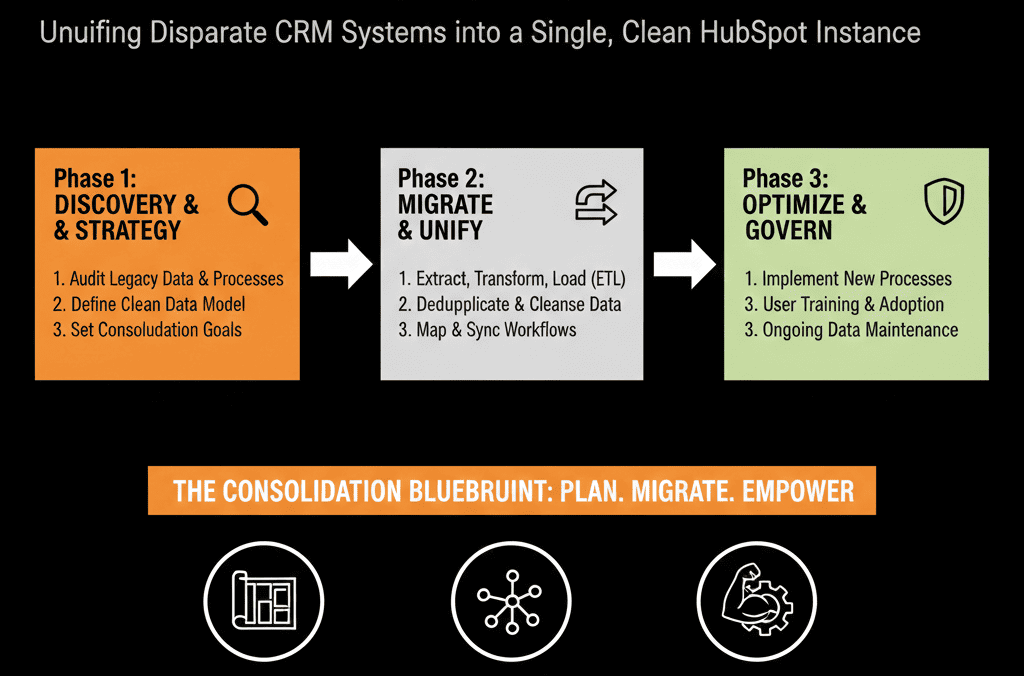
Step 1 – Decide What “One HubSpot” Needs to Support
Before moving any data, we get clear on the target operating model:
- Which teams and regions will live in the consolidated portal?
Do you need:
- Separate pipelines by region or business unit?
- Shared pipelines with regional segmentation?
- How centralized will processes be?
- Standard global lifecycle and lead management?
- Some local variance allowed?
We want to know:
- What should a global leader see?
- What should a regional leader see?
- How will reps work day-to-day in the unified instance?
This defines the architecture of your future “one HubSpot.”
Step 2 – Audit Each Legacy Portal Separately
Each legacy portal has its own:
- Objects and properties.
- Pipelines and stages.
- Workflows and automations.
- Lists and segments.
- Integrations.
We run a light but focused audit on each:
What’s actually being used?
- Active deals, contacts, companies, tickets.
- Workflows still enrolling records.
- Dashboards leadership still checks.
What’s pure history or dead weight?
- Old workflows with zero recent activity.
- Properties not used in any reports or lists.
- Pipelines with no deals in the last 6–12 months.
We also check:
- Are there overlapping contact and account sets across portals?
- Are processes similar or completely different?
The goal is to understand the raw materials we’re consolidating—not to copy everything into the new instance.
Step 3 – Design a Unified HubSpot Architecture First
Before merging data, we design the target architecture for the consolidated instance:
Objects:
- Contacts
- Companies
- Deals (pipelines)
- Tickets (if using Service Hub)
- Any required custom objects (e.g., subscriptions, projects).
Pipelines:
- Standard new business pipeline(s).
- Renewals/expansion pipeline(s) if needed.
- Clear rules for when multiple pipelines exist (e.g., by motion or region, not by random preference).
Lifecycle model:
- A single, shared lifecycle definition (Lead, MQL, SQL, Opportunity, Customer, etc.).
- Clear, global triggers for each stage.
Properties:
- A clean, canonical property set per object.
- Consistent naming across what came from different portals.
We do not merge portals and then “sort it out later.”
We design the “destination” clearly and then map things into it.
Step 4 – Build a Unified Data Model and Field Mapping
Next, we create a field mapping blueprint:
For each object (Contacts, Companies, Deals, Tickets):
- List key properties in each portal.
Decide on the target field in the consolidated portal:
- Use an existing standard property.
- Create a new normalized property.
- Merge across portals (e.g., three versions of “Industry” → one dropdown).
- Drop entirely if not used or needed.
Define transformation rules:
- Normalize country/region values.
- Map free-text to picklists (e.g., industries, segments).
- Standardize lead sources.
We pay special attention to:
- Any fields used by workflows in existing portals.
- Any fields used in lead routing or SLAs.
- Any fields used in critical reporting (pipeline, forecast, attribution).
This becomes the technical backbone of the consolidation.
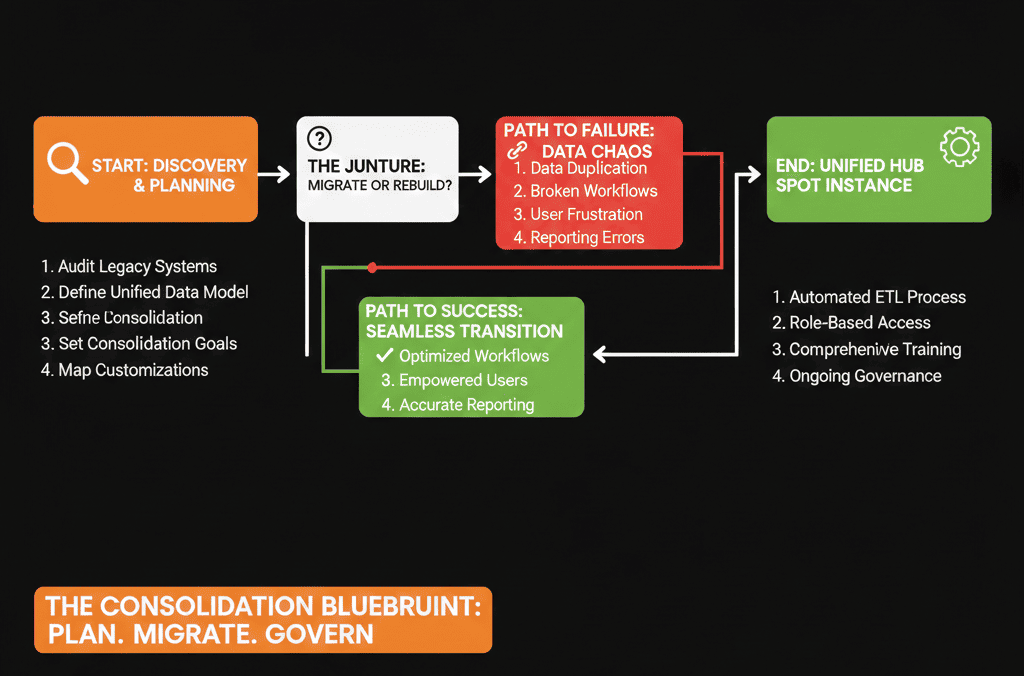
Step 5 – Clean and De-Duplicate Before Combining
If you merge messy data from multiple portals as-is, your new unified HubSpot becomes a bigger mess.
We focus pre-consolidation cleanup on:
- Contacts and companies that appear across multiple portals (duplicates by email or domain).
- Key accounts and customers (so account teams don’t get confused later).
- Active deals and accounts that will be worked day one in the new portal.
Typical steps:
- Export contact and company records from each portal.
- Run de-duplication and normalization externally (or using specialized tools).
- Decide on record survival rules:
- Which portal wins in a conflict?
- Do we merge data from multiple sources into a single “master” profile?
We aim for:
- A unified golden record for important contacts and companies.
- Clean, normalized values for core fields (industry, segment, region, lifecycle, source).
You don’t need to perfect every historical record.
You do need to avoid importing obvious duplicates and conflicting values into the new instance.
Step 6 – Plan the Consolidation in Phases, Not a Big Bang
We rarely recommend consolidating everything in one weekend.
Better:
Phase 1 – Foundations in the Target Portal
- Configure the unified architecture in the chosen “destination” portal:
- Objects, properties, pipelines, lifecycle, lead routing basics, roles, permissions.
Phase 2 – High-Value and Active Data
- Migrate and merge:
- Active companies and contacts.
- Open and recently closed deals.
- Current tickets and important CS data.
Phase 3 – Historical Data
- Migrate older deals and contacts progressively, if needed for reporting.
- Map them into the new architecture with clear tagging (e.g., legacy vs current).
Phase 4 – Turn Off Old Portals
- Read-only access or exports for compliance/history.
- Clear internal communication that the unified portal is now source of truth.
This phased approach reduces risk and allows you to validate each stage before moving on.
Step 7 – Rebuild Critical Workflows and Reporting Once, the Right Way
Legacy portals will each have their own:
- Lead routing rules.
- Lifecycle workflows.
- Nurture campaigns.
- Data hygiene automations.
- Dashboards.
Copying everything from all portals into one is a recipe for chaos.
Instead, we:
- Identify best-of-breed processes from each portal.
- Redesign them for the unified architecture.
- Implement them as a single, standardized set of workflows and dashboards in the consolidated instance.
Examples:
- One master lead intake workflow handling all lead sources and portals’ legacy equivalents.
- One routing and SLA structure per region or segment.
- One lifecycle model with consistent triggers and field logic.
- A concise set of executive and ops dashboards aligned across regions.
We keep the spirit of what worked in each legacy portal but avoid duplicating every local variation.
Step 8 – Manage Change for Teams Moving into the Unified Portal
Consolidation is not just a data move. It’s a change management project.
We help teams by:
Communicating the “why”:
- Better visibility.
- Less duplicate work.
- More reliable numbers.
- Easier enablement and onboarding.
Providing role-specific training:
- Sales: how to work in the new unified pipelines and views.
- Marketing: how to use the new lists, forms, and campaigns.
- CS: how to see full customer history and use tickets or renewals pipelines.
Giving them side-by-side comparisons:
- “Old portal → New portal” mapping: where to find common things now.
Having a clear support path:
- A point of contact for questions and issues.
- A short window where questions are prioritized and adjustments can be made.
Consolidation fails when teams feel like “their” portal was taken away with no explanation or support.
Step 9 – Establish Governance So You Don’t End Up with Multiple Portals Again
Once you’ve consolidated, you want to protect the investment.
We formalize:
Ownership:
- A named HubSpot Architect / RevOps owner for the unified portal.
- Role-based permissions for admin changes, user changes, and integrations.
Rules:
- No new portals created without a clear, high-level reason.
- New teams or regions must use the unified instance by default.
- Changes to global architecture go through a simple review process.
Health checks:
- Regular HubSpot Health Checks / Audits to:
- Watch for complexity creep.
- Keep data quality under control.
- Maintain alignment to evolving business strategy.
This ensures your “one clean HubSpot instance” stays that way.
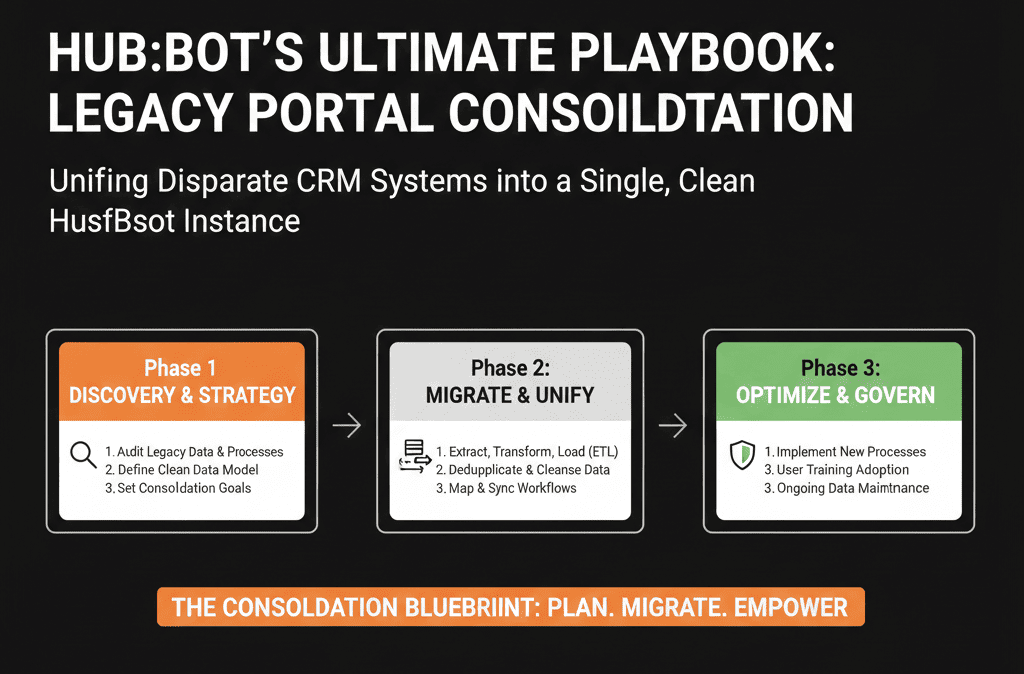
What You Can Do in the Next 30–60 Days
If you’re currently running multiple HubSpot portals, you can start with:
- List all active portals and who owns them.
- Decide which portal will be the primary destination (or whether a new one is needed).
- Run a light audit on each portal:
- Active data.
- Key workflows.
- Critical reports/dashboards.
- Design a high-level unified architecture:
- Objects, pipelines, lifecycle, key properties.
- Identify one pilot group (e.g., one region or business unit) to move first into the consolidated model.
This will give you a realistic view of what full consolidation will require—without committing to a risky big bang.
Want an Architect to Design and Lead Your HubSpot Consolidation?
If you’re staring at two, three, or more HubSpot portals and not sure how to safely get to “one clean instance,” you’re not alone.
This kind of consolidation is exactly where an outside HubSpot architect adds value:
- Neutral view across all portals.
- Structured audits and mapping.
- Clear migration and change plan that protects revenue.
As part of our HubSpot Portal Health Check / HubSpot Audit, we can:
- Evaluate your multi-portal landscape.
- Propose a consolidation blueprint (target architecture, mapping, phasing).
- Estimate complexity and risk before you commit.






