



You Don’t Need a Perfect System. You Need Fewer Lost Jobs and Fewer Surprises.
If you run a:
- Construction company,
- Specialty contractor (HVAC, electrical, plumbing, roofing, etc.), or
- Service trades business,
…your daily reality includes:
- Calls, emails, and walk-ins about potential jobs.
- Site visits and estimates.
- Quotes and revisions.
- Jobs scheduled, in progress, and completed.
- Invoices and follow-up service work.
Most businesses in this space:
- Track leads on paper or in someone’s inbox.
- Use spreadsheets for job tracking.
- Don’t see the full pipeline or backlog until it’s almost too late.
HubSpot doesn’t have to make your life more complicated.
Used correctly, a few simple plays can deliver big wins in 90 days.
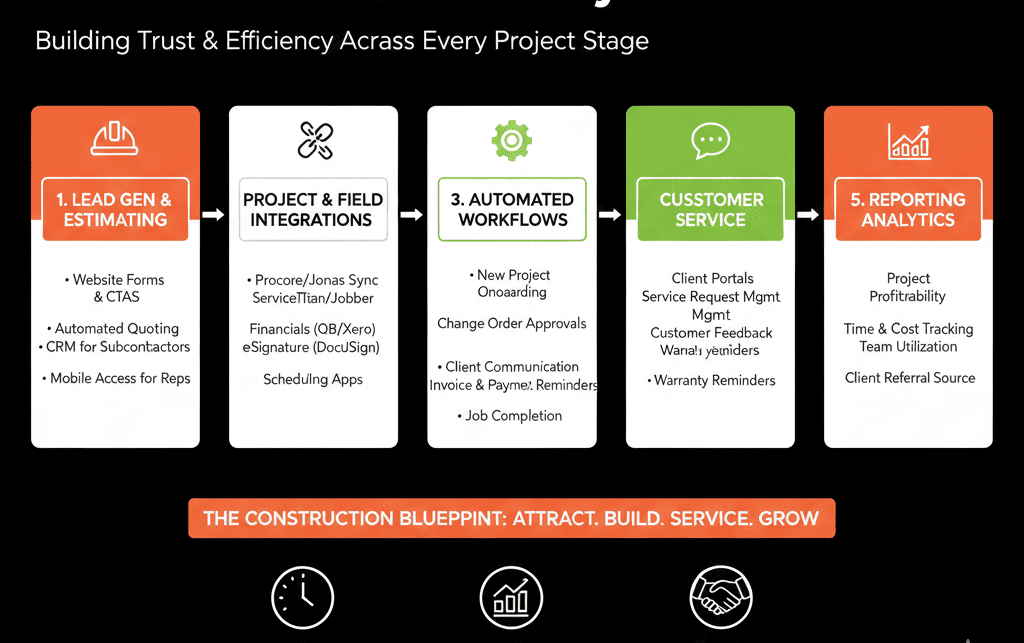
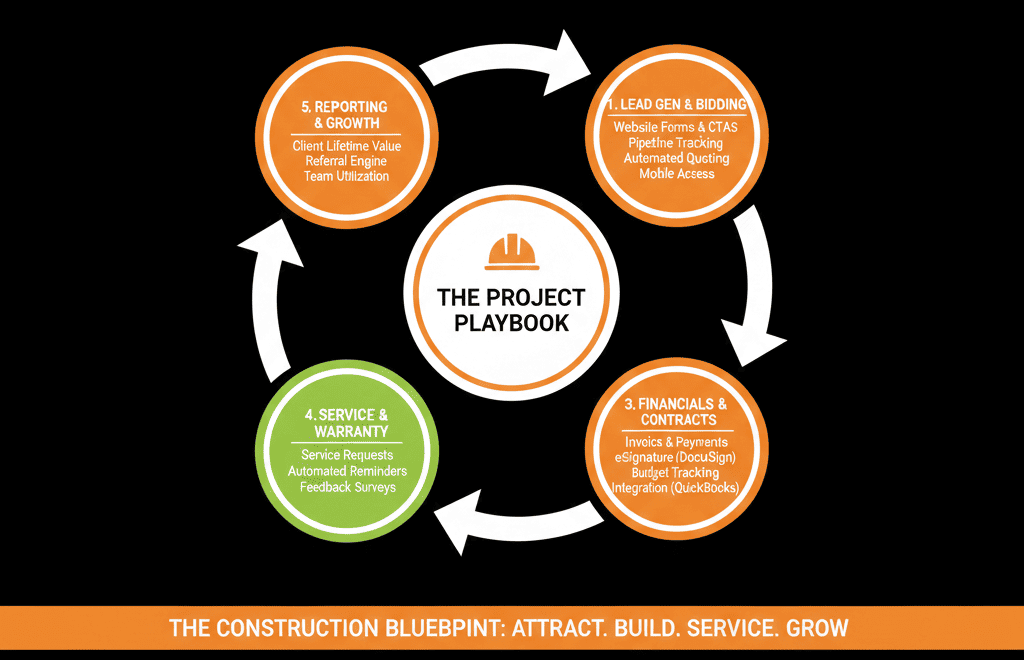
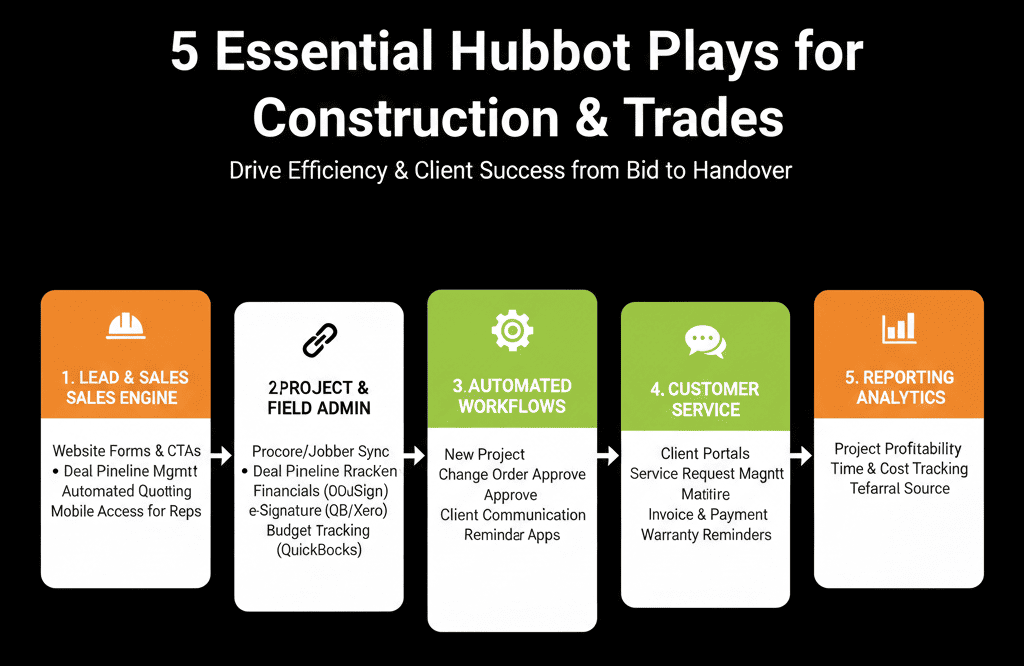
Here are 5 HubSpot plays we recommend for construction and trades businesses:
- Centralize lead capture and assignment.
- Clean up and standardize your job pipeline.
- Automate quote follow-up.
- Build a simple review and referral engine.
- Create a backlog and revenue dashboard owners actually use.
Play 1 – Centralize Lead Capture and Assignment
Why it matters
Leads come from:
- Phone calls.
- Website forms.
- Portals and directories.
- Walk-ins and referrals.
If they’re not all captured in one place:
- Some never get called back.
- Office and field teams don’t know what’s in play.
- You can’t measure where the best jobs come from.
What to do in HubSpot (2–3 weeks)
Capture all leads in HubSpot
Website:
- Connect contact/quote forms to HubSpot.
Phone/walk-ins:
- Train office/admin to add new Contacts and Deals in HubSpot while on the call or right after.
Portals/directories:
- Use integrations or email parsing/Zapier to create leads in HubSpot automatically.
Standardize basic info
On Contacts:
- Name, phone, email (if available).
- How they heard about you (Lead source).
On Deals (jobs):
- Job type (e.g., roof repair, full remodel, commercial HVAC).
- Location (suburb/area).
- Rough size/value band.
- Urgency (Emergency / Soon / Planned).
Assign owners
Route based on:
- Territory.
- Trade (e.g., plumbing vs electrical).
- Estimators vs service techs.
Use workflows to:
- Automatically assign new Deals.
- Create follow-up tasks.
Outcome:
Every new inquiry gets logged, assigned, and trackable in HubSpot—no more “lost on a sticky note” jobs.
Play 2 – Clean Up and Standardize Your Job Pipeline
Why it matters
Jobs usually move through:
Lead → Site visit → Estimate → Quote sent → Accepted → Scheduled → In progress → Completed.
If your pipeline:
- Doesn’t match these steps, or
- Is used differently by each team member,
…you’ll struggle to:
- Forecast revenue.
- Plan crews.
- See where jobs stall.
What to do in HubSpot (3–4 weeks)
Design a realistic job pipeline
Example stages:
- New Lead / Inquiry
- Needs Site Visit
- Site Visit Completed
- Estimate in Progress
- Quote Sent
- Negotiation / Waiting on Approval
- Job Won (Contract Signed / Deposit Received)
- Job Scheduled
- Job In Progress
- Job Completed
- Closed Lost
Define clear criteria for each stage
For each stage:
- What must have happened to move here?
- Who is responsible (office, estimator, PM, owner)?
- What should happen next?
Migrate existing jobs
- Move active jobs into the most appropriate stage.
- Close out obviously dead leads/jobs.
Train the team
- Office: what to do when a lead comes in.
- Estimators: when to move from “Estimate in Progress” to “Quote Sent.”
- Project managers: when to move to “Job In Progress” and “Job Completed.”
Outcome:
Your HubSpot pipeline mirrors your real job lifecycle—making it easier to manage workload and forecast income.
Play 3 – Automate Quote Follow-Up So Good Jobs Don’t Go Cold
Why it matters
You spend time and money to:
- Visit sites.
- Prepare estimates.
- Build quotes.
If there’s no structured follow-up:
- Many quotes die silently.
- Your close rate suffers.
- You underestimate the value of follow-up discipline.
What to do in HubSpot (2–3 weeks)
Capture quote details in HubSpot
On the Deal:
- Quote status (Draft, Sent, Viewed, Accepted, Rejected).
- Quoted amount.
- Quote sent date.
Use workflows to manage follow-up
When Quote Sent:
- Create a follow-up task for X days later.
- Optionally send an email reminder (for certain segments).
After first follow-up:
- Create a second task X+ days later if no response.
Track quote outcomes
When accepted:
- Set Quote status = Accepted.
- Move Deal to “Job Won / Scheduled.”
When rejected or lost:
- Capture a simple Lost reason (Price, Competition, No Decision, Timing, etc.).
Measure
- Win rate from “Quote Sent.”
- Average days between Quote Sent and Accept/Lost.
- Win rate by job type and source.
Outcome:
You systematically follow up on every quote—and you know what’s working.
Play 4 – Build a Review and Referral Engine From Completed Jobs
Why it matters
For trades and construction:
Reviews and word-of-mouth are gold.
Most businesses rely on “please leave us a review” at best.
Without a process:
- You miss many satisfied customers.
- Referrals and online proof lag behind your actual quality.
What to do in HubSpot (3–4 weeks)
Use Deal stage “Job Completed” as a trigger
When a job moves to “Job Completed”:
- Enroll Contact in a post-job workflow.
Automate review requests
Send a personalized email:
- Thanking them for their business.
- Linking to your preferred review sites (Google, Facebook, industry directories).
Optionally:
- Ask if they’d be open to being a reference or case study.
Capture NPS/CSAT if appropriate
Simple 1–5 satisfaction rating in a form.
Store on the Contact/Company.
Trigger referral outreach
For happy clients (4–5 rating or explicit positive feedback):
Follow-up email or call:
Asking if they know others who might need similar work.
Outcome:
Every completed job becomes a systematic opportunity for reviews and referrals, not just a “one and done.”
Play 5 – Create a Backlog and Revenue Dashboard for Owners
Why it matters
As an owner or GM, you need to know:
- How much work is booked.
- How much is likely to close.
- When you’ll need more or fewer crews.
- Whether marketing spend is paying off.
If this lives only in someone’s head or a spreadsheet, you’re flying blind.
What to do in HubSpot (3–4 weeks)
Ensure Deals are current and data is filled
For all active jobs/opportunities:
- Stage, Amount, Close date (for accepted quotes and near-certainty jobs).
- Job type/line of business.
Build a “Backlog & Pipeline” dashboard
Include:
- Open pipeline by stage and value.
- Jobs won and scheduled (backlog) by month/quarter.
- Deals won vs lost in a given period.
- Pipeline and revenue by job type and source.
Add a “New Leads & Quotes” section
New leads per week.
Quotes sent vs accepted.
Win rate by job type and source.
Use this dashboard weekly
In management meetings:
- Discuss which jobs to push.
- Whether to adjust marketing spend.
- Crew/booking planning.
Outcome:
You get a simple, live view of where work is coming from and where it’s going.
A Realistic 90-Day Sequence
Here’s a practical order to tackle these plays:
Weeks 1–4
- Play 1: Centralize lead capture & assignment.
- Start Play 2: Design your new job pipeline and stage criteria.
Weeks 5–8
- Finish Play 2: Clean and migrate active jobs.
- Play 3: Implement quote tracking and follow-up workflows.
Weeks 9–12
- Play 4: Launch post-job review/referral workflow.
- Play 5: Build and start using the Backlog & Pipeline dashboard.
You’ll see benefits after each play, without overwhelming your team.
Want Help Implementing These Plays in Your Construction/Trades Business?
If HubSpot is already in place—or you’re just rolling it out—but it doesn’t yet match how your jobs actually flow, we can help.
Our HubSpot Portal Health Check / HubSpot Audit for construction and trades can:
- Review your current lead, quote, and job processes.
- Show where your portal is leaking revenue or hiding visibility.
- Provide a 60–90 day plan to implement these 5 plays for your exact model.






