If Your Routing Ignores Regions, Your Funnel Ignores Reality
Multi‑region teams have real differences:
- Time zones and working hours.
- Languages.
- Regulatory constraints.
- Territory ownership and quotas.
But many HubSpot setups still:
- Route everything to a single pool.
- Depend on manual reassignment.
- Ignore regional SLAs and language needs.
The result:
- Slower responses in some regions.
- Conflicted ownership.
- Unclear visibility on where leads go and why.
Routing for multi‑region teams in HubSpot is a design problem, not just a workflow problem.
Here’s how to architect it properly.
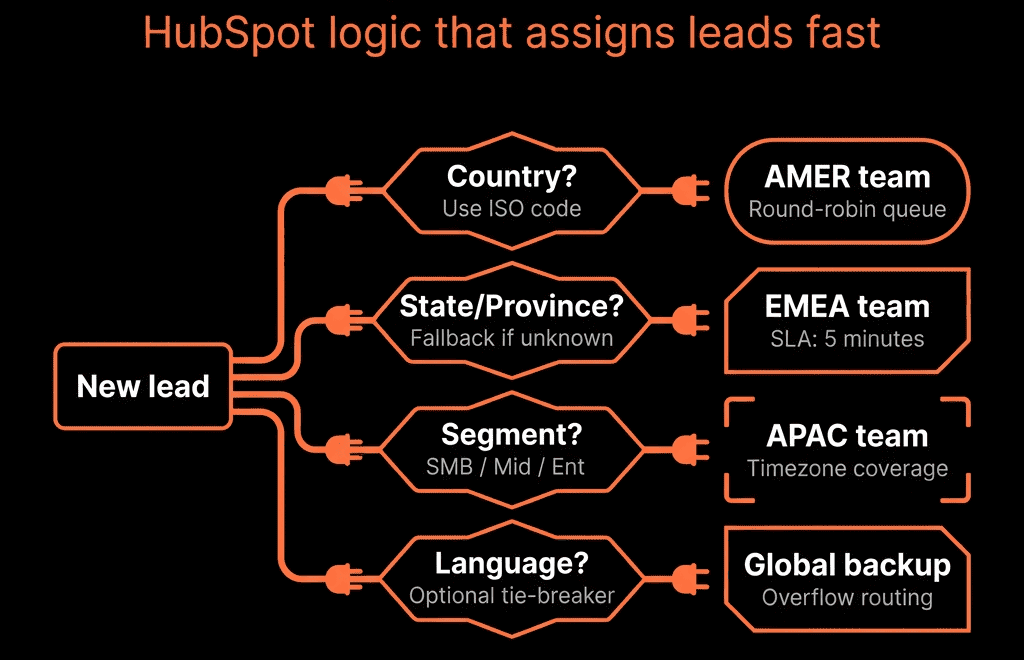
Step 1 – Clarify Your Regional and Territory Model First
Before building any workflow, map the business logic.
Questions to answer:
- Which regions do you operate in? (e.g., North America, EMEA, APAC, LATAM)
- How are territories defined? (country, region, state/province, vertical, company size)
- Who owns which territories? (named accounts vs pooled routing; SDR/BDR vs AE coverage)
- Are there language or compliance constraints?
Document:
- A simple table: territory rules → owner/team or pool.
- Any exceptions (strategic accounts, partner-owned accounts).
HubSpot routing will mirror this model.
Step 2 – Standardize Country and Region Data in HubSpot
Accurate routing depends on clean geographic data.
Do this first:
- Ensure you have Country (standardized dropdown or normalized text).
- Create Region/Territory properties on Contacts and/or Companies.
- Normalize values via workflows (e.g., US/USA/U.S. → United States).
- Map countries to regions in a Region property (US/Canada → North America; UK/DE/FR → EMEA; etc.).
- Make sure forms capture country (and language), using dropdowns instead of free-text.
This property layer is what your routing logic will use.
Step 3 – Align HubSpot Teams, Owners, and Assignment Rules
Use HubSpot Teams and owner properties to reflect your org structure.
In HubSpot:
- Create Teams: SDR – North America, SDR – EMEA, AE – North America, AE – EMEA, etc.
- Assign users to the right Team(s).
Owner properties to use:
- Contact owner – primary for routing.
- Company owner – account-level responsibility.
- Optional: SDR owner vs AE owner (custom HubSpot user properties) if roles are distinct.
Territory mapping:
- Decide whether each region uses a pool (round-robin) or named owners per territory (e.g., DACH AE, UKI AE).
This setup is the backbone of automated assignment.
Step 4 – Design Routing Rules by Region and Tier
Turn your earlier territory map into specific rules.
Common pattern:
- Determine region from country.
- Within region, determine tier by company size, ICP tier, or segment (SMB/MM/ENT).
For each region/tier combination, define:
- Which SDR/BDR pool (or named reps) to route to.
- Which AE(s) own deals from those leads.
Implementation approach:
- In a contact-based workflow: branch by Region, then branch by Tier/Segment.
- For each branch, either rotate ownership among users (round-robin) or assign directly to a named owner.
Keep branching manageable—micro-territories make maintenance painful.
Step 5 – Build Routing Workflows in HubSpot
Now, implement.
High-level routing workflow:
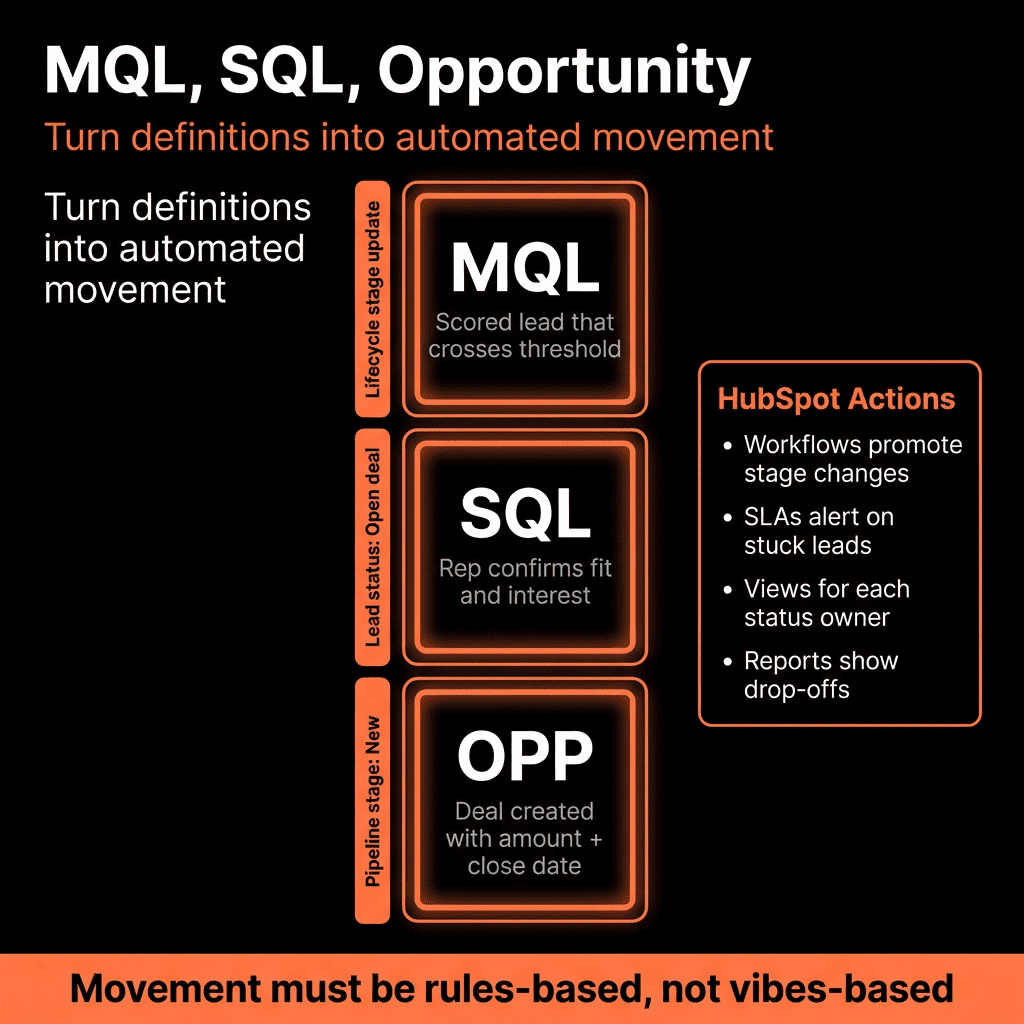
Enrollment triggers:
- New Contact created from certain forms or integrations.
- New MQLs (if you route at MQL stage).
Steps:
- Check for existing account ownership: if Company already has an owner, assign Contact to that owner (or their SDR) to preserve account-based ownership.
- If no account owner: route by region and tier using Step 4 logic.
- Set Contact owner and (if appropriate) Company owner and SDR owner.
- Create follow-up tasks with deadlines based on regional SLAs.
Use separate workflows for initial assignment vs role assignment if your SDR/AE split is complex.
Step 6 – Handle Time Zones and SLAs by Region
Multi-region routing must respect local time and service levels.
For each region:
- Define business hours and SLAs (e.g., 2 business hours for high-intent, region-specific schedules).
- Configure user time zones correctly.
- Build region-specific SLA workflows: branch by Region, wait X business hours, then check for first activity; if none, remind owner and notify manager.
Make sure you’re not penalizing teams for leads that arrive at 3am local time.
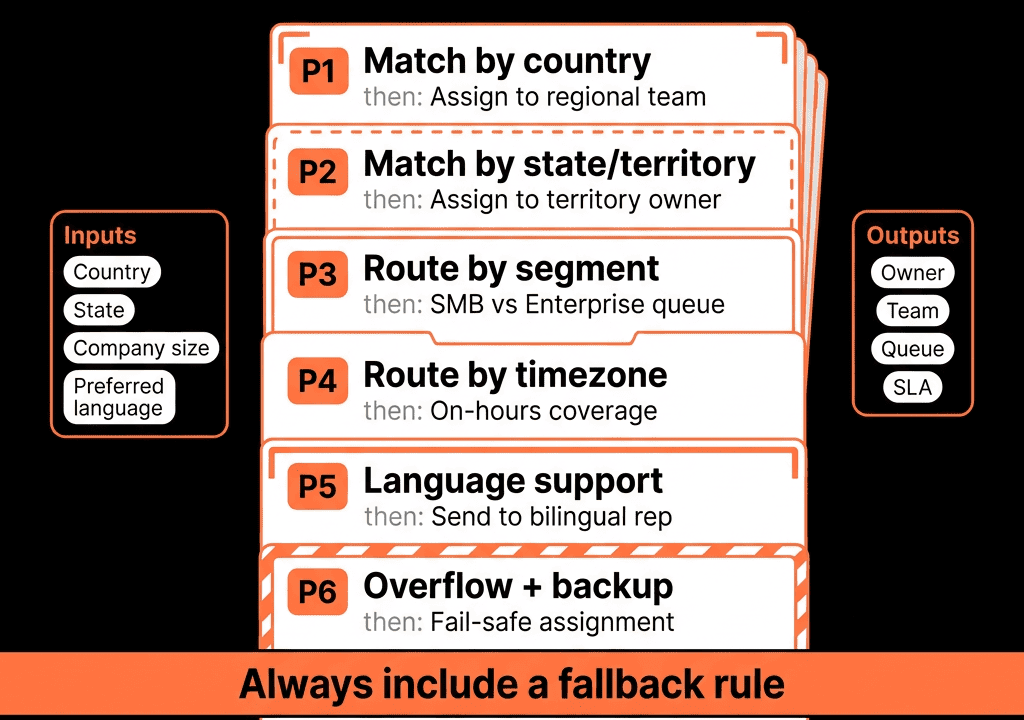
Step 7 – Manage Exceptions: Strategic Accounts and Re-Routing
No routing scheme covers 100% of reality. Plan for exceptions.
Strategic accounts:
- If Company is tagged Strategic = Yes or linked to a specific AE, workflows should prefer that owner over generic routing.
Re-routing logic:
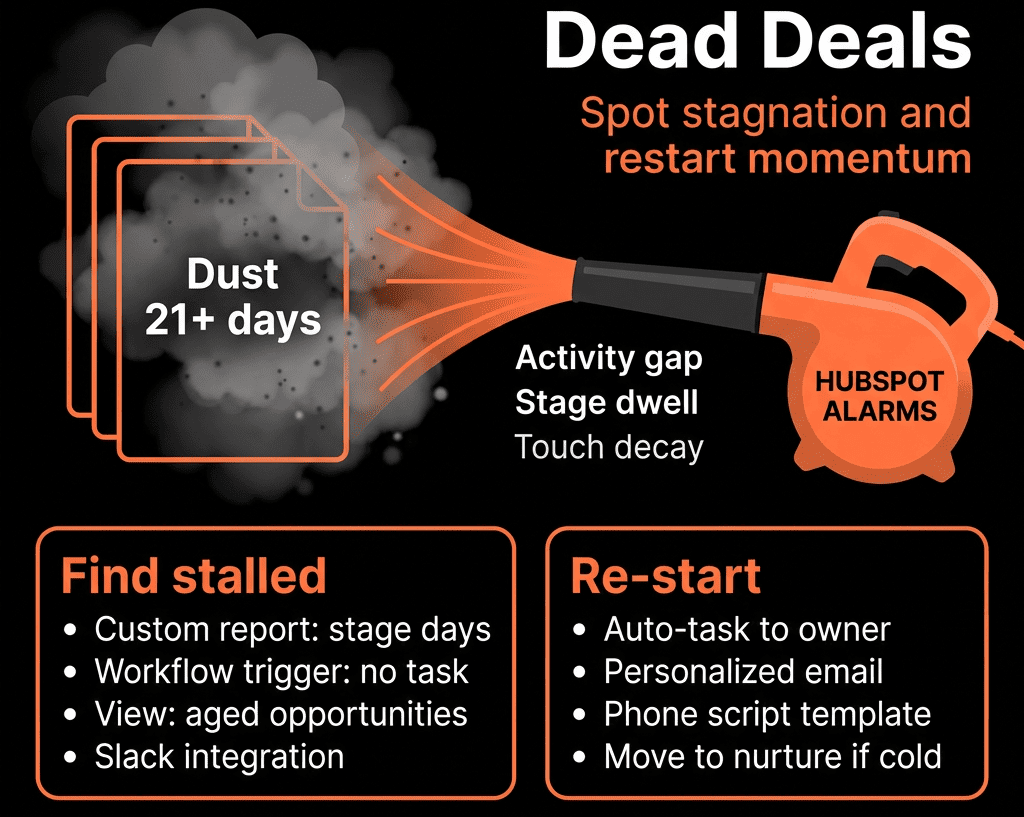
- If leads remain untouched beyond SLA, escalate to manager and optionally reassign to a backup pool.
Manual overrides:
- Allow leadership to reassign when needed, and prevent workflows from undoing it (e.g., “Owner locked = Yes” skips routing).
Document exceptions so teams trust the system.
Step 8 – Provide Region-Specific and Global Visibility
Routing only works if each team can see their world—and leadership can see the whole.
For regional teams:
- Views: “My team’s new leads,” “Unworked leads in [Region].”
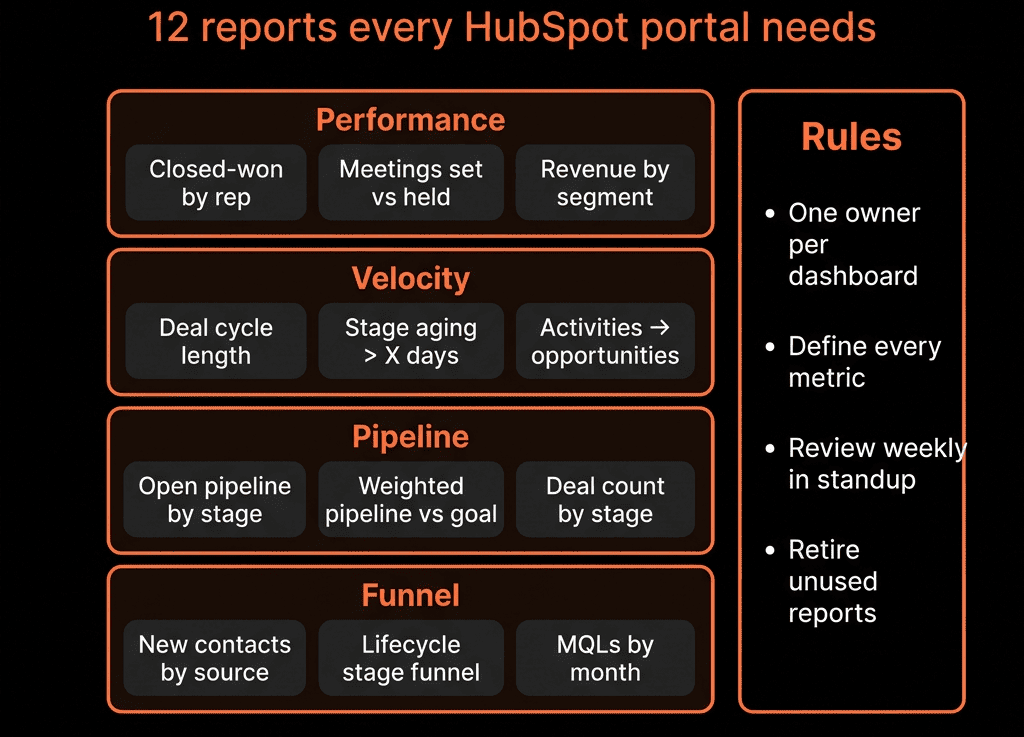
- Dashboards: lead volume/conversion by region, SLA performance by region.
For leadership/RevOps:
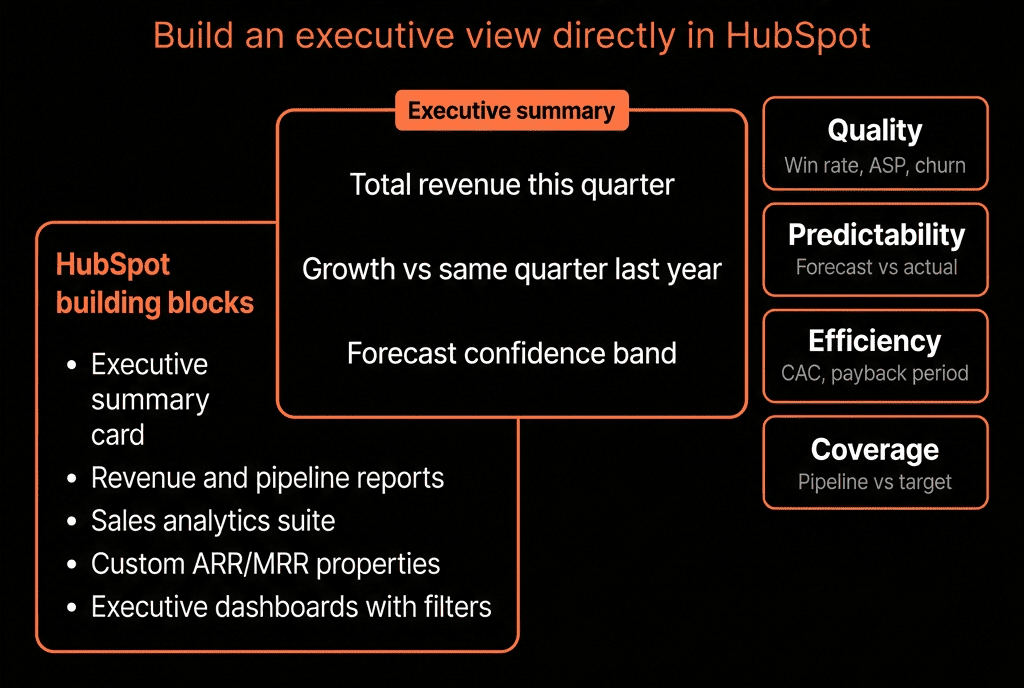
- Global dashboards: leads by region and tier, speed-to-lead by region, pipeline creation by region.
This supports local optimization and global planning.
Step 9 – Review and Refine Routing Rules Regularly
Regions change. Territories change. Volumes change.
At least quarterly:
- Review volumes per region/team, SLA performance, and lead quality feedback.
- Adjust territory boundaries, pools, rotation participants, and SLAs based on capacity.
- Communicate routing changes clearly—don’t change logic silently.
Pulling It Together: Predictable, Fair, Region‑Aware Routing in HubSpot
Designing lead routing logic in HubSpot for multi-region teams means:
- Mapping territory rules to teams/owners.
- Standardizing country/region and tier data.
- Using Teams and owner properties to mirror your org.
- Implementing workflows with rotation/assignment and SLA-aware alerts.
- Handling exceptions and providing regional + global visibility.
Do this right, and every lead lands with the right owner, at the right time, in the right region—and you can prove it.
Want Help Designing Multi-Region Lead Routing in Your HubSpot Portal?
If your current routing feels ad hoc, unfair between regions, or impossible to report on, this is where we can help.
Our HubSpot Portal Health Check and Migration & ROI Plan are designed to:
- Audit your current data, territory, and routing setup.
- Design a clear, scalable routing logic for your regions and teams.
- Implement workflows, SLAs, and dashboards so you can see and improve performance by region.