



Why Financial Services Needs 90‑Day HubSpot Plays
Financial services firms rarely suffer from “no tools”.
They suffer from tools nobody trusts.
We see the same pattern across wealth managers, RIAs, insurance brokers, and lenders: HubSpot is live, data is messy, compliance sits in spreadsheets, and advisors run their own side systems. The result is simple. Decisions are made on partial data and growth depends on a few heroic individuals.
A 90‑day window is enough to change that. Not by “rebuilding everything”, but by running a small set of focused plays. Each play below is designed to be technically light, compliance‑aware, and commercially meaningful. For most firms, we start by running a structured 20‑Point HubSpot Health Check (our HubSpot Audits offer) and then convert the findings into an Implementation Blueprint for execution.
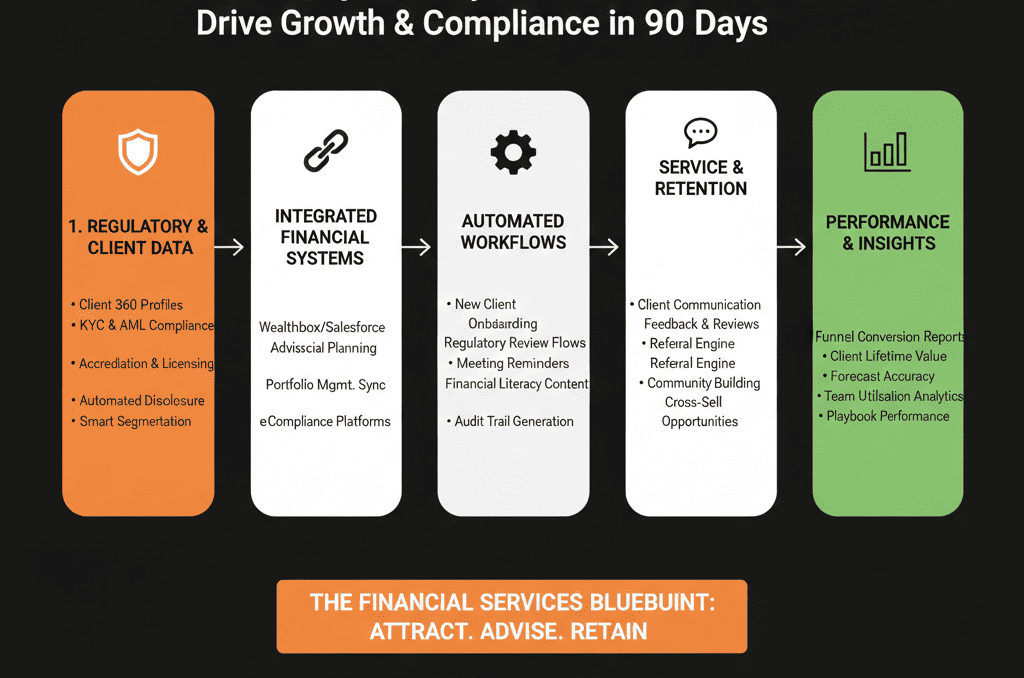
Play 1: Build a Compliant, Advisor‑Ready Data Model (Days 1–21)
Map households, entities, and advisors properly
HubSpot’s default model assumes “one contact = one person = one relationship”.
That is not how financial services works.
In reality you manage:
- Households with multiple decision‑makers.
- Legal entities (trusts, holding companies, businesses).
- Advisors and introducers around the relationship.
In the first 21 days, design a simple but robust data model:
- Use Companies (or a Custom Object) to represent households and entities.
- Keep Contacts as real people: UBOs, signatories, beneficiaries, introducers.
- Associate: Contacts → Household/Entity.
- Associate: Contacts → Primary advisor / relationship manager.
- Standardize naming patterns for clarity (e.g., “Household – Khan Family”, “Entity – ABC Holdings Ltd”).
When we build HubSpot Implementation Blueprints for financial services, this is where we start: data model, associations, and a clear ownership model for records so nothing falls between the cracks.
Standardize KYC, suitability, and compliance properties
Second, bring KYC and suitability into HubSpot in a governed way.
We are not turning HubSpot into a document vault. We are surfacing the minimum viable set of fields needed for routing, approvals, and reporting.
Create or clean up properties for:
Risk and profile:
- Risk tolerance (Low / Medium / High).
- Investment horizon.
- Client category (Retail / Professional / Accredited / HNW).
- Segment (Mass Affluent / HNW / UHNW / Corporate / Institutional).
Compliance status:
- KYC status (Not Started / In Progress / Complete / Refresh Due).
- PEP / sanctions check (Pass / Fail / Escalated).
- Document completeness (Yes / No, with notes stored in your secure document system).
Govern these properties tightly. Disable duplicates, hide legacy fields, and make sure you use a Health Check to identify “property bloat” before adding more.
Play 2: Separate Interest from Onboarding in Your Pipelines (Days 1–30)
Run distinct sales and onboarding/compliance pipelines
Most firms jam everything into one pipeline: Lead → Qualified → Proposal → Onboarded.
That hides risk and creates reporting confusion.
In 30 days, aim to separate:
- Interest / Commercial pipeline (Deals): New Inquiry → Engaged → Meeting Scheduled → Recommendation Presented.
- Onboarding / Compliance pipeline (Deals, Tickets, or a Custom Object): KYC Initiated → KYC Complete → Compliance Approved → Account Opened → Funded.
The principle is simple. Advisors own the interest pipeline. Compliance and Operations own the onboarding pipeline. HubSpot just makes the handoffs explicit and visible.
Add stage‑based requirements and approvals
Once you have distinct pipelines, enforce quality at key transitions:
Configure stage‑based required fields:
- Moving to “Meeting Scheduled”: product interest, advisor owner, estimated AUM band.
- Moving to “Recommendation Presented”: risk tolerance, client category, chosen product set.
- Moving to “Compliance Approved / Account Opened”: KYC status, PEP/sanctions outcome, suitability confirmation.
Add workflow approvals:
- When a record moves to “Compliance Approved”, auto‑create an internal task or ticket for final checks.
- Notify a manager for high‑risk or high‑AUM cases based on properties.
In our 20‑Point HubSpot Health Check, we specifically test pipeline definitions and handoffs because this is where compliance and sales alignment either works or fails.
Play 3: Turn Referrals into a System, Not Serendipity (Days 15–45)
Capture every referral with simple forms and properties
Referrals drive a huge portion of growth in financial services.
Most firms do not track them in a structured way.
In HubSpot:
Add properties on Contacts/Deals for:
- “Referred by contact” (reference).
- “Referred by type” (Client / Professional / Partner / Employee).
Create a referral form on your site or portal:
Collect essential details only: name, contact, relationship, permission to contact.
Trigger referral outreach sequences:
- 30–45 days after onboarding, when clients have seen value.
- After a high NPS or positive service interaction.
During implementation projects, we often wire these referral triggers into Service Hub so Client Services can consistently feed the pipeline.
Route referrals to the right advisor with SLAs
The second failure point is routing.
Warm referrals die in shared mailboxes or generic pipelines.
Use HubSpot workflows to:
Assign referrals based on:
- The referring client’s current advisor.
- Geography or regulatory jurisdiction.
- Product interest (e.g., lending vs wealth).
Create referral SLAs:
- Auto‑create a task with due date within 1 business day.
- Escalate to a manager if no “Outcome” is logged within 48 hours.
Report on:
- Referrals by advisor.
- Referral conversion to funded account.
We validate and tune these referral SLAs as part of our audits to make sure you are not leaving low‑cost AUM on the table.
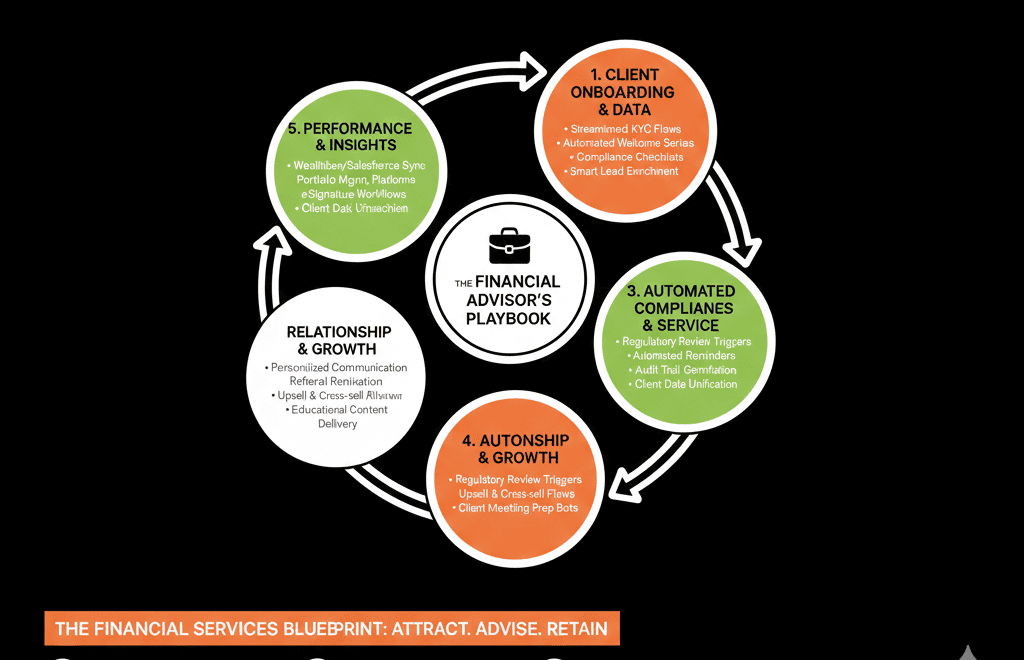
Play 4: Nurture Dormant Prospects with Fit + Intent Scoring (Days 30–75)
Segment dormant prospects by product, risk, and value
Your CRM is full of “too early”, “paused”, or “not now” prospects.
If you only send them generic newsletters, you are wasting data.
Use existing fields plus a few new ones to build segments:
- Product / service interest (retirement, wealth, insurance, lending, corporate treasury).
- Risk tolerance and investment horizon (from early conversations).
- Estimated AUM or case size band.
- Segment and geography (retail, HNW, corporate, institutional).
Build dynamic lists in HubSpot for each meaningful combination. Then design nurture programs that speak to their specific situation and timelines instead of generic content.
Build a scoring model advisors can understand
Most lead scoring models in financial services are either opaque or ignored.
Advisors need to know what a “score” actually means.
Our approach splits scoring into:
Fit score (largely static):
Segment, geography, estimated AUM, product fit, KYC feasibility.
Intent score (dynamic):
- Visits to key pages (pricing, product detail, FAQs).
- Content engagement (webinars, calculators, whitepapers).
- Replies to nurture emails or event attendance.
In HubSpot:
- Create two separate scoring properties: “Fit score” and “Intent score”.
- Share the scoring rules with advisors so they understand why a prospect is flagged.
Use workflows to:
- Alert advisors when an existing prospect crosses an intent threshold.
- Move deals into a “Re‑engaged” stage with defined next actions.
We typically rebuild scoring as part of a RevOps retainer, but you can make meaningful progress in 90 days with a lean, transparent model.
Play 5: Build an Executive‑Ready Revenue & AUM Command Center (Days 45–90)
Design dashboards for Partners, Compliance, and Marketing
Executives do not need to see email opens.
They need to see AUM, risk, and throughput.
Within 90 days, you should have:
Partner / Leadership dashboard
- New AUM and fee revenue by: Channel (referrals, direct, introducers, digital).
- Segment and product.
- Advisor.
- Pipeline by stage and AUM band.
- Time from first inquiry to funded account.
Compliance / Ops dashboard
- KYC status distribution (Not Started / In Progress / Complete / Refresh Due).
- Accounts stuck in “Compliance Pending” with age.
- Overdue KYC reviews, by advisor or segment.
Marketing / Growth dashboard
- Leads by source and product interest.
- MQL → Meeting → Account Opened conversion.
- Contribution of specific campaigns to AUM and revenue, not just volume.
As part of our HubSpot Audits, we benchmark existing reporting against these views and recommend a Reporting & Data Blueprint to close gaps.
Install a 30/60/90‑day governance cadence
HubSpot is not “set and forget”, especially in regulated markets.
You need an explicit operating rhythm.
We usually recommend:
Every 30 days
- Run basic data hygiene tasks: merge duplicates, fix missing core fields.
- Review pipeline usage: are advisors skipping required fields or stages?
Every 60 days
- Adjust routing, SLAs, and nurture based on performance.
- Review referral volume and conversion by advisor.
Every 90 days
- Review dashboards with leadership and compliance.
- Refresh your Implementation Blueprint: what to build next, what to deprecate, and where to double down.
Our Managed RevOps retainers are built around this cadence so your HubSpot portal evolves with the business instead of drifting into chaos again.
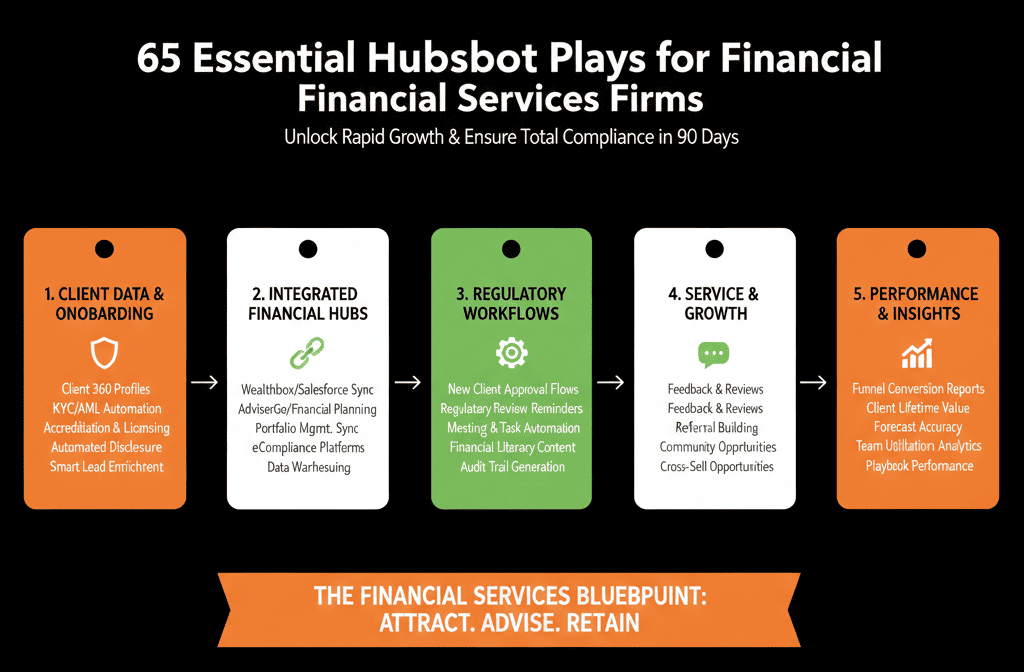
Run a 20‑Point HubSpot Health Check First
All five plays are achievable in 90 days.
They are much faster, and safer, if you do not start from a messy, undocumented portal.
Before you rework data models, pipelines, or scoring, run a structured 20‑Point HubSpot Health Check. We use our HubSpot Audits framework to inspect:
- Data model and associations (households, entities, advisors).
- KYC and compliance properties.
- Pipelines, routing, and SLAs.
- Automation and handoffs between Marketing, Sales, and Service.
- Reporting and executive visibility.
We then translate findings into a concrete Implementation Blueprint for your firm: a 90‑day build plan with priorities, risks, and expected impact.
If you run a financial services business on HubSpot and want these plays architected and executed without guesswork, request a Free HubSpot Health Check and we will map exactly what to do in the next 90 days.






