



Lifecycle Isn’t a Field. It’s Your Revenue Story in One Line.
Most HubSpot portals treat lifecycle like a checkbox:
- Someone set default stages years ago.
- Workflows bump values up and down.
- Reports exist that nobody fully trusts.
But lifecycle, done right, is your revenue narrative in one field:
- How strangers become leads.
- How leads become opportunities.
- How customers grow or churn.
When lifecycle is sloppy:
- Marketing and sales fight about what a “good lead” is.
- Reporting teams fudge definitions in dashboards.
- RevOps can’t see where growth is stalling.
This article shows how to turn HubSpot lifecycle from “labels” into a shared revenue language that drives decisions.
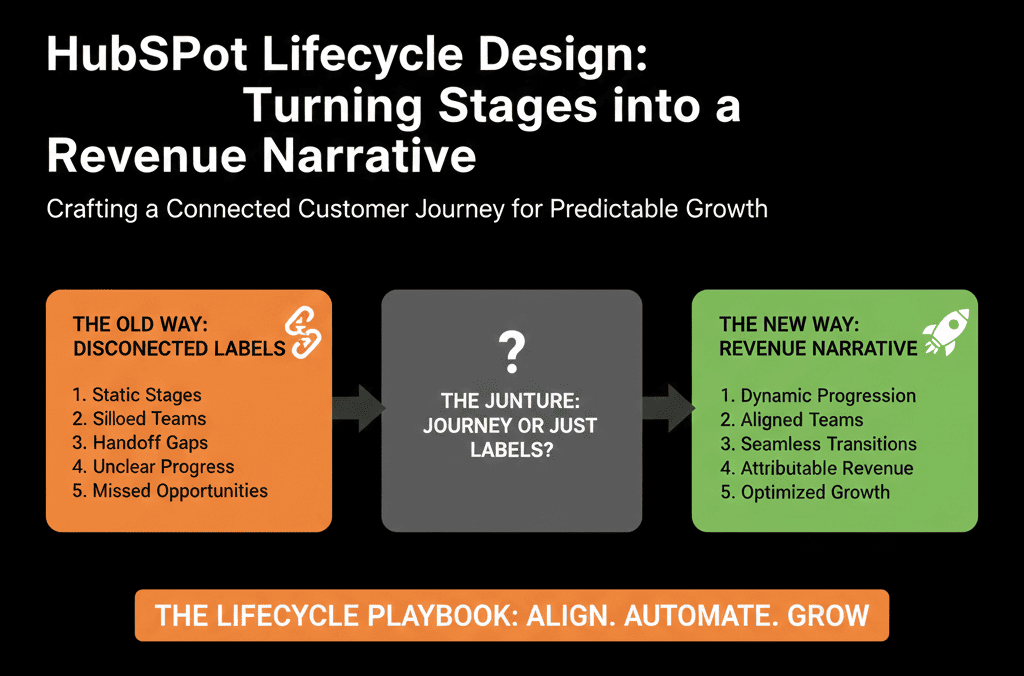
Step 1: Stop Copy-Pasting Default Stages. Start from Your Motion.
HubSpot’s default lifecycle stages (Subscriber, Lead, MQL, SQL, Opportunity, Customer, Evangelist) are a helpful starting point, not a prescription.
Your lifecycle should reflect:
- Your business model (SaaS vs services vs manufacturing).
- Your go-to-market motions (inbound, outbound, PLG, partner).
- Your sales process (low-touch vs complex enterprise).
Before you touch HubSpot settings, answer:
- What are the major chapters of our buyer and customer journey?
- Where do we make hand-off decisions (marketing → sales → CS)?
- Where do we want to measure conversion and velocity?
Write these chapters down in plain language. Then map them to lifecycle stages.
Step 2: Define Each Lifecycle Stage as a Clear Contract
Think of lifecycle as a contract between teams, not a technical field.
For each stage, document:
- Name & definition
- One sentence: “A [Stage] is…”
- Entry criteria
- What must be true in HubSpot for a record to enter this stage?
- Exit criteria
- What happens when they leave?
- Owning team and expectations
- Who is responsible? What SLA or process applies?
Example (for B2B):
Lead
Definition: Known contact with some engagement but not qualified yet.
Entry: Filled any form or was added via import, meets basic data quality.
Exit: Meets MQL scoring or disqualified.
Owner: Marketing / RevOps.
MQL
Definition: Fit + intent meets our sales-ready threshold.
Entry: Fit score + intent score above agreed threshold.
Exit: Accepted or rejected by SDR/AE.
Owner: Marketing generates, Sales/SDR must react.
SQL
Definition: Sales has had a live conversation and confirmed a sales opportunity.
Entry: Qualifying call held, certain BANT/criteria met.
Exit: Becomes Opportunity (with a Deal) or Recycled.
Owner: SDR/AE.
Opportunity
Definition: There is an open Deal with a defined potential value and timeline.
Entry: Deal created in the pipeline, associated contacts marked as Opportunity.
Exit: Closed Won/Lost, or Recycled.
Owner: AE / sales team.
Customer
Definition: Paid customer with at least one Closed Won deal.
Entry: Deal marked Closed Won triggers lifecycle to Customer.
Exit: Churned or downgraded logic as needed.
Owner: CS / account team.
This document is more important than any workflow. It is the source of truth your workflows enforce.
Step 3: Pick Your Primary Object and Direction of Truth
In HubSpot, lifecycle can live on:
- Contacts
- Companies
- Deals (conceptually, via stages)
You must decide:
- Are we treating Contact lifecycle as primary (people-based)?
- Or Company lifecycle as primary (account-based)?
For many B2B teams:
- Company lifecycle makes more sense as the system of record.
- Contact lifecycle becomes a view of individual engagement.
A practical approach:
- Company lifecycle = account state in the journey.
- Contact lifecycle = individual journey, synchronized with company state at key points.
Example:
- When any associated contact reaches MQL, consider whether the company should become an “Engaged account.”
- When a deal is Closed Won, set Company → Customer, and associated key contacts → Customer (if not already).
Choose a direction of truth:
- Deals update lifecycle.
- Companies inherit from deals.
- Contacts inherit from companies (with nuance).
Then enforce that logic consistently.
Step 4: Use Lifecycle for More Than Marketing Attribution
Most teams only use lifecycle for:
- Counting leads and MQLs.
- One funnel chart in a marketing dashboard.
A well-designed lifecycle should support:
- Lead handoff and SLAs
- MQL → SQL: Trigger tasks, notifications, queues; measure time-to-first-touch.
- SQL → Opportunity: Ensure a Deal is created; track conversion and speed.
- Pipeline and forecast analysis
- See how many Contacts/Companies exist in each pre-opportunity stage and how that correlates with future pipeline creation.
- Customer success and NRR
- Track which Customers have active expansion opportunities and when customers qualify as “Evangelists” based on adoption/NPS.
If lifecycle doesn’t drive operational behavior, it’s just a vanity metric.
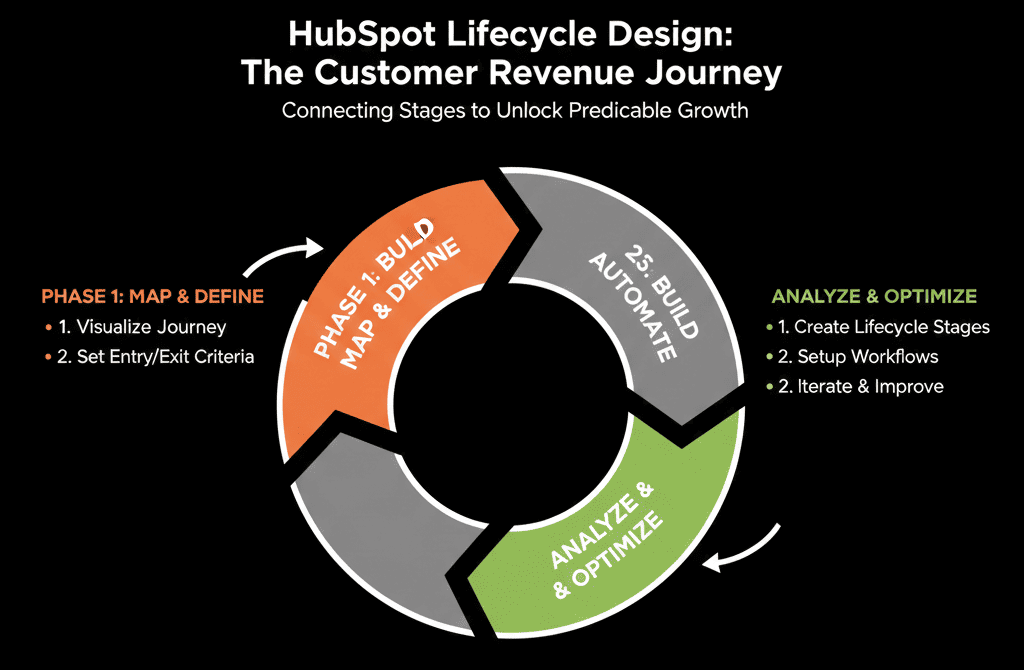
Step 5: Connect Lifecycle with Lead Scoring and Segmentation
Lifecycle should not compete with lead scoring; it should work together with it.
Pattern:
- Scoring = signal strength (fit + intent).
- Lifecycle = chapter in the story.
Example logic:
- Lead (low score, early touch).
- Lead → MQL: score crosses a threshold AND meets fit rules.
- MQL → SQL: sales accepts and confirms fit.
- SQL → Opportunity: deal created.
Concrete steps in HubSpot:
- Use scoring properties to drive lifecycle changes via workflows.
- Use lifecycle lists (MQLs, SQLs, Opportunities) as routing and queue filters, nurture entry/exit conditions, and reporting cohorts.
This keeps the model coherent instead of having three different concepts for “good leads.”
Step 6: Model Recycle and Disqualification Properly
Lifecycle is not a straight line. Contacts and accounts move backward or sideways.
You need clear rules for:
Recycle
Used when: Sales talked to them, but it’s “not now,” not “never.”
Logic: Move from SQL/Opportunity to Recycle or back to Lead. Optionally set a “Recycled reason” and “Next review date.”
Disqualified
Used when: They are not a fit (e.g., wrong segment, no budget ever, student, competitor).
Logic: Set lifecycle to Disqualified or keep as Lead + disqualify flag. Exclude from certain campaigns and routing.
Churned / Former customer
Define: When does a Customer become Churned? How do we treat leads from churned accounts later?
If you don’t model these paths, your lifecycle reporting will overstate reality (e.g., thousands of old MQLs that will never progress).
Step 7: Implement Lifecycle in Workflows Carefully (And Transparently)
Once your lifecycle design is clear, you can encode it into HubSpot workflows.
Best practices:
- Keep lifecycle workflows centralized.
- Avoid dozens of scattered workflows changing lifecycle.
- Use a small number (ideally 1–3) per object: “Contact – Lifecycle Management”, “Company – Lifecycle Management”.
- Use clear, mutually exclusive conditions (If X then Lead, else if Y then MQL, else if Z then SQL).
- Avoid conflicting workflows fighting over the same lifecycle field.
- Log changes by writing to custom properties like “Last lifecycle change reason” and “Lifecycle changed by (workflow vs manual)”.
Step 8: Use Lifecycle to Drive Reporting That Leadership Cares About
Once lifecycle is designed and implemented, build a small set of high-value reports:
- Funnel conversion: Lead → MQL → SQL → Opportunity → Customer (overall and by segment/channel).
- Velocity: Avg. time spent in each stage; time from first touch to MQL, SQL, Opportunity, Closed Won.
- Volume and coverage: Volume in each stage by segment (ICP / non‑ICP), region, product line.
These give leadership a single narrative: “Here’s where we’re losing people,” plus data to diagnose whether the problem is top-of-funnel, sales acceptance, qualification, or late-stage stalling.
Lifecycle becomes the axis of the revenue discussion, not just a report filter.
Step 9: Review and Adjust Lifecycle Quarterly
Your lifecycle model is not static. It needs maintenance.
Quarterly (or at least twice a year):
- Review definitions: Do stages still match how you sell and service? Have new products/channels changed handoffs?
- Review data: Too many records stuck in one stage? Stages barely used? “Loops” where records bounce?
- Collect feedback: Sales (does MQL feel meaningful? does SQL reflect reality?), Marketing (can we measure campaigns by lifecycle?), CS (does lifecycle reflect post-sale journeys?).
Then make small, documented changes, not wholesale reinventions.
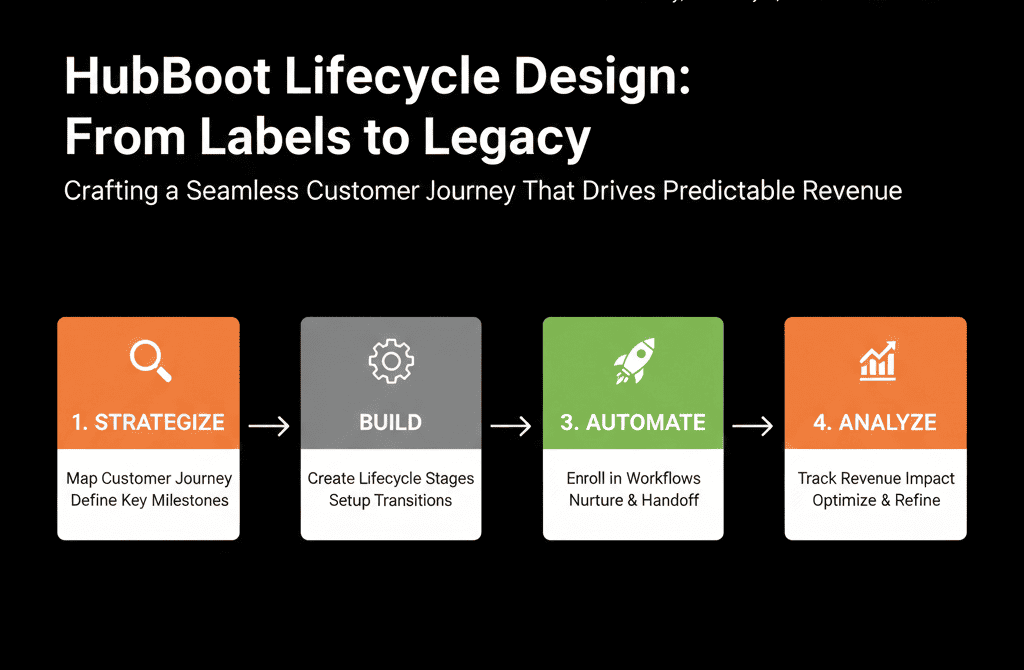
Step 10: When to Bring in Help for Lifecycle Re-Design
You should strongly consider external support when:
- Multiple teams are fighting over what MQL/SQL/Opportunity mean.
- Lifecycle fields have been edited by many people over years.
- Workflows are complex and nobody is sure what changes what.
- Leadership doesn’t trust funnel and lifecycle reports at all.
A good partner will:
- Facilitate cross-team workshops to define lifecycle in business language.
- Audit current lifecycle data and workflows.
- Propose a future-state lifecycle design aligned with RevOps and GTM.
- Implement it in HubSpot with minimal disruption.
- Train teams and document everything.
This transforms lifecycle from a confusing legacy field into the backbone of your revenue system.
Turn HubSpot Lifecycle Into a Story You Can Run the Business On
Lifecycle stages are not just labels in a dropdown. They are:
- Your shared definition of each chapter in the revenue journey.
- The glue between marketing, sales, and CS.
- The backbone of meaningful funnel and velocity reporting.
To make them work, you need to:
- Start from your real motion, not generic defaults.
- Treat each stage as a contract with clear criteria and owners.
- Choose a primary object and data flow.
- Connect lifecycle to scoring, routing, and CS.
- Implement carefully in workflows.
- Review and adjust based on real data and feedback.
If your current lifecycle design is confusing, inconsistent, or ignored, we can help you rebuild it properly.
At ElanceMind, we work with B2B teams to:
- Redesign HubSpot lifecycle and pipelines as part of a RevOps architecture.
- Clean up conflicting workflows and data.
- Build reports that leadership can trust and use.






