If Reps Live in Their Inbox, Not Their Task Queues, You’re Leaving Productivity on the Table
HubSpot can tell reps exactly what to do next:
- Who to call.
- Who to email.
- Which deals need follow‑up.
But in many portals:
- Tasks are created randomly (or not at all).
- Queues are unstructured junk drawers.
- Reps ignore HubSpot tasks and rely on sticky notes or personal to‑dos.
The result:
- Inconsistent follow‑up.
- Missed SLAs.
- “Busy” days without focused, high‑value activity.
Used correctly, Tasks and Queues turn HubSpot into a prioritized action list for sales.
Here’s how we structure them.
Step 1 – Set Principles for How You’ll Use Tasks
Before configuring anything, align on what Tasks are (and are not).
Good principles:
Tasks are for specific, time‑bound sales actions
- Call this person.
- Send this follow‑up email.
- Review and update this deal.
Tasks are not:
- General reminders that can live in email.
- One‑off notes with no due date.
Every critical workflow (SLAs, sequences, stage changes) should produce clear, actionable tasks—not just emails.
Reps should be able to start their day by:
- Opening a small set of Queues.
- Working through them until done.
This mindset keeps tasks meaningful and not overwhelming.
Step 2 – Standardize Task Types, Titles, and Priority
Make tasks easy to understand at a glance.
Use standard task types
- Call.
- Email.
- To‑do (for things like updating deals, preparing quotes, etc.).
Naming conventions for titles
Include context and next step:
- CALL – New demo request from [Company]
- EMAIL – Send proposal recap to [Contact]
- TODO – Update close date & stage for [Deal]
Priority
Use High/Medium/Low sparingly:
- High: time‑sensitive, high‑intent leads or late‑stage deals.
- Medium: normal follow‑ups.
- Low: clean‑up and housekeeping tasks.
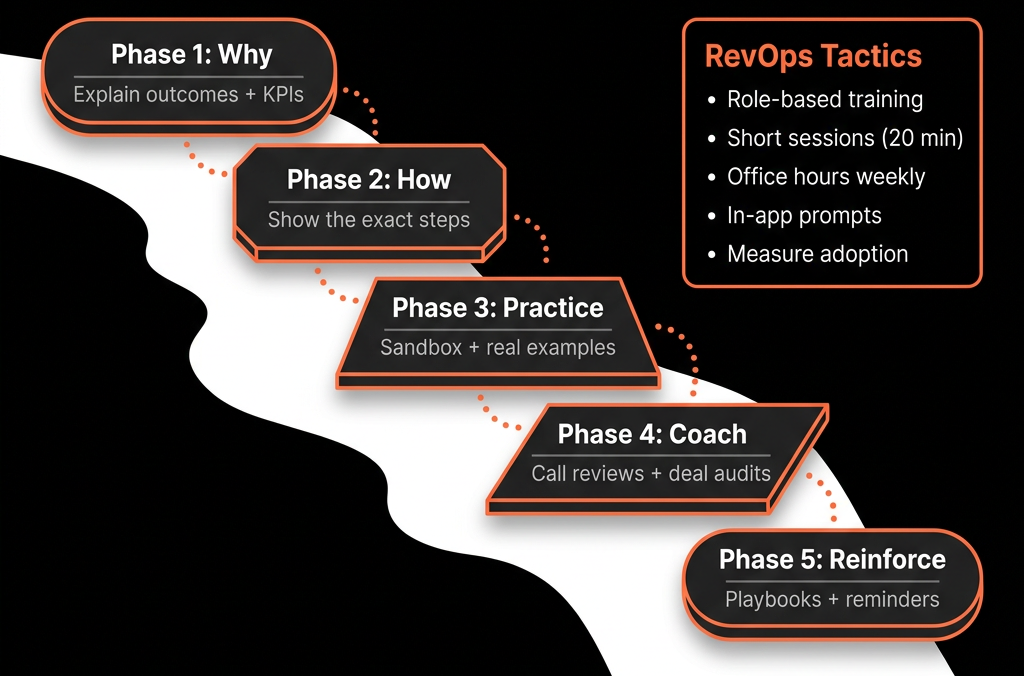
Agree these conventions in your RevOps playbook and train reps accordingly.
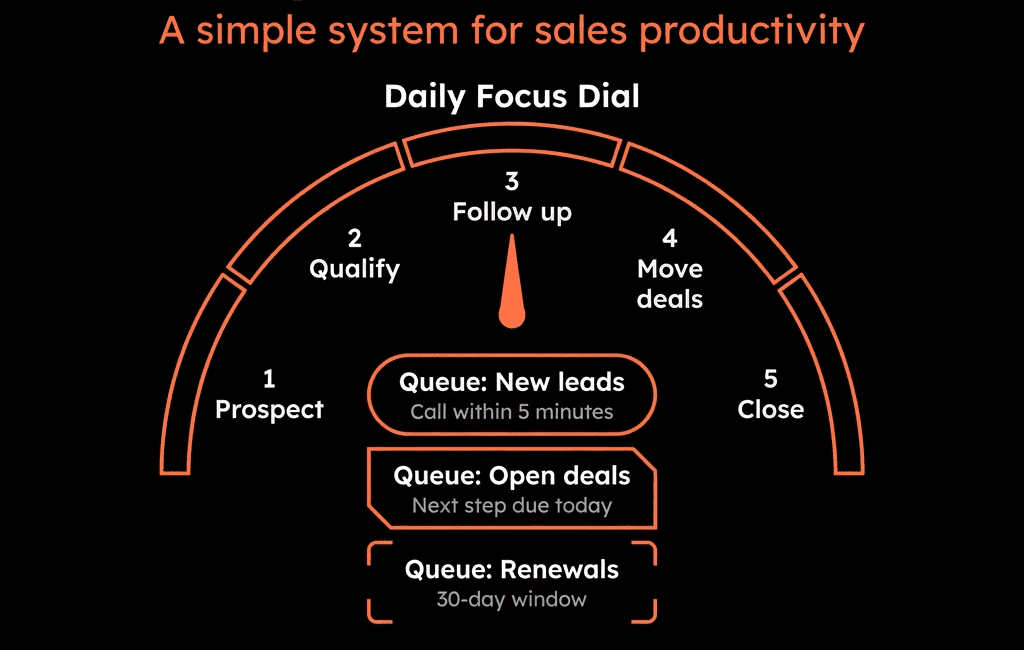
Step 3 – Design Smart Queues Instead of “Everything” Queues
Queues should be focused work modes, not catch‑alls.
Useful queue examples:
“Today – High‑intent new leads”
Tasks triggered by demo/contact sales requests.
“Today – Open opp follow‑ups”
Calls/emails related to deals in mid/late stages.
“Nurture – Warm leads to re‑engage”
Scheduled touches for dormant MQLs/SQLs.
“Admin – Deal & data hygiene”
Tasks to update stages, close out stale deals, or complete missing fields.
For each queue, define:
- Who it’s for (SDR, AE, CS, mixed).
- What types of tasks belong there.
- When in the day/week reps should work it.
Fewer, clearer queues are better than dozens nobody uses.
Step 4 – Use Workflows to Auto‑Create the Right Tasks
Automation should create tasks at key trigger points—not for everything.
High‑value task triggers:
New high‑intent lead
Trigger:
Demo/contact sales form submission.
Task:
CALL – New demo request from [Company]
Due: within SLA (e.g., 2–4 business hours).
Owner: assigned SDR/AE.
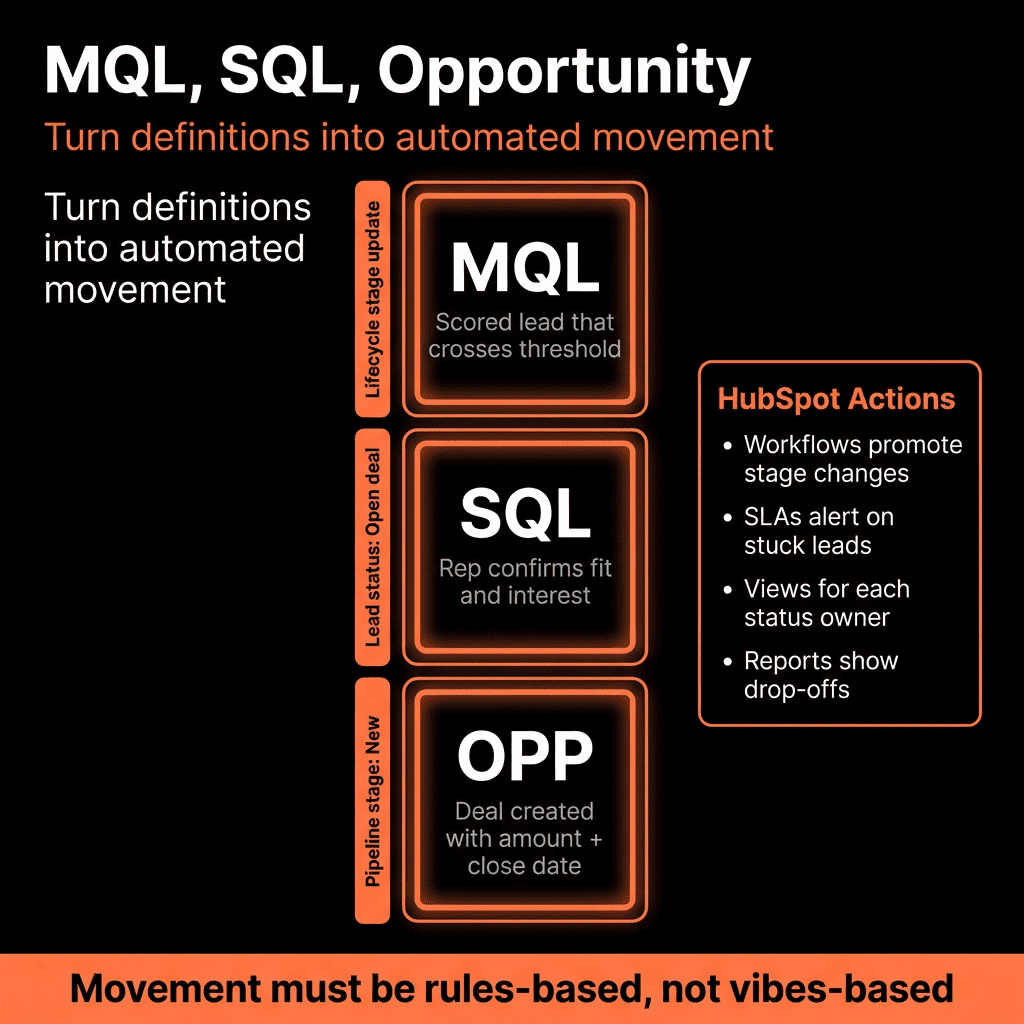
MQL assigned to Sales
Trigger:
Lifecycle moves to MQL and owner set.
Task:
CALL – New MQL: [Contact] at [Company].
No‑show or reschedule
Trigger:
Meeting outcome = No‑show.
Task:
EMAIL – No‑show follow‑up to [Contact].
Stage changes requiring action
Trigger:
Deal enters “Proposal Sent” stage.
Task:
CALL – Follow up on proposal with [Contact] in [X] days.
Renewal/expansion points
Trigger:
Deal close date approaching or subscription expiry.
Task:
CALL – Renewal check‑in with [Customer] or TODO – Prepare expansion plan.
Make sure each workflow:
Creates tasks with:
- Clear titles.
- Appropriate type and due date.
- Assignment to the right owner.
And doesn’t spam reps with redundant tasks for the same scenario.
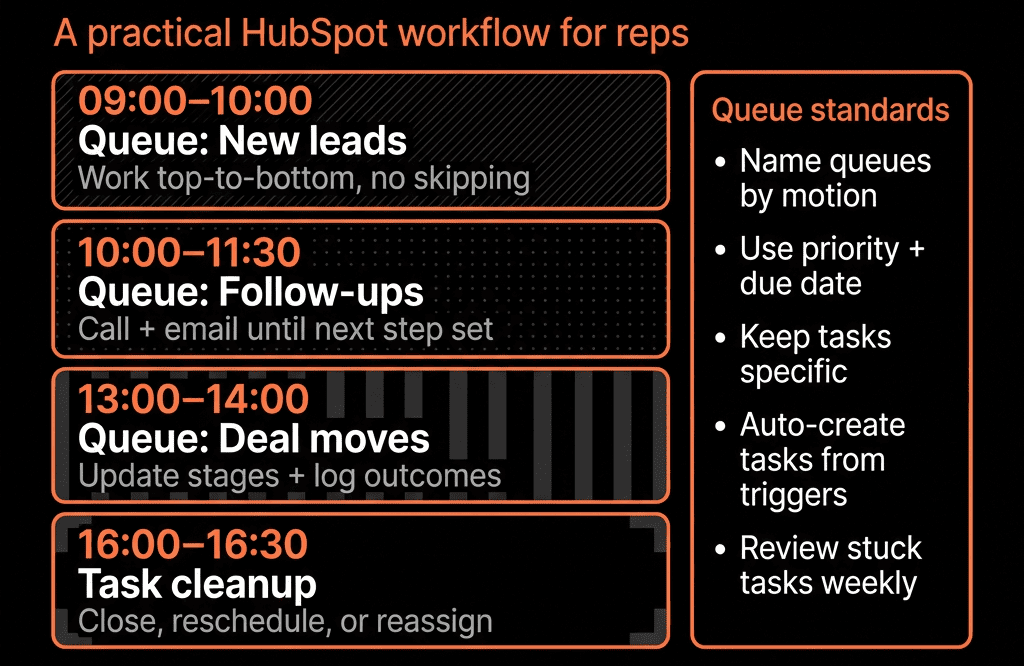
Step 5 – Build a Daily Workflow for Reps Around Queues
Help reps adopt a simple, repeatable day plan using HubSpot Queues.
Example daily pattern:
Start of day:
- Open “Today – High‑intent new leads.”
- Work through all tasks in that queue first (highest impact).
Midday:
- Open “Today – Open opp follow‑ups.”
- Work each task, updating Deals as needed.
Afternoon:
- “Nurture – Warm leads” queue.
- “Admin – Deal & data hygiene” tasks if time allows.
Coaching:
- Encourage “one queue at a time” focus, rather than bouncing around.
- Track completion rates and correlate with outcomes (meetings booked, opps created).
- If HubSpot becomes “the first tab reps open” and queues are well‑designed, productivity goes up—and consistency improves.
Step 6 – Keep Tasks Tied to Records and Next Steps
A task without context is easy to ignore.
Best practices:
Always associate tasks with the right object(s):
Contact + Company + Deal where relevant.
Encourage updating next step before completing tasks
Use a Next step property on Deals.
Include updating it as part of the task description.
Use notes or Playbooks to capture context for complex follow‑ups
E.g., call notes stored in the Deal timeline, referenced by future tasks.
This makes each task part of a chain of actions, not just isolated reminders.
Step 7 – Monitor Task & Queue Usage with Reporting
RevOps should watch how Tasks and Queues are used and refine over time.
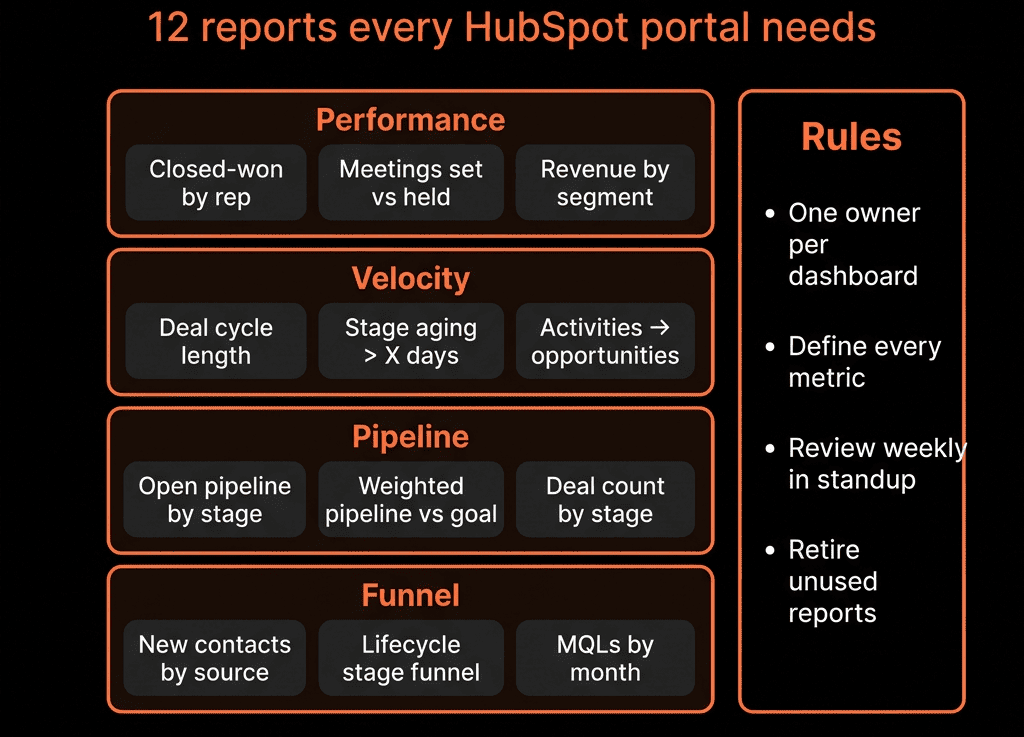
Useful reports:
- Tasks created vs completed per rep/team.
- Overdue tasks by type and owner.
- Distribution of tasks by type (Call/Email/Todo).
- Correlation between:
- Task completion and opp creation.
- Task completion and win rates.
Insights:
- Identify reps/teams skipping key queues.
- Spot workflows that create too many low‑value tasks.
- Adjust queue design and training accordingly.
Step 8 – Avoid Common Pitfalls
Problems we see—and how to avoid them:
Task overload
Everything creates a task → reps ignore them.
Fix: reserve tasks for high‑impact actions; use email notifications or sequences for lower‑priority things.
Unclear ownership
Tasks created without an owner → they fall through the cracks.
Fix: always assign tasks via workflows based on Contact/Deal owner or specific logic.
Inconsistent use of Queues
Reps build their own random queues, no shared structure.
Fix: define and maintain a small set of team‑standard queues for core workflows.
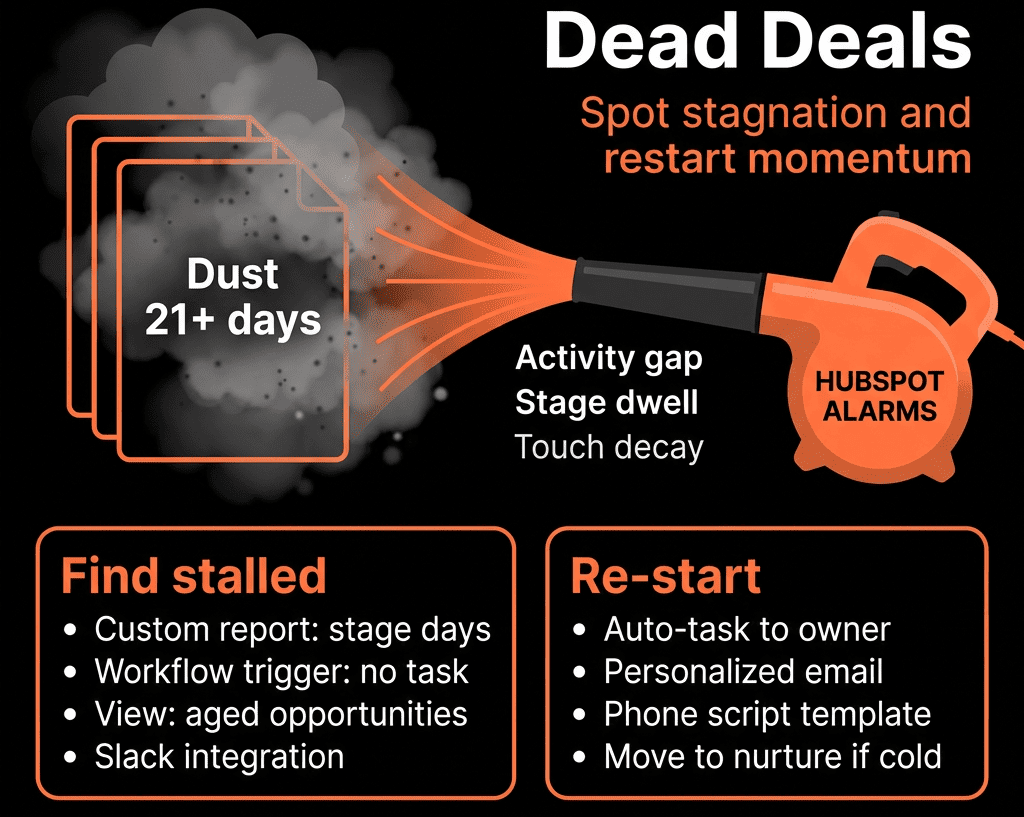
No end‑of‑life for tasks
Old tasks stick around forever.
Fix: workflows or periodic clean‑up to close out obsolete tasks; better triggers and exit criteria.
Pulling It Together: Turn HubSpot into a Daily Action Engine for Sales
Using Tasks and Queues effectively in HubSpot means:
- Defining clear task types, titles, and priorities.
- Designing queues that match how reps actually work.
- Using workflows to auto‑create meaningful, SLA‑driven tasks.
- Coaching reps to run their day from queues, not inbox chaos.
- Monitoring usage and outcomes, then refining.
Do this, and HubSpot stops being a system you update after the fact—and becomes the engine that drives daily sales behavior.
Want Help Turning HubSpot Tasks and Queues into Real Sales Productivity?
If tasks and queues in your portal are noisy, under‑used, or non‑existent, this is where we can help.
Our HubSpot Portal Health Check and Migration & ROI Plan are designed to:
- Audit your current sales workflows, tasks, and queue usage.
- Design a focused, SLA‑aware task and queue structure.
- Implement workflows and dashboards to support a repeatable daily rhythm for reps.