



Construction & Trades Don’t Need “More Software” – They Need a Simple, Connected Stack
If you run a construction or trade business (GC, HVAC, electrical, plumbing, roofing, landscaping, etc.), your real world includes:
- Leads from phone, web, walk-ins, referrals.
- Estimates, quotes, and change orders.
- Site visits and crew scheduling.
- Jobs in progress and follow-up service work.
- Invoices and cash flow.
Most teams:
- Live in spreadsheets, WhatsApp, and phone calls.
- Use a quoting or job tool that doesn’t talk to everything else.
- Have no single place to see the full picture from lead → job → invoice.
HubSpot can become the simple control center for your GTM and job pipeline—if you connect it to the right tools.
This article outlines an ideal HubSpot stack for construction and trades businesses:
- What HubSpot should own.
- Which tools to plug in.
- The core workflows that keep everything moving.
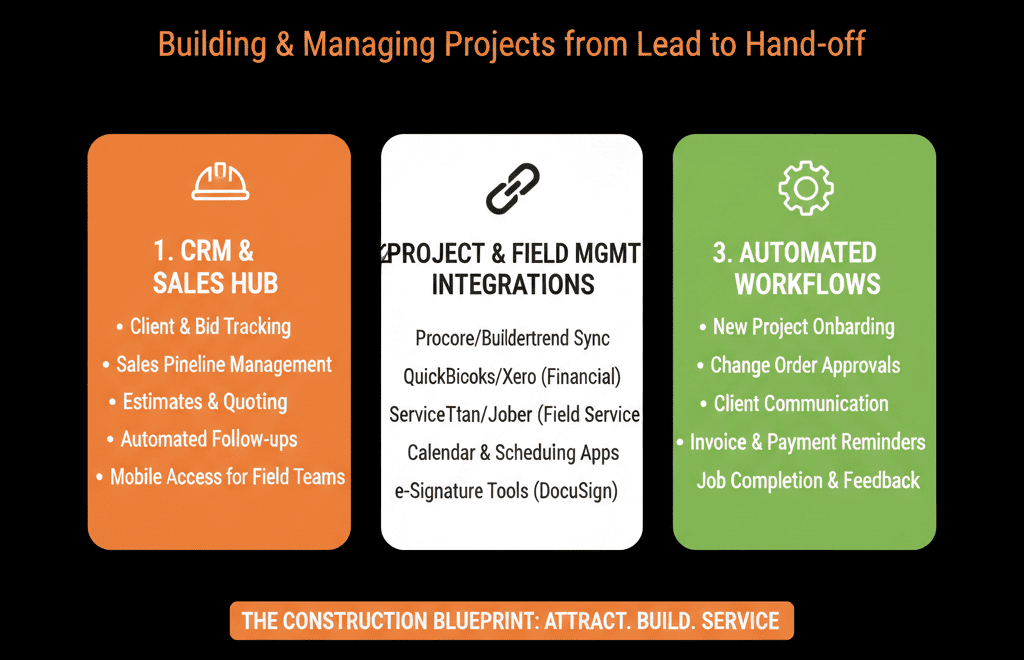
1. HubSpot as the Front Office Hub: What It Should Own
In this model, HubSpot is the system of record for:
- Leads and customers (Contacts + Companies).
- Job opportunities (Deals) and pipelines.
- Marketing (website forms, email, simple campaigns).
- Sales activity (calls, emails, tasks, quotes sent).
- High-level reporting on pipeline and revenue.
Everything else (job management, field dispatch, invoicing) integrates to and from HubSpot.
Think of HubSpot as:
“The one place to see who’s inquiring, what jobs are in play, and where money is coming from.”
2. Job Management / Field Ops Integration
Purpose: connect job execution and field updates to the front office.
Typical tools:
- Jobber, ServiceM8, Housecall Pro, ServiceTitan, Simpro.
- Construction management/project tools for larger GCs: Procore, Buildertrend, etc.
Integration goals:
Create jobs from won deals
When a Deal is Closed Won in HubSpot:
- Create a corresponding job/project in your job tool.
Push:
- Customer details.
- Job location.
- Job type.
- Scope summary and value.
Sync job status back to HubSpot
On the Deal/Company:
- Job status (Scheduled, In Progress, Completed, On Hold).
- Scheduled start date.
- Key milestones.
Use job status in GTM decisions
Identify:
- Satisfied customers (happy jobs) for reviews/referrals.
- Jobs that need attention (delayed/on hold) before sending upsell or service offers.
Principle:
The job tool is where crews work; HubSpot is where you see and act on job status from a business perspective.
3. Quoting and Estimating Integration
Purpose: keep quotes, estimates, and follow-ups visible in HubSpot.
Typical tools:
- Quotient, Qwilr, PandaDoc, Estimate Rocket.
- Custom PDFs or Word templates (less ideal but common).
Integration goals:
Generate and send quotes from HubSpot deals
Pre-fill customer and job info from the Deal.
Use the quoting tool or HubSpot Quotes to send.
Track quote status in HubSpot
On Deals:
- Quote status (Draft, Sent, Viewed, Accepted, Rejected).
- Quoted amount.
Use integration or manual updates triggered by quote tool events.
Automate quote follow-up
Workflows to:
- Create tasks X days after sending.
- Nudge owners to call/email.
- Send reminder emails (for certain customers/motions).
Outcome:
No more forgotten estimates.
Visibility into:
- Quote-to-close rates.
- Which jobs need a push.
4. Invoicing and Accounting Integration
Purpose: connect jobs and customers to actual money.
Typical tools:
- QuickBooks, Xero, Sage, other accounting platforms.
Integration goals:
Map customers between HubSpot and accounting
Ensure:
- Companies/Contacts in HubSpot match Customers in accounting.
Sync basic billing info to HubSpot
On Companies or Deals:
- Total invoiced amount.
- Outstanding balance (optional, summarized).
- Last invoice date.
Use billing signals in follow-up
- Avoid pushing upsell/cross-sell onto customers with unresolved billing disputes.
- Identify high-value/high-frequency customers for loyalty programs or priority support.
Principle:
Accounting is the source of truth for money; HubSpot needs enough context for sales, service, and owner decisions.
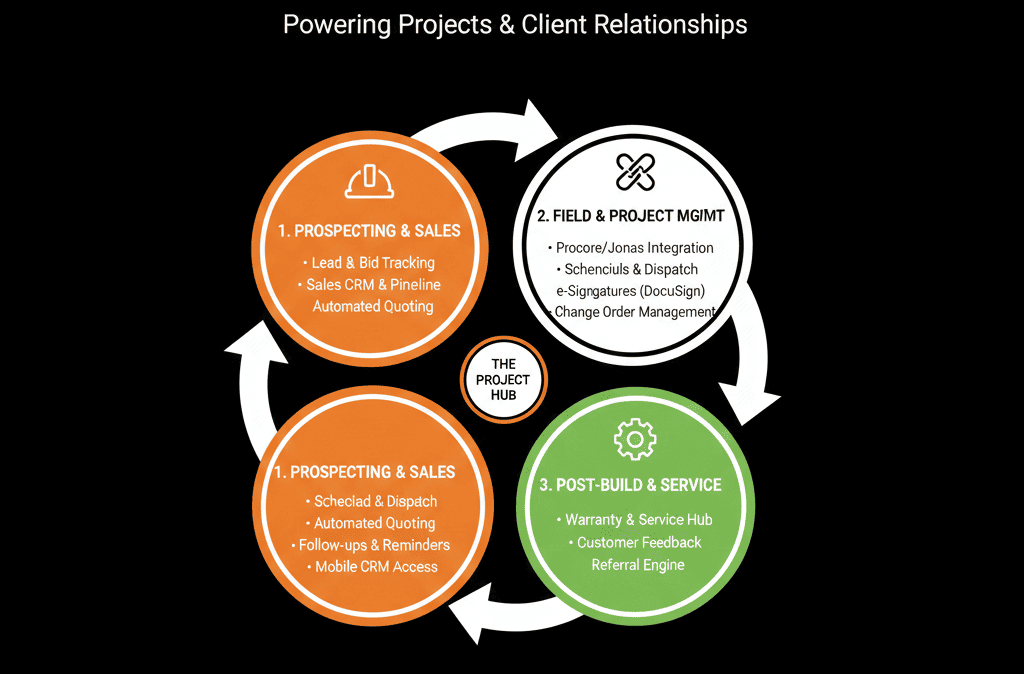
5. Marketing and Lead Capture
Purpose: move away from random leads and trackable marketing.
Typical tools:
- HubSpot Marketing Starter/Pro.
- Website (WordPress, Wix, custom).
Integration goals:
Connect website and forms to HubSpot
Contact/quote request forms → HubSpot Contacts + Deals.
Key data captured:
- Name, phone, email.
- Location.
- Job type (roofing, remodel, HVAC, etc.).
- How they heard about you.
Track lead sources
Use Lead source field:
- Website direct.
- Google Ads.
- Facebook/Instagram.
- Referral.
- Yard sign.
- Trade show, etc.
Basic nurture and remarketing
Email follow-up sequences for:
- Estimates sent but not accepted.
- Past customers (maintenance/service reminders).
Simple campaigns to:
- Promote seasonal services.
- Ask for reviews/referrals.
Outcome:
- More consistent lead capture.
- Visibility into which channels produce the best jobs.
6. Core HubSpot Workflows for Construction & Trades
An “ideal” stack fails without good workflows.
Key workflows:
Lead intake & assignment
Every new lead:
- Gets a Contact + Deal.
- Lifecycle set (Lead/MQL).
- Lead status set (New).
Owner assigned based on:
- Territory.
- Job type.
- Round robin.
Follow-up SLAs
For high-intent leads (emergency, big jobs):
- Create tasks due within X hours.
- Alerts if not touched in time.
Stage-based task creation
When a Deal moves:
- New → Needs Site Visit → create task for estimator/field.
- Proposal Sent → create follow-up task.
- Closed Won → create job in job tool and update job status.
Closed-Won to Job to Review/Referral
When job is marked “Completed” in job tool and synced back:
Trigger:
- Thank-you email.
- Review request.
- Referral ask.
- Add to future maintenance offers list (where relevant).
Data hygiene
Ensure no active Deals without:
- Owner.
- Amount.
- Job type.
- Location.
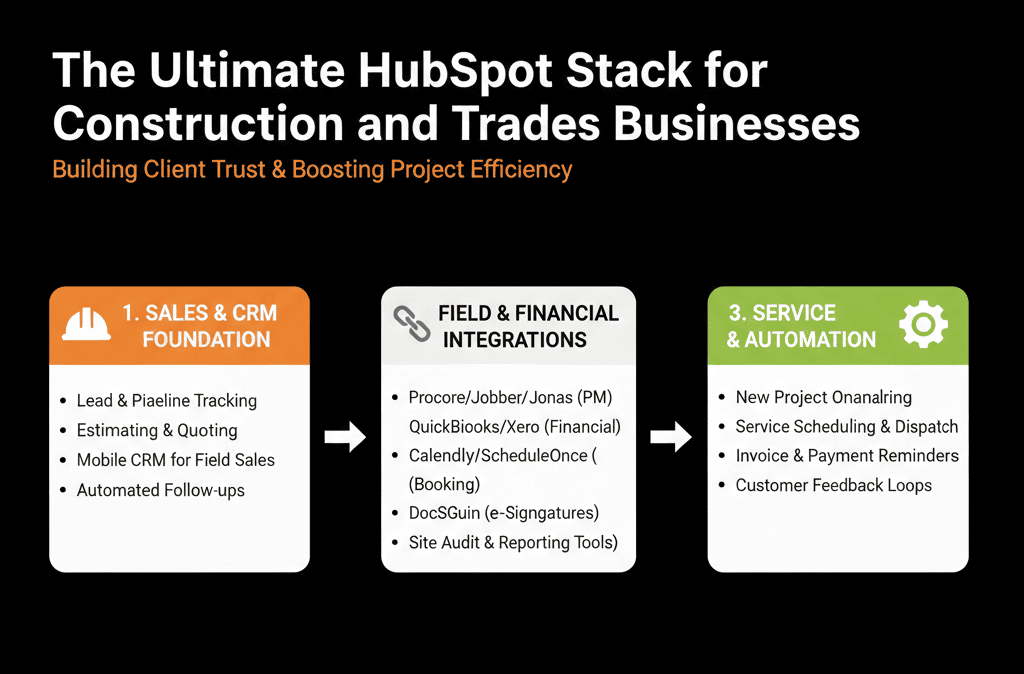
7. Example Ideal HubSpot-Centered Stack for a Trades Business
A pragmatic, strong configuration might look like:
- HubSpot – CRM, marketing lite, sales, basic reporting.
- Job Management / Field Ops – Jobber / ServiceM8 / ServiceTitan / Buildertrend.
- Quoting – Built-in quoting module or PandaDoc/Qwilr integrated into HubSpot.
- Accounting – QuickBooks/Xero.
- Support/Service – Native features in job tool; key info summarized in HubSpot.
With:
HubSpot as the front office system, where:
- Leads are captured.
- Jobs are sold.
- Follow-ups and pipeline are managed.
- High-level performance is measured.
What You Can Do in the Next 30–60 Days
If you run a construction or trades business and want a better, but still simple stack:
Make HubSpot the mandatory place to log all new leads.
Set up one main job pipeline in HubSpot that reflects your real process.
Integrate:
- Website forms into HubSpot.
- Your job management tool → HubSpot (job status signals).
- Accounting → HubSpot (basic billing context) if possible.
Build:
- 1 “New Leads & Unfollowed Quotes” dashboard.
- 1 “Job Pipeline & Backlog” dashboard.
Add workflows for:
- Lead routing.
- Quote follow-up.
- Closed-Won → Job creation and review requests.
You’ll immediately increase visibility, reduce dropped balls, and make better scheduling and growth decisions.
Want a HubSpot Stack Blueprint Tailored to Your Construction/Trades Business?
Every construction and trade business is a little different:
- Residential vs commercial.
- Service-heavy vs project-heavy.
- Union vs non-union.
- Single location vs regional.
Our HubSpot Portal Health Check / HubSpot Audit can:
- Map your current lead, job, and billing flow.
- Recommend a tailored HubSpot-centered stack and integration plan.
- Provide a 60–90 day roadmap to get from “spreadsheets and chaos” to a simple, connected system.






