



Multi-Currency Done Wrong Will Break Your Forecast
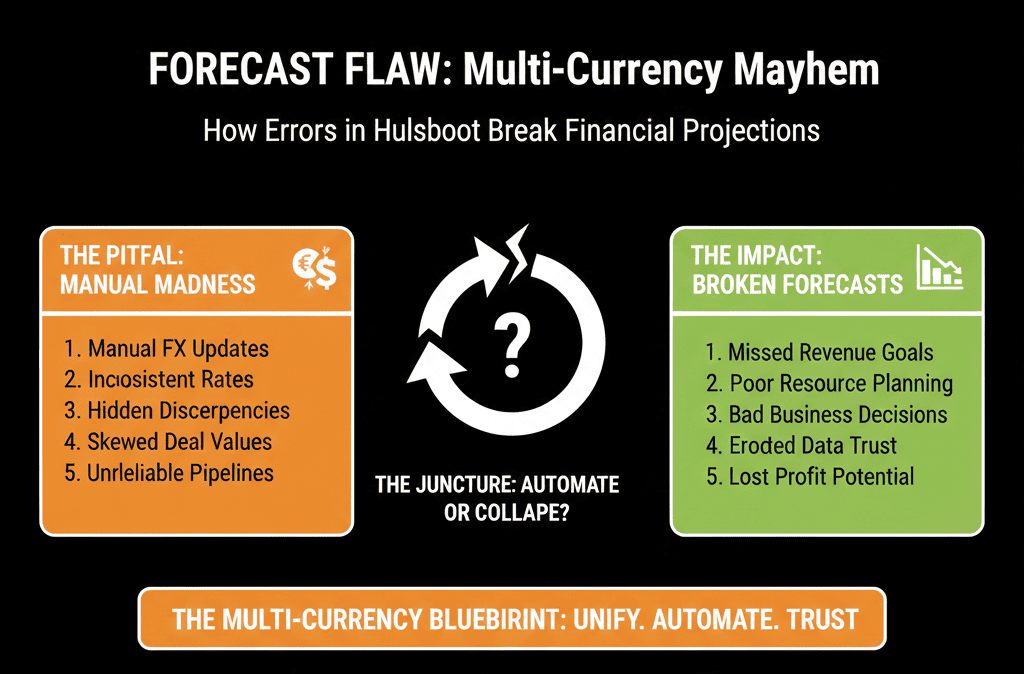
If you sell in more than one currency and your HubSpot setup isn’t solid, you’ll see:
- Pipeline totals that mix USD, EUR, GBP, AED, etc.
- Forecasts inflated because currencies aren’t normalized.
- Finance and RevOps arguing over whose numbers are “right.”
Most multi-currency problems come from data model and process, not from HubSpot’s feature set.
This article walks through how we set up multi-currency deals in HubSpot so global teams can sell confidently and leadership can see clean, comparable numbers.
Step 1 – Get Clear on Your Commercial Reality First
Before touching HubSpot settings, we ask:
- Which currencies do you actively sell in?
- Are they tied to regions (e.g., US = USD, EU = EUR, UK = GBP, UAE = AED), or do you sometimes quote in foreign currencies ad hoc?
- What’s the reporting currency for leadership and finance (usually one “home” currency like USD)?
- How does finance handle FX today: fixed rates, daily/periodic average, or something else?
- How do you want to see pipeline and revenue: local currency, home currency roll-up, or both?
The answers drive how we configure HubSpot’s multi-currency setup and reporting.
Step 2 – Configure Currencies in HubSpot Properly
In HubSpot, we:
- Set the account’s default (home) currency (e.g., USD).
- Add additional currencies actually in use (e.g., EUR, GBP, AUD, AED, CAD).
- Define FX rates for each additional currency relative to the home currency.
Key practices:
- Keep the currency list short and real—only add currencies that sales truly uses.
- Update FX rates on a regular cadence (monthly or quarterly) if precision matters for your reporting horizon.
Make sure leadership knows:
- HubSpot’s company currency is used in deal amount totals and deal reports, and it’s also the default currency for new deals.
- When you set a deal’s Currency, the deal Amount displays in that currency, and HubSpot converts it into the home currency in Amount in company currency using your set exchange rates.
HubSpot lets you add multiple account currencies, set exchange rates, view currency history, and optionally enable automatic exchange rate updates; it also explains that the Amount in company currency is generated from the deal’s Currency + exchange rates relative to the company currency.
Step 3 – Decide How Currencies Will Be Chosen on Deals
This is where many setups go wrong.
You have to decide:
- Who decides the deal currency: the rep, or system logic based on company/region?
- When is it set: at deal creation?
- Can it change later, and under what conditions?
Typical patterns we see work well:
- Region-based: EMEA defaults to EUR, UK to GBP, North America to USD, etc.
- Account-based: each company has a Billing currency field; deals inherit currency from the company.
We discourage:
- Allowing reps to freely pick any currency per deal without guardrails.
- Switching currencies mid-deal without clear rules (unless absolutely necessary).
Why: this directly impacts forecasting and comparability.
Step 4 – Implement Currency Inheritance with Properties and Workflows
To enforce consistency, we usually introduce:
On Company:
- A custom property like Billing currency or Preferred currency (dropdown aligned to your HubSpot currency list).
On Deal:
- Use HubSpot’s Deal Currency property.
- Optionally create a read-only field for the inherited currency (for checking logic).
Then we add workflows:
- When a deal is created and associated with a company that has Billing currency filled: set the deal Currency to that value.
- If company Billing currency changes (rare): decide whether existing open deals should update or not (usually yes, with caution).
This gives you reliable company-level currency, automatic deal-level currency inheritance, and fewer mistakes from manual entry.
Step 5 – Standardize How Reps Enter Amounts
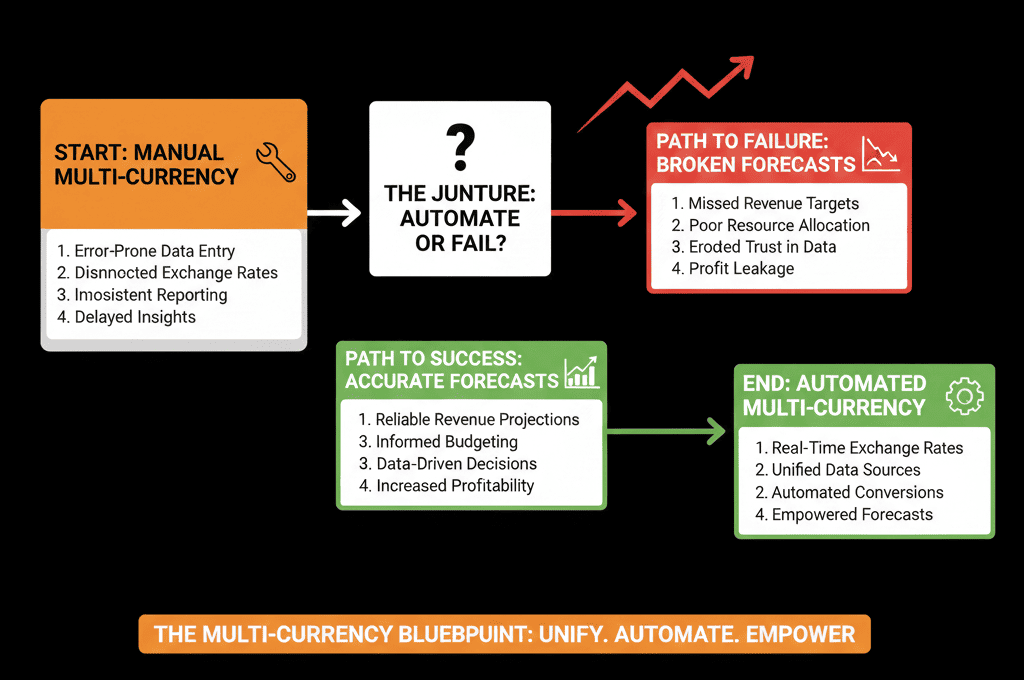
Even with multi-currency configured, bad habits can break things:
- Reps entering local currency into a deal set as USD.
- Reps using “placeholder” amounts early in the funnel.
- Reps changing amounts frequently without context.
We align with sales leadership on:
- What currency quotes and proposals are issued in per region.
- When a deal should get a real amount (e.g., when there’s a proposal/scoped value).
- How to handle deals with uncertain amounts (default minimum/range if needed).
Then we train:
- “Deal amount must always be in the deal’s currency; never enter EUR amounts into USD deals.”
- “Do not manually override deal currency unless you are correcting a clear mistake.”
This sounds basic, but in multi-region teams, it matters.
Step 6 – Design Global and Local Reporting for Multi-Currency
With the basics in place, we build two layers of reporting:
1) Global view (home currency)
Use Amount in company currency for:
- Pipeline by stage and owner/team.
- Forecast vs target.
- Revenue by source, segment, region.
- Board-level revenue and pipeline views.
This ensures apples-to-apples comparisons across currencies.
2) Local view (deal currency)
Use Amount and filter by Currency for:
- Regional or country dashboards.
- Local sales team performance.
- Reps who think and sell in their local currency.
The CEO and CFO care about global totals in the home currency; regional leaders care about local currency performance.
HubSpot can support both if the data model and filters are set correctly.
Step 7 – Handle FX Changes and Historical Reporting
One nuance: FX rates change, but past deals were sold at past rates.
You have two options:
Simple model (sufficient for many B2B teams):
- Update FX rates periodically.
- Accept that Amount in company currency will reflect your set rates until the deal is closed.
- Use this for directional pipeline and revenue insights, not accounting-level precision.
Advanced model (closer to finance reality):
- Store an additional custom field like Home currency amount (at close) on deals.
- At Closed Won, calculate and freeze the home-currency amount using the then-current FX rate.
- Use this field for historical revenue reporting; use dynamic Amount in company currency for pipeline.
We usually recommend: start with the simple model for pipeline and near-term revenue, then add the advanced model only if finance needs tighter historical FX accuracy.
Step 8 – Watch for Common Multi-Currency Failure Modes
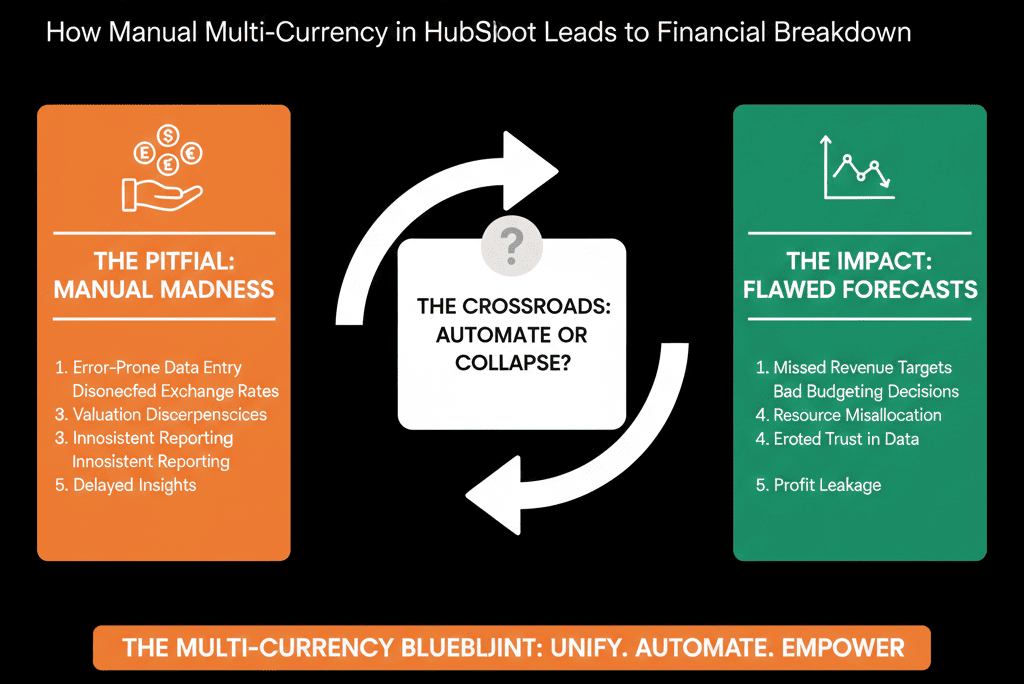
When we run HubSpot audits, these are the most common multi-currency issues:
- All deals in home currency, regardless of region, but amounts are entered as local values (e.g., a EUR 10,000 deal entered as 10,000 in a USD deal).
- Deals without any currency logic, mixing multiple currencies in a single pipeline view.
- Reps changing deal currency mid-funnel, causing jumps in pipeline totals.
- Reporting built on Amount without filtering by currency or using company-currency fields.
Quick checks you can run:
- Filter deals by currency and look for anomalies per region.
- Compare Amount vs Amount in company currency for a few sample deals.
- Look for deals where currency changed multiple times during the lifecycle.
Any inconsistencies here are a sign that your multi-currency architecture needs attention.
What You Can Do in the Next 30 Days
If you’re already selling in more than one currency, here’s what you can realistically do this month:
- List all active selling currencies and your home reporting currency.
- Configure or review currency settings in HubSpot (add only what you use).
- Add a Billing currency / Preferred currency field on companies.
- Implement a workflow to inherit deal currency from company currency.
- Align with leadership on how pipeline and revenue should be seen (home currency vs local vs both).
- Update your main dashboards to use either: Amount in company currency for global views, or Amount + currency filters for local/regional views.
This alone will drastically reduce the noise and confusion around multi-currency deals.
Want a Safe Review of Your Multi-Currency Setup in HubSpot?
If your revenue comes from multiple regions and currencies, but your HubSpot numbers don’t seem to add up, you likely have a multi-currency architecture problem, not just a reporting issue.
As part of our HubSpot Portal Health Check / HubSpot Audit, we:
- Review your current multi-currency configuration, deal data, and reporting.
- Identify where deals and amounts are mismatched to currencies.
- Design a simple, robust multi-currency model for your pipelines and dashboards.






