



When “Advanced” HubSpot Setups Become a Liability
Many teams come to us saying:
- “Our HubSpot is powerful, but nobody understands it anymore.”
Usually, it started with good intentions:
- Custom objects for every nuance.
- Multiple pipelines per segment and channel.
- Dozens of workflows for every scenario.
- Layers of custom fields trying to capture every edge case.
Over time, this over-engineered HubSpot portal becomes:
- Slow to change.
- Fragile to maintain.
- Confusing for new hires.
- Dangerous to touch without breaking reports.
This article explains how we simplify complex HubSpot portals without losing the insight leadership cares about.
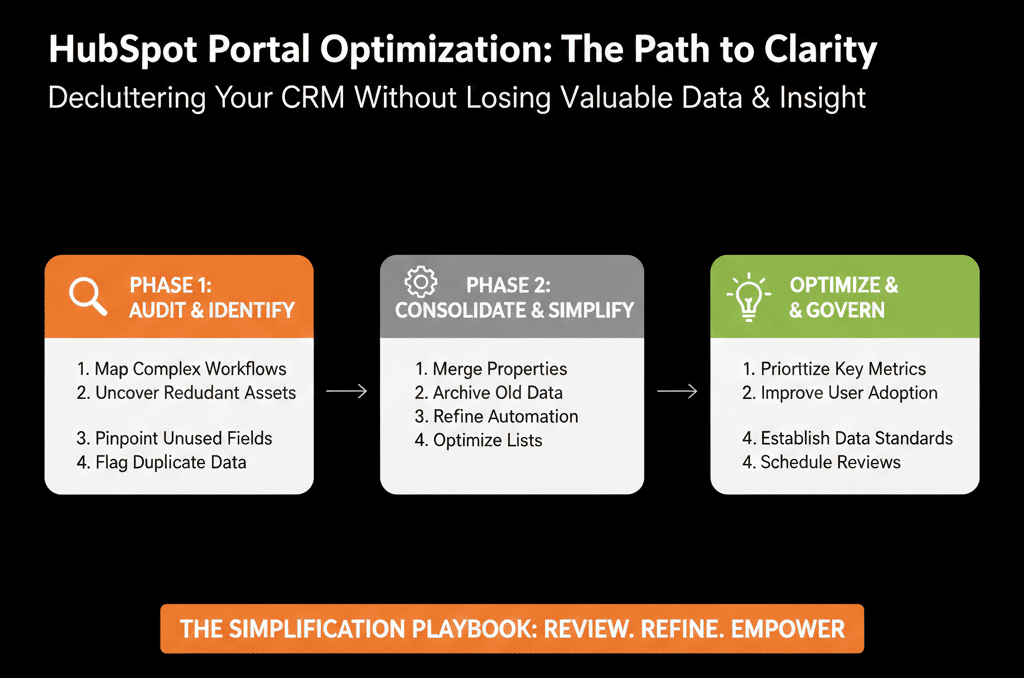
Step 1 – Define What “Simple” and “Insight” Actually Mean
Before removing anything, we clarify two things:
Simple for whom?
- Sales reps?
- Marketing ops?
- RevOps / admins?
- Leadership?
Insight into what?
- Pipeline and revenue.
- Funnel performance (Lead → MQL → SQL → Opportunity → Customer).
- Channel and campaign performance.
- Retention, renewals, and expansion.
We ask the stakeholders:
- What are the 5–10 questions you need HubSpot to answer reliably?
- What feels overcomplicated or slow right now?
- Which decisions depend on HubSpot reports every week or month?
This gives us a guardrail: we only simplify in ways that preserve (or improve) the ability to answer those questions.
Step 2 – Inventory the Complexity (Without Touching Anything Yet)
We run a quick complexity inventory:
- How many pipelines?
- How many deal stages per pipeline?
- How many active workflows?
- How many custom properties per object?
- How many dashboards and key reports?
Then we sample:
- 5–10 complex workflows.
- 20–30 custom properties used across major reports.
- The main dashboards leadership uses.
We’re not judging yet. We’re identifying where complexity is concentrated, where few people understand what’s going on, and which parts of the system are “no one wants to touch this.”
Step 3 – Separate “Live Architecture” from “Historical Baggage”
Over-engineering usually comes from years of changes with no pruning.
We categorize what we find into:
Live architecture
- Active pipelines with real deals.
- Workflows currently enrolling records.
- Properties used in key reports and processes today.
- Dashboards regularly viewed by leadership or teams.
Historical baggage
- Pipelines with no recent deals.
- “Test” workflows left active or unused.
- Properties not used in any views, lists, reports, or workflows.
- Old dashboards nobody can remember using.
We mark historical baggage as candidates for archiving, deactivation, and eventual deletion (after a safe period).
This is how we simplify without smashing critical, current workflows.
Step 4 – Consolidate Pipelines and Stages Without Killing Reporting
Over-engineered portals almost always have:
- Too many pipelines.
- Too many stages in each pipeline.
- Stages used as “notes” rather than real buying milestones.
We start with the primary revenue process:
- Identify the one pipeline where most new business should live.
- Map existing stages to a cleaner, fewer-stage model: 5–8 stages that reflect real buying steps, not internal tasks.
Then we:
- Tag legacy pipelines as read-only or archive candidates.
- If needed, map old stages into new ones for reporting (e.g., multiple “Qualification” variants → one standard Qualification stage).
How we preserve insight
- Before changing anything, we export baseline reports (pipeline history, stage conversion, win rate).
- We ensure new stage definitions and mappings still let you compare performance over time (even if older deals used older stages).
- Where necessary, we keep a “Stage group” custom property to hold old categorization for historical analysis.
Result: reps see fewer, clearer stages. Leadership still sees trend lines.
HubSpot lets you manage multiple pipelines and customize stages, and it also supports pipeline rules and conditional stage properties (suggested/required fields per stage) so the “simplified” pipeline can be enforced and kept clean going forward.
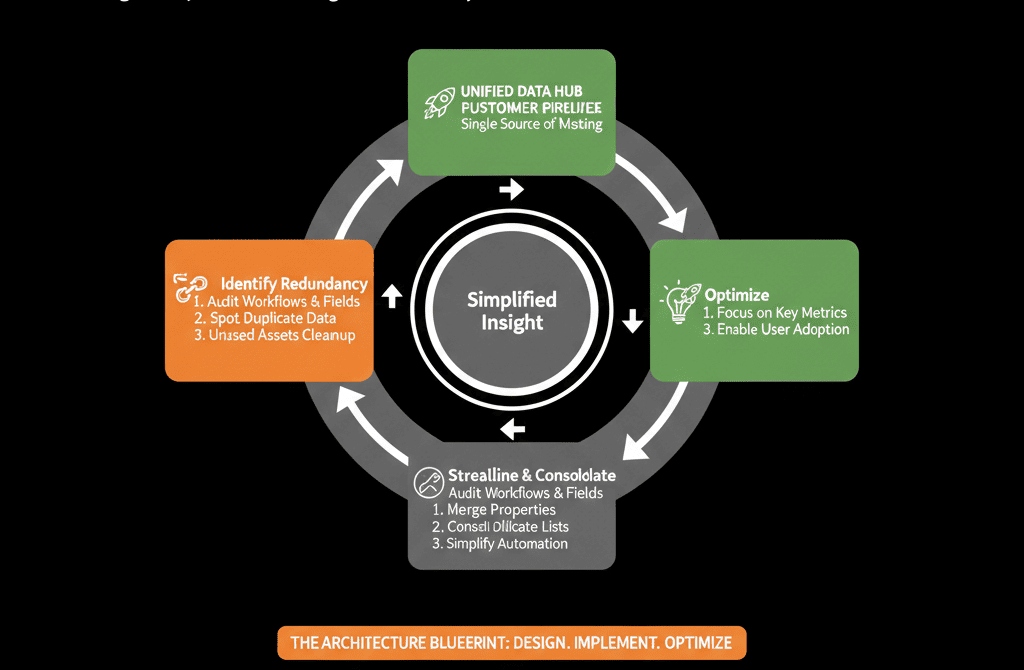
Step 5 – Rationalize Properties: Core vs Edge-Case
Complex portals are property-heavy:
- Duplicate fields (Industry vs Industry 2 vs Sector).
- Once-off fields from old projects.
- Properties used only in one experimental workflow 2 years ago.
We split properties into three types:
Core properties
- Used widely across lists, reports, and processes.
- Directly tie into ICP, segmentation, lifecycle, routing, forecasting.
Supporting properties
- Used in a few key workflows or niche reports.
- Still actively needed.
Legacy / unused properties
- Not used in any active lists, workflows, or dashboards.
- Created for past campaigns or abandoned experiments.
Simplification steps
- Lock in a compact core property set per object (contacts, companies, deals).
- Move supporting properties into a separate, clearly labeled group.
- Mark legacy properties with a prefix (e.g., z_Archive_) and hide them from forms and views.
Why this keeps insight: we don’t delete fields that might support historical reporting right away—we first mark and hide them, stabilize and document what each core property means, then only delete after a safe review period.
HubSpot lets you export all properties with usage and fill-rate metadata (plus last updated time and update source for core CRM objects), which is one of the safest ways to identify “legacy/unused” fields before you hide, archive, or delete them.
Step 6 – Merge and Simplify Workflows into a Smaller, Owned Set
Over-engineered portals often have:
- One workflow per form.
- Old ABM or lead scoring workflows still touching important properties.
- Conflicting automations nobody remembers building.
Our approach
Map the automation landscape:
- Which workflows touch key fields like lifecycle, Lead status, deal stage, owner, lead source?
- Which workflows send external actions (emails, Slack notifications, task creation)?
Group by purpose:
- Lead intake & routing.
- Lifecycle management.
- Nurture & marketing automation.
- Sales enablement & sequences support.
- Data hygiene and enrichment.
Consolidate where possible:
- Replace many small workflows with one master per purpose where it makes sense.
- Turn off clearly obsolete workflows after confirming they’re not needed.
How we protect insight
- For workflows that update reporting-critical fields, we make changes slowly and document them.
- We avoid changing field behavior without also updating the relevant reports and dashboards.
- We ensure any “metrics spike” during transitions is understood and explained.
Result: instead of 150+ mystery workflows, you might have 30–40 well-documented, owned workflows that actually matter.
Step 7 – Simplify Dashboards While Making Leadership Smarter
Dashboards are where complexity surfaces.
We often find:
- Dozens of overlapping dashboards with slight variations.
- Custom reports nobody remembers how to interpret.
- Leaders screenshotting HubSpot and adding caveats in PowerPoint.
We streamline in three levels:
Executive Layer (3–5 dashboards max)
- Revenue & pipeline.
- Funnel performance.
- Source & segment performance.
Ops / RevOps Layer
- Detailed funnel and SLA views.
- Data quality & hygiene metrics.
- Campaign and channel performance.
Team Layer
- Sales, Marketing, CS team dashboards supporting daily work.
We:
- Identify which dashboards leadership already uses and trust.
- Clean those up and mark them as “Source of Truth”.
- Deprecate or archive unclear, duplicate dashboards.
Insight is preserved (and often improved) because fewer dashboards = more focus on the right questions, definitions are clarified and documented, and everyone knows where to look for answers.
Step 8 – Introduce Lightweight Documentation and Guardrails
Simplification fails if you don’t protect it.
We put in place:
- A simple HubSpot architecture overview (1–3 pages): objects and key properties, pipelines and lifecycle flows, lead routing and SLAs, key dashboards and their purpose.
- A change request and review process (even if minimal): new fields/workflows/pipelines must have an owner and use case; changes to reporting-critical fields are reviewed by RevOps/architect.
- A periodic HubSpot Health Check (quarterly or bi-annual): check complexity creep (new pipelines, workflows, properties) and decide what to keep, fix, or retire.
This keeps your simplified portal from drifting back into over-engineering.
HubSpot supports field-level permissions to restrict who can view or edit specific properties, which is one of the simplest guardrails to prevent “random edits” that reintroduce complexity and data drift.
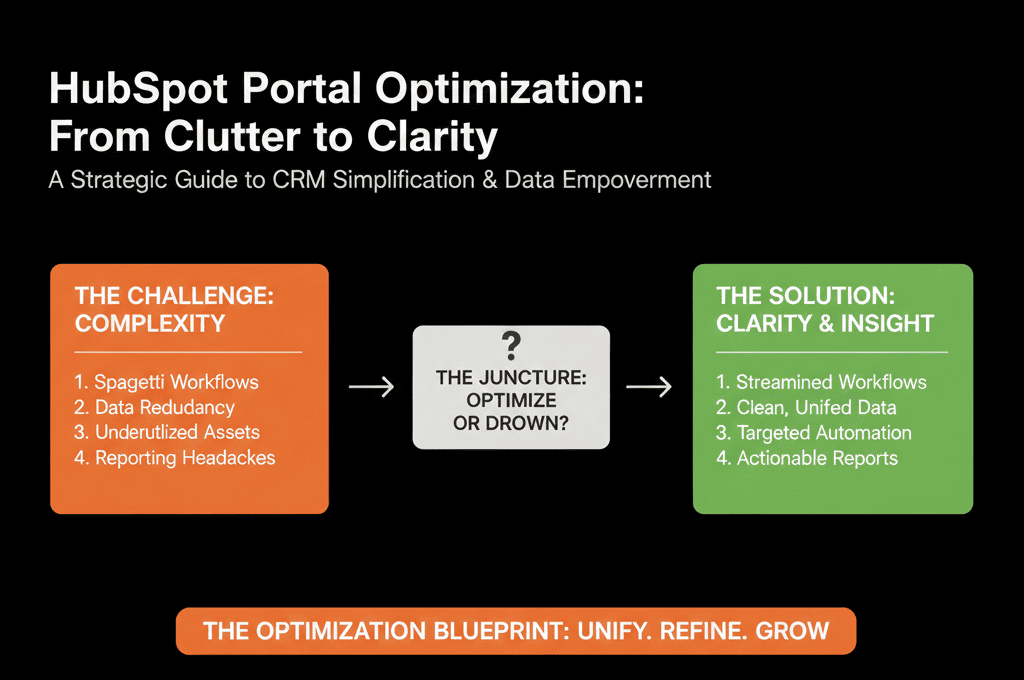
What You Can Realistically Do in the Next 30 Days
You don’t have to refactor everything at once.
In the next month, you can:
- Pick one dimension of complexity to tackle: Pipelines & stages, properties, workflows, or dashboards.
- Run a focused inventory and split items into: Live architecture vs historical baggage.
- Take one simplification step that does not break reporting: archive an unused pipeline, hide and tag 20 legacy properties, deactivate 10 obviously obsolete workflows, or consolidate 2–3 overlapping dashboards.
- Then, communicate what changed and why.
Want Help De-Over-Engineering Your HubSpot Portal Safely?
If your HubSpot portal feels like a Rube Goldberg machine—impressive but fragile—simplifying it alone can feel risky.
Our team specializes in HubSpot Health Checks and Audits for scaling B2B companies that:
- Know they’ve over-engineered their portal.
- Don’t want to lose critical reporting or break live processes.
- Need a clean, scalable architecture to support the next stage of growth.
In our free HubSpot Portal Health Check / HubSpot Audit, we:
- Identify where complexity is genuinely adding value vs just creating noise.
- Show you what can be simplified or removed without losing insight.
- Provide a step-by-step roadmap to get from over-engineered to architected.






