



Stop Hiding Your Sales Process in Notion and Slides
If your best sales plays live in:
- Old onboarding decks.
- Notion/Confluence pages.
- A few top reps’ heads.
Then new reps improvise.
Managers can’t inspect conversations.
HubSpot gets “good call” notes instead of usable data.
A Playbook library inside HubSpot fixes this by making the sales process:
- Easy to follow in real time.
- Consistent across the team.
- Directly connected to properties and reporting.
Here’s how we structure it.
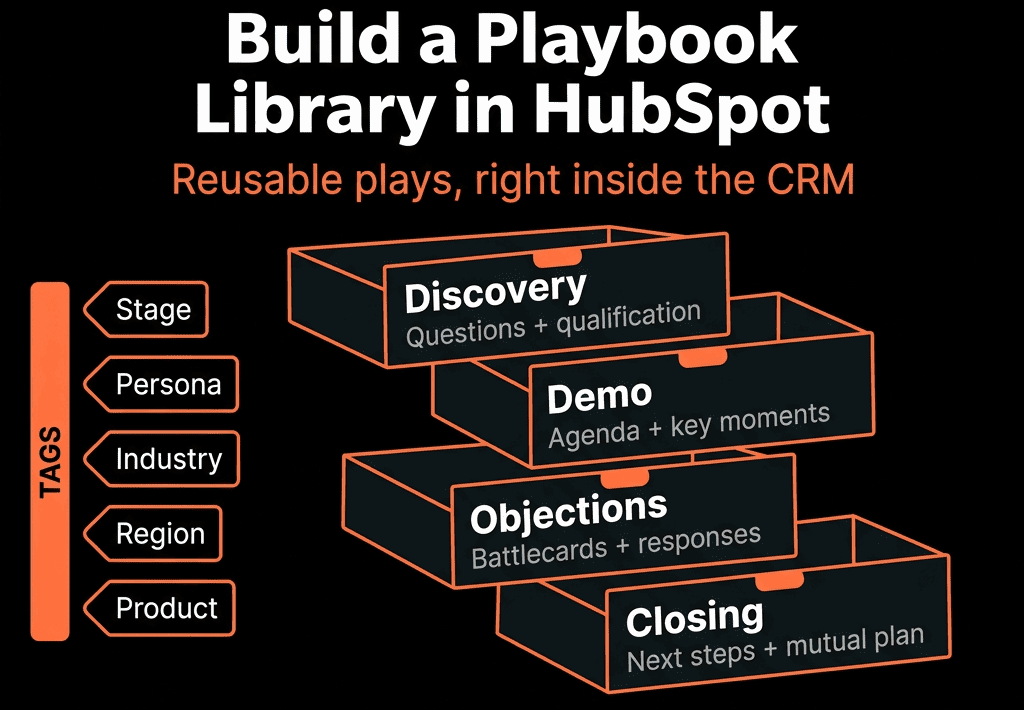
Step 1 – Decide the Core “Plays” You Actually Need
Start small. Aim for 5–8 core Playbooks, not 30.
Typical B2B set:
- Inbound discovery.
- Outbound/ABM discovery.
- Technical/solution deep dive.
- Demo / value presentation.
- Proposal / commercial review.
- Competitive deal handling.
- Renewal / QBR.
- Expansion / upsell conversation.
For each, define:
- When it’s used (stage, scenario).
- Primary objective of the conversation.
- Which properties must be updated.
This becomes your initial library list.
Step 2 – Standardize the Property Spine Behind Your Playbooks
Playbooks are only valuable if they populate usable fields.
On Deals (and/or Contacts/Companies), standardise properties like:
- Primary pain / use case.
- Impact / priority.
- Budget status.
- Decision maker identified (Yes/No).
- Champion identified (Yes/No).
- Number of stakeholders.
- Decision process notes.
- Timeline.
- Next step.
- Next step date.
These are the “sockets” your Playbooks plug into.
Step 3 – Build a Naming and Folder Structure for the Library
Inside HubSpot Playbooks:
Use clear, numbered names:
- 01 – Inbound Discovery.
- 02 – Outbound Discovery.
- 03 – Technical Deep Dive.
- 04 – Demo / Value Presentation.
- 05 – Proposal / Commercial Review.
- 06 – Renewal / QBR.
- 07 – Expansion / Upsell.
(Optional) Use naming by team if needed:
- AE – 01 Inbound Discovery.
- SDR – 01 First Connect.
This makes it easy for reps and managers to know which Playbook to open, in which order.
Step 4 – Design a Reusable Internal Structure for Each Playbook
Each Playbook should follow a similar pattern:
Call setup
- 1–2 bullets on how to open and set the agenda.
Context & fit
- Questions around segment, role, environment.
- Mapped to: industry, employee count, tech stack, etc.
Problems & impact
- Open and closed questions.
- Mapped to: Primary pain, Impact, Priority.
Buying process & stakeholders
- Who’s involved, how decisions are made.
- Mapped to stakeholder and decision-process fields.
Next steps
- Capture Next step and Next step date.
- Optional checklist of follow-ups.
This consistency helps reps learn faster and managers coach easier.
Step 5 – Attach Playbooks to the Right Objects and Stages
Make sure reps see the right Playbooks at the right time.
Best practices:
- Associate Playbooks with Deals primarily, plus Contacts/Companies where helpful.
- Pin the most important Playbooks to the sidebar in Deal records.
- In your stage definitions, specify: “In Stage X, use Playbooks A and B.”
- Before moving to Stage Y, ensure Playbook Z fields are completed.
You can also:
- Use internal training material to show screenshots: “At this point in the deal, click here and launch this Playbook.”
Step 6 – Build Team-Specific Variations Only When Necessary
Avoid a bloated library.
Guidelines:
- Start with shared core Playbooks for all segments.
- Only create variations when the conversation truly differs, e.g.:
- 01 – Inbound Discovery – SMB.
- 01 – Inbound Discovery – Enterprise.
- 06 – Renewal – High-touch accounts.
Differences may include:
- Deeper stakeholder mapping for Enterprise.
- Different value drivers for specific industries.
- More detailed implementation questions for larger deals.
But still reuse your core property spine.
Step 7 – Train Reps to Use Playbooks Live, Not After the Call
Adoption depends on workflow.
Train reps to:
- Open the relevant Playbook before or at the start of the call.
- Use it as a guide, not a script—jump sections as needed based on conversation.
- Fill key questions during the call or immediately after, so properties are updated.
For new reps:
- Make Playbooks part of onboarding.
- Run mock calls using Playbooks, then show how notes appear in the record.
For experienced reps:
- Position Playbooks as a way to: Reduce missed questions, Speed up note-taking, Improve influence on forecasting and coaching.
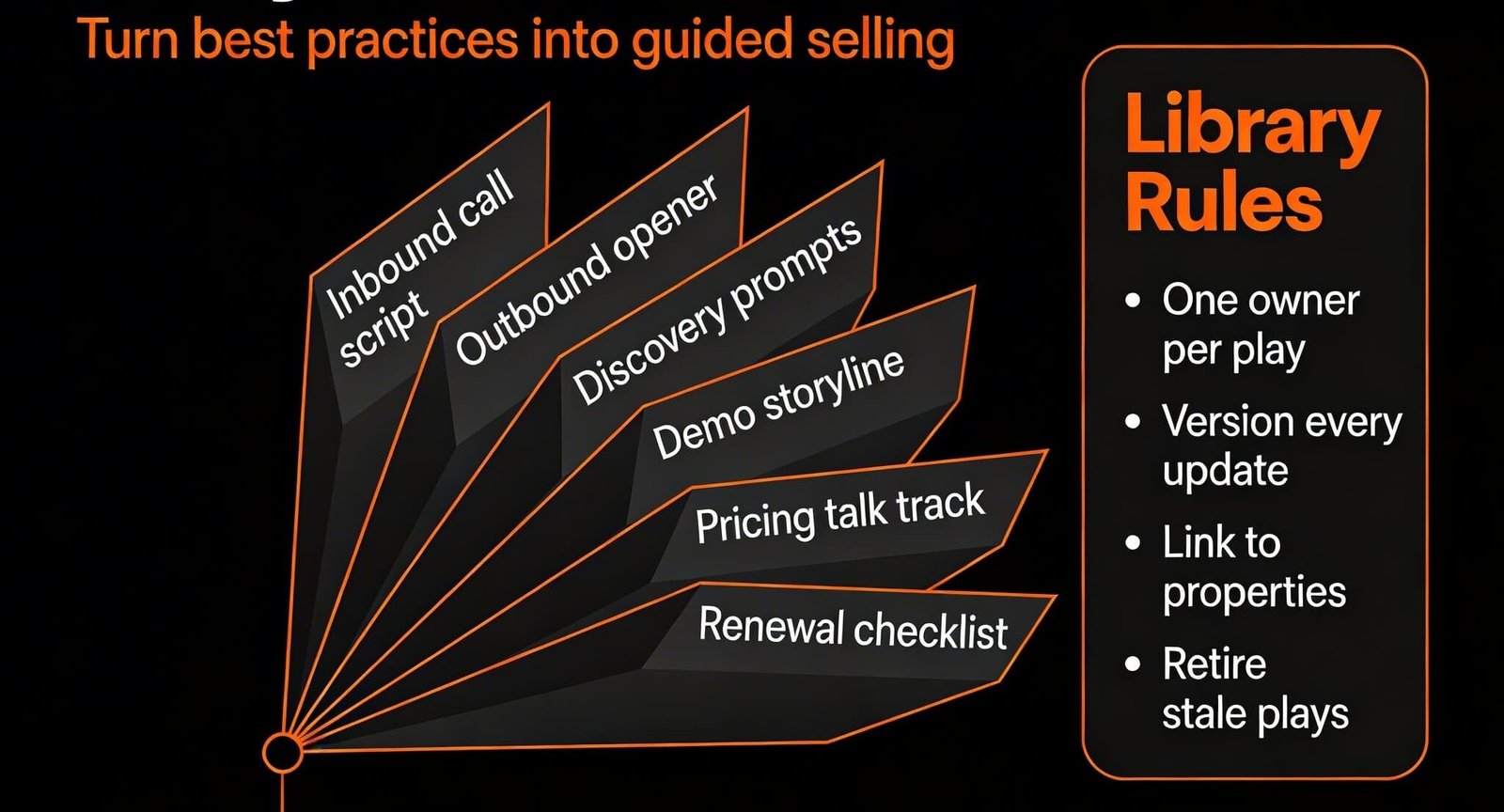
Step 8 – Turn Playbook Usage and Data Into Coaching
Managers should inspect both Playbook usage and answers.
Use HubSpot to:
- Filter deals with completed Playbook fields vs those without.
- Compare win rates and cycle length between the two groups.
In 1:1s, open the Playbook entry and review:
- Depth of answers.
- Whether key fields (pain, stakeholders, timeline) are truly captured.
Coaching questions:
- “I see ‘Decision maker identified = No’ in late stage. Why?”
- “What did you actually hear when you asked about impact?”
- “Your deals with full discovery fields close 20% faster; how do we make that your default?”
Step 9 – Measure the Library’s Impact and Prune It Quarterly
Don’t let the library go stale.
Every quarter:
Look at:
- Which Playbooks are used most/least.
- Win rates and deal size where certain Playbooks are used.
- Feedback from reps and managers.
Then:
- Merge or archive low-use or redundant Playbooks.
- Refine questions that don’t add value.
- Add 1–2 new Playbooks only if they support a real GTM change (new ICP, product, or motion).
Goal: Few, powerful Playbooks, always current.
Step 10 – Connect the Library to Your Overall RevOps System
Playbooks shouldn’t live in a vacuum.
Tie them into:
- Pipeline stages – certain stages should require data that only Playbooks reliably capture.
- Forecast criteria – Commit deals must have decision process and stakeholders documented.
- Activity quality dashboards – % of deals with completed discovery fields, correlated with outcomes.
- Enablement – link Playbooks to battlecards, case studies, and templates.
Now your “sales methodology” is not just training; it’s operational in HubSpot.
Want Help Designing a Playbook Library That Reps Actually Use?
If your team’s “sales playbook” exists mainly in onboarding decks and Notion, HubSpot can become the real library reps live in.
Through our HubSpot Audits (Health Check) and Managed RevOps Retainer / Implementation Blueprints, we:
- Map your sales process into a concise Playbook library.
- Design Playbooks that capture the right data without slowing reps down.
- Connect Playbook fields to pipeline stages, forecasting, and reporting.
- Train managers to coach from Playbook usage and outcomes.
- So your best sales conversations become the standard—not the exception.



