



Services Firms Don’t Need Fancy. They Need Fewer Leaks and More Visibility.
If you run a professional services firm (consulting, IT services, agency, engineering, legal, etc.), your reality includes:
- Complex, high-touch deals.
- Projects and retainers.
- Sales → delivery → success handoffs.
- Renewals and expansion.
- Heavy reliance on relationships and referrals.
Many firms already have HubSpot, but:
- Leads are captured inconsistently.
- Pipeline stages don’t reflect how services deals really move.
- Handoffs to delivery are ad hoc.
- Renewals/upsell are tracked in spreadsheets.
- Leadership gets partial visibility.
You don’t need a giant overhaul to make this better.
You can run a small set of high-impact plays over the next 90 days.
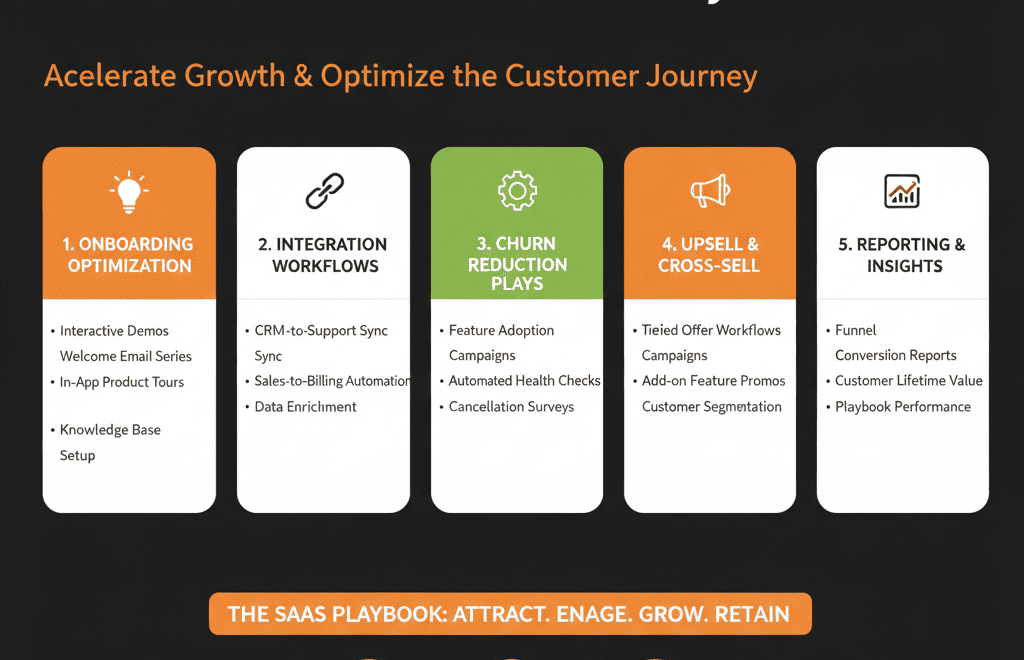
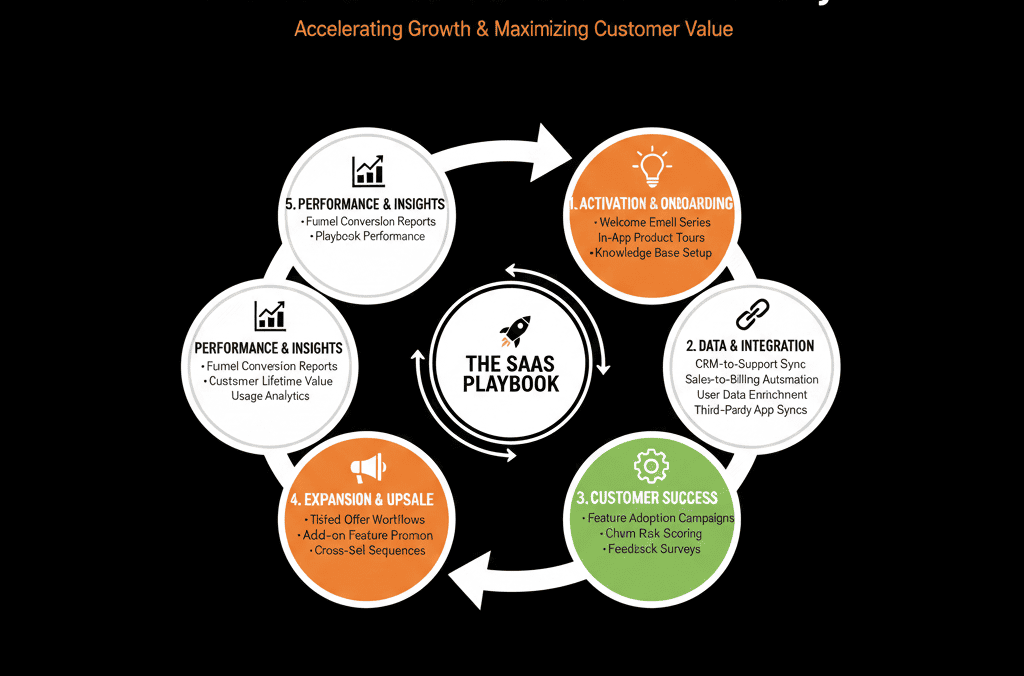
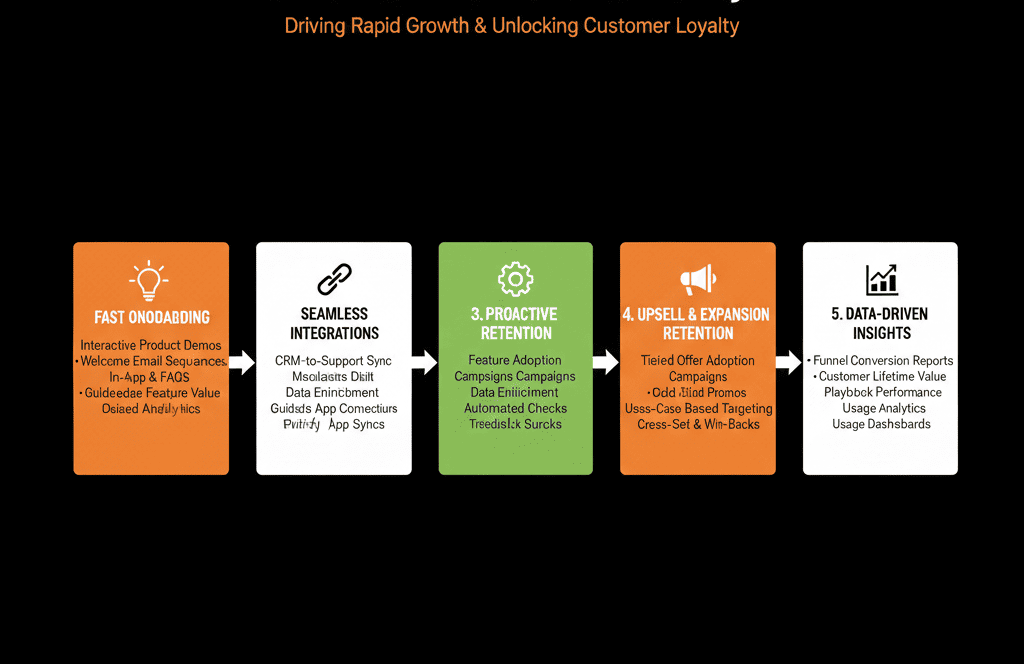
Here are 5 HubSpot plays we recommend for most professional services firms:
- Standardize lead intake & routing.
- Redesign your services pipeline.
- Fix the sales → delivery handoff.
- Make renewals and expansions visible.
- Build a leadership-ready services dashboard.
Play 1 – Standardize Lead Intake & Routing (Stop Losing Inquiries)
Why it matters
Leads come from:
- Website forms (contact, “speak to an expert”).
- Referral emails.
- Events and webinars.
- LinkedIn and outbound.
If intake is messy:
- Good leads slip through.
- Partners and principals don’t know who should follow up.
- Measurement is impossible.
What to do in HubSpot (2–4 weeks)
Map entry points
Website:
- Contact us, consultation request, downloadable content.
Referrals:
- Shared inbox or simple intake form.
Events/webinars:
- Registration and attendance lists.
Standardize lead fields
For Contacts:
- Name, email, phone.
- Role/title.
- Company name and size band.
- Geography.
- How they heard about you (source).
For Deals (for high-intent leads):
- Initial estimated opportunity (size band).
- Service line of interest.
- Region.
Create a single intake workflow
Set Lifecycle = Lead or MQL based on intent.
Set Lead status = New.
Tag source (Referral – Client, Referral – Partner, Website, Event, Outbound, etc.).
Route based on simple rules
By:
- Service line.
- Region/office.
- Named account/principal.
Create tasks for owners with reasonable SLAs.
Outcome:
Every new inquiry lands in HubSpot with:
- Clear owner.
- Minimal but structured information.
- Trackable next steps.
Play 2 – Redesign Your Services Pipeline to Reflect Reality
Why it matters
Typical sales pipelines for services are:
- Just a few generic stages.
- Not aligned with how scoping, proposals, and approvals actually work.
- Inconsistent across partners or practices.
That kills:
- Forecast accuracy.
- Pipeline coaching.
- Process improvement.
What to do in HubSpot (3–4 weeks)
Map your real services sales stages
For project/engagement work, a common pattern:
- New / Inquiry
- Qualification / Discovery
- Scoping / Diagnostic
- Proposal Drafted
- Proposal Presented
- Commercial/Legal Review
- Verbal Commit
- Closed Won / Closed Lost
Define stage criteria
Entry:
What must have happened? (e.g., Discovery call completed; scope call done.)
Exit:
What moves it forward or out?
Require key fields at later stages
On Deals:
- Estimated value and term.
- Primary service line.
- Key contacts/stakeholders.
- Target start date.
Clean up old stages and pipelines
Retire unused or vague stages.
Merge pipelines if they duplicate each other.
Outcome:
Your pipeline becomes a mirror of your actual sales process, not a generic CRM artifact.
Play 3 – Fix the Sales → Delivery Handoff
Why it matters
This is where many services firms lose margin and trust:
- Clients hear one thing in sales and another in delivery.
- Scope details get lost.
- Delivery teams start projects without enough context.
What to do in HubSpot (3–4 weeks)
Define what “ready for delivery” means
At a minimum, on a Closed Won Deal:
- Clear scope summary.
- Primary contact and stakeholders.
- Budget/fees and payment terms.
- Timeline and key deadlines.
- Any critical constraints/assumptions.
Make these fields required before closing
Use a combination of:
- Required properties on the Deal.
- Validation checks in your process (e.g., checklists).
Trigger a handoff workflow on Closed Won
Create:
- Tasks or tickets for the delivery/project team.
- A record in your project/PSA tool (if integrated).
Send:
- A structured summary email or internal notification.
Link HubSpot to your project system
Store:
- Project link/ID on the Deal and Company.
Sync back:
- High-level project status for GTM teams.
Outcome:
Delivery starts with consistent information, and HubSpot shows where each engagement stands.
Play 4 – Make Renewals and Expansions Visible in HubSpot
Why it matters
Services revenue isn’t just one-off projects:
- Retainers.
- Managed services.
- Ongoing programs and roadmaps.
If renewals and expansions live only in contracts or spreadsheets:
- Risks and opportunities are invisible.
- Account strategy is reactive.
What to do in HubSpot (3–6 weeks)
Create renewal & expansion structures
Use:
- Separate pipelines (New Business, Renewals, Expansion), or
- A Deal type field marking New/Renewal/Expansion.
Bring in contract data
From contracts, billing, or PSA:
- Contract start/end dates.
- Billing frequency and amount.
- Service line(s) covered.
Automate renewal deals
X days before contract end:
- Create Renewal deal.
- Assign to AM/CSM.
- Task for review meeting.
Identify expansion signals
From:
- Project usage (hours vs retainer, utilization).
- Customer feedback.
- New stakeholders or business units.
Create:
- Expansion deals or tasks.
- Nurture sequences for decision-makers.
Outcome:
Leadership and AMs can see future revenue at risk and expansion potential clearly in HubSpot.
Play 5 – Build a Leadership-Ready Services Dashboard in HubSpot
Why it matters
Partners and executives care about:
- Pipeline and forecast.
- Revenue by service line and segment.
- Margins and utilization (in other tools, but with GTM context).
- Retention and expansion trends.
If HubSpot doesn’t speak this language, it becomes “just a marketing tool.”
What to do in HubSpot (2–4 weeks)
Align definitions with Finance and Operations
What is:
- A qualified opportunity?
- New vs renewal vs expansion?
- Booked vs delivered vs billed revenue (and which ones HubSpot should reflect)?
Build a “Executive – Services Revenue & Pipeline” dashboard
Include:
- Pipeline by stage and service line.
- Forecast vs target (by quarter).
- New vs Renewal vs Expansion closed-won.
- Deals and revenue by: Segment (SMB/MM/Enterprise, vertical).
- Channel (inbound, outbound, referral, partner).
Add a “Delivery Link” lens
For each major client, show:
- Open projects.
- High-level project health from your project tool (if integrated).
Use this dashboard in leadership meetings
Run pipeline and revenue reviews directly from HubSpot.
Capture:
- Data gaps.
- Stage definition issues.
- Next improvements for RevOps.
Outcome:
HubSpot becomes a trusted source in partner/exec discussions—not just an afterthought.
Suggested 90-Day Sequence
A realistic order:
Weeks 1–4
- Play 1: Lead intake & routing.
- Start Play 2: Pipeline redesign for new business.
Weeks 5–8
- Finish Play 2: Get pipeline into production.
- Play 3: Sales → delivery handoff.
Weeks 9–12
- Play 4: Renewal & expansion visibility.
- Play 5: Executive dashboard.
By the end of 90 days, you’ll have:
- Cleaner intake.
- A real pipeline.
- Better handoffs.
- Visibility into renewals/expansion.
- A reporting foundation execs can actually use.
Want Help Running These 5 Plays in Your HubSpot Portal?
If your professional services firm is already using HubSpot but not seeing the RevOps impact you expect, trying to run all 5 plays alone can be heavy.
Our HubSpot Portal Health Check / HubSpot Audit for services firms can:
- Assess where you stand on each play.
- Prioritize which ones to run first (based on your size, deal cycles, and systems).
- Provide a 60–90 day action plan to turn HubSpot into your services RevOps backbone.






