



Real Estate Is Deal-Driven, Relationship-Heavy, and Timeline-Sensitive
If you’re a:
- Real estate developer,
- Commercial or residential brokerage, or
- Investment sales team,
…you’re managing:
- Projects and inventory (units, buildings, lots).
- Buyers/tenants/investors.
- Agents and teams.
- Marketing campaigns and inquiries.
- Complex deal and escrow pipelines.
Most teams:
- Use a patchwork of Excel, email, WhatsApp, and maybe a property system.
- Have no single place to see:
- Inventory status.
- Buyer/investor engagement.
- Deal progress.
HubSpot can become the central deal and relationship hub if configured for real estate realities.
This article outlines HubSpot use cases for real estate developers and brokers.
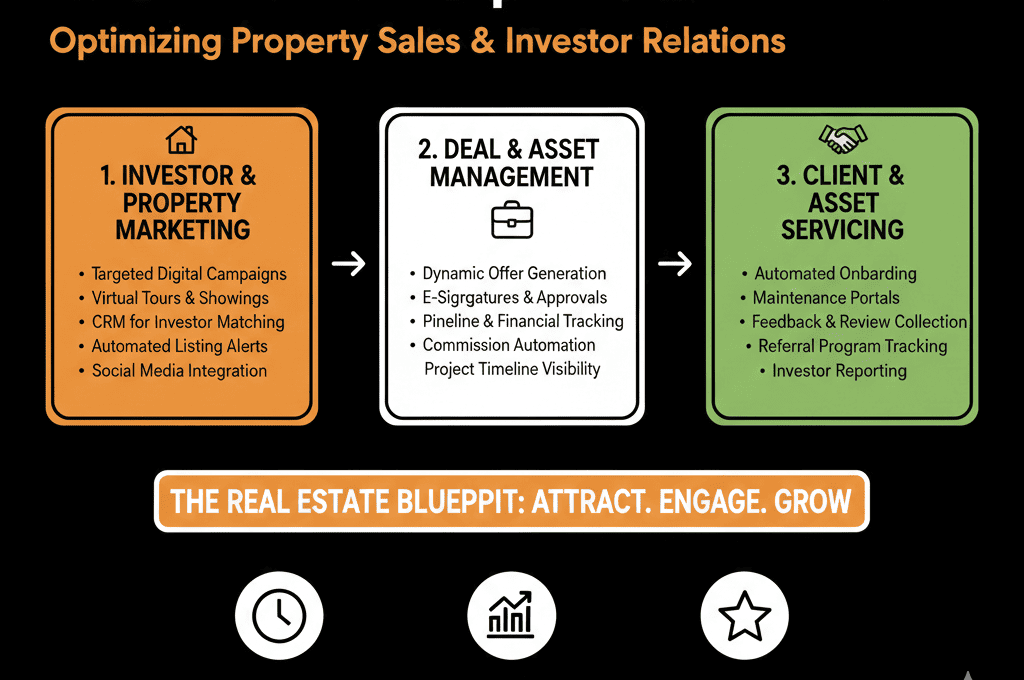
Use Case 1 – Centralized Buyer, Tenant, and Investor CRM
Problem
You’re dealing with:
- Buyers, tenants, investors, lenders.
- Repeat interactions across projects and listings.
But:
- Contacts live across agent inboxes and phones.
- No consolidated view of each person’s history and preferences.
- Follow-up depends too much on individual agents.
How to use HubSpot
Use Contacts for people, Companies
Contacts:
- Individual buyers, tenants, investors, owners.
Companies:
- Investment firms, corporates, landlords, JV partners.
Classify relationships
For Contacts:
- Contact type (Buyer, Seller, Tenant, Investor, Landlord, Agent).
- Status (Prospect, Active, Past Client, Investor).
- Preferences (Property type, budget range, location, yield expectations).
Assign owners
- Agents or relationship managers own Contacts/Companies.
- Team leads can see across their area/portfolio.
Track all interactions
- Calls, emails, meetings, property tours.
- Notes on preferences and objections.
Outcome:
- A single relationship view for each buyer/tenant/investor.
- Less risk when agents leave or change roles.
Use Case 2 – Project and Listing Pipelines
Problem
Developers and brokers manage:
- New developments.
- Individual units.
- Commercial spaces.
Listings that go through:
Launch → Marketing → Offers → Under Contract → Closed—or expire.
Without structure:
- Inventory status is spread across spreadsheets.
- No consistent view of what’s available, reserved, or sold.
- Hard to forecast revenue per project/listing.
How to use HubSpot
Decide your modeling approach
Common models:
- Deals as units/listings: Each Deal = a specific property, unit, or listing.
- Custom object for Properties/Units (advanced): Properties/Units object holds address, specs, etc. Deals reference that object for specific transactions.
Create pipelines
For sales (residential/commercial):
- New / Available
- Marketing / Active Listing
- Offer Received
- Under Negotiation
- Under Contract / Escrow
- Closed Won / Closed Lost / Withdrawn
For leasing:
- Available
- Viewing Arranged
- Application/LOI Received
- Lease Negotiation
- Lease Signed
- Closed Lost
Track key fields
On Deals (or Property object):
- Property type
- Project/development
- Unit number/address
- Asking price or rent
- Offer price / rent
- Buyer/tenant
- Agent(s) involved
Outcome:
- Clear picture of inventory and deal statuses.
- Easier to coordinate sales/leasing teams and marketing.
Use Case 3 – Lead Capture and Routing From Portals and Marketing
Problem
Leads arrive from:
- Your website.
- Real estate portals (Zillow, Rightmove, local portals).
- Social/ads and email campaigns.
- Walk-ins or phone calls.
But:
- They’re not consistently captured.
- Assignment to agents is ad hoc.
- No tracking on speed-to-lead or conversion.
How to use HubSpot
Integrate lead sources into HubSpot
Directly (via forms and APIs) or through middle tools (Zapier, etc.) from portals.
Map fields consistently: Name, contact info. Property of interest. Source (portal, website, campaign).
Standardize intake
- Lifecycle = Lead or MQL based on interest level.
- Lead status = New.
- Tag Lead source and Property/project.
Routing logic
- Assign leads based on: Property/project. Territory/region. Agent availability or round-robin.
Enforce SLAs and follow-up
- Workflows to: Create tasks for assigned agents. Send notifications. Alert managers when high-intent leads go untouched.
Outcome:
- No more lost portal or website leads.
- Measurable speed-to-lead and agent responsiveness.
Use Case 4 – Project Launch and Campaign Performance Tracking
Problem
For developers and project-based sales, launches include:
- Email campaigns.
- Events and launch days.
- Portal listings and social ads.
- Broker outreach.
But it’s usually unclear:
- Which campaign types drive qualified buyers or investors.
- Which agents or brokers contribute most.
How to use HubSpot
Use Campaigns for each project launch
Create a HubSpot campaign per:
- Development launch.
- Major marketing wave.
Associate assets
- Emails, landing pages, forms.
- Ads (via connected accounts).
- Lists of invited/attending brokers and buyers.
Track engagement and influence
- Number of engaged Contacts (opens, clicks, responses).
- Deals influenced and created.
- Revenue attributable to the campaign.
Slice by agent and channel
- Contribution by: Agent or team. Channel (email, portals, social, broker events).
Outcome:
- You see which launch tactics and agents actually move inventory.
- Better planning for future projects.
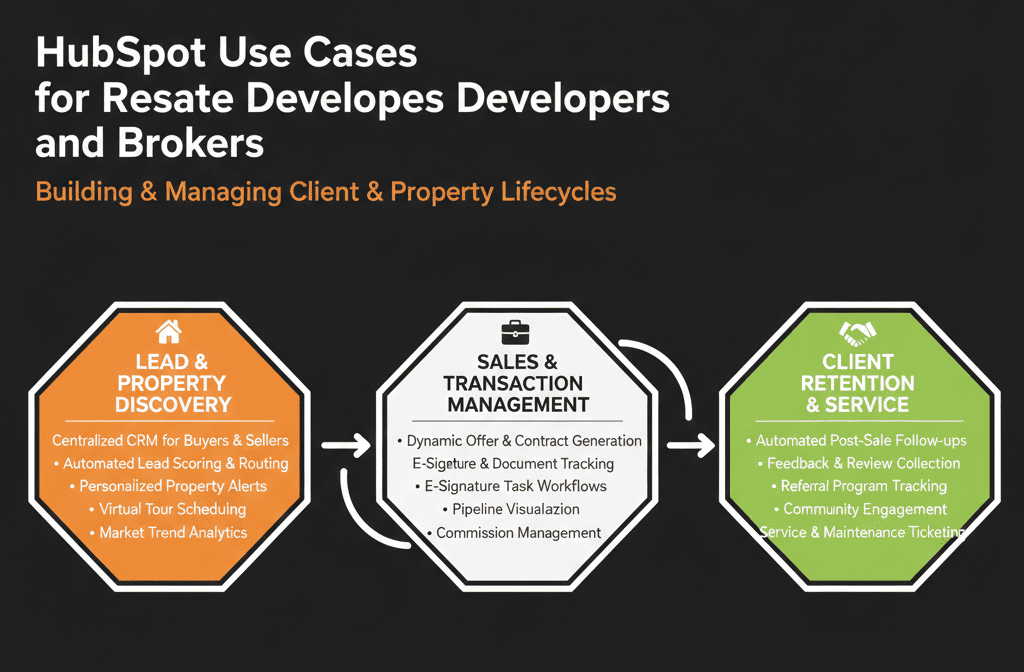
Use Case 5 – Investor and Capital-Raising Pipelines for Developers
Problem
Real estate developers often:
- Raise equity from private investors, family offices, or funds.
- Secure debt from banks or lenders.
- Manage complex capital stacks and relationships.
Without structure:
- Investor communication is fragmented.
- Fundraising pipeline is unclear.
- Tracking commitments vs funded capital is manual.
How to use HubSpot
Create an Investor pipeline
Stages like:
- Identified / Target
- Initial Conversation
- NDA / Diligence
- Soft Commitment
- Documents / Subscription
- Funded
- Closed Lost / Not Participating
Track key fields
- Investor type (Individual, Family Office, Fund, Lender).
- Target commitment size and currency.
- Deal/project interested in.
- Expected return profile.
Use HubSpot for investor communications
Segment lists by:
- Risk appetite.
- Deal type.
- Geography.
Send:
- Deal updates.
- Reporting packs.
- New opportunity announcements.
Report on capital raising
- Pipeline of commitments by stage.
- Actual funded vs target.
- Investor participation across deals.
Outcome:
- Clear capital-raising visibility.
- Systematic investor relationship management across projects.
Use Case 6 – Owner and Landlord Relationship Management for Brokerages
Problem
Landlord/owner relationships drive future listings and mandates:
- Renewals.
- New projects.
- Referrals.
But:
- Information is often stored per-agent.
- There’s no holistic view of owner relationships and history.
How to use HubSpot
Treat owners/landlords as key Companies
Track:
- Properties owned.
- Past and current mandates.
- Key contacts and decision-makers.
Associate deals and listings
- Every listing or mandate Deal is associated to: The owner/landlord company. The responsible agent.
Log owner-specific activities
- Owner review meetings.
- Performance discussions.
- Renewal or re-listing opportunities.
Track owner retention and wallet share
- How many projects or units do you handle vs other brokers?
- Which owners are growing with you vs declining?
Outcome:
- Stronger landlord/owner relationships.
- Data to win and retain mandates.
What You Can Do in the Next 30–60 Days
If you’re a real estate developer or broker:
Choose your primary lens first:
- Inventory-driven (projects/units/listings).
- Relationship-driven (buyers/investors/owners).
- Both, but start with one.
Model:
- One core pipeline (sales/lease).
- A basic set of fields on Contacts, Companies, and Deals.
Integrate:
- Website and portal leads into HubSpot with clear mapping.
- Simple routing to agents or teams.
Build:
- 1–2 dashboards: Project/listing pipeline. Buyer/investor engagement.
From there, you can add more advanced modeling (Property custom objects, investor pipelines, etc.) as needed.
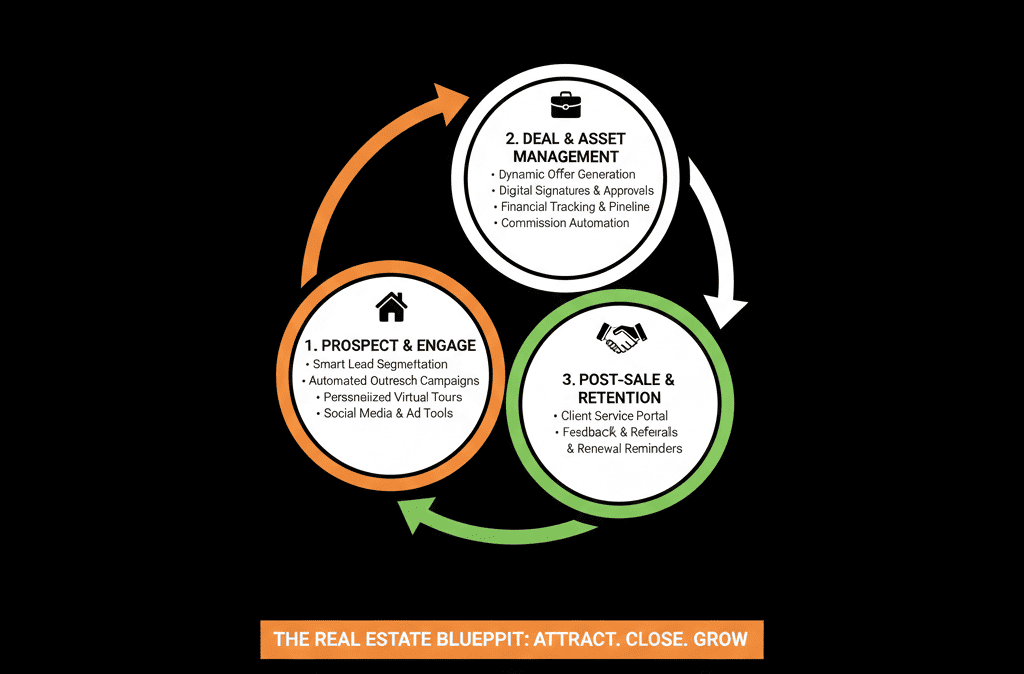
Want a Real Estate–Focused HubSpot Audit?
Real estate developers and brokers have more complexity than most “generic CRM” guides assume:
- Inventory and projects.
- Buyers, tenants, and investors.
- Agents, owners, landlords.
- Portal leads and capital-raising.
Our HubSpot Portal Health Check / HubSpot Audit can:
- Map your current projects, listings, and relationships.
- Propose a lean, effective HubSpot architecture for your model.
- Provide a 60–90 day roadmap to make HubSpot your central growth and relationship platform.






