



Lead Management in HubSpot Is Not “Just Routing”
Most teams think lead management in HubSpot = “who gets the lead.”
That’s only one layer.
If you want a scalable system, your lead management architecture must answer five questions consistently:
- Who counts as a lead, MQL, SQL, and Opportunity?
- How do new leads enter HubSpot, and what happens in the first 5–15 minutes?
- How are leads prioritized and routed across regions, segments, or teams?
- How are unworked, unqualified, or recycled leads handled?
- How does all of this show up in reporting and revenue metrics?
We design lead management in HubSpot like we’d design a production line: clear inputs, rules, ownership, and outputs.
This article breaks down how we build a scalable lead management architecture in HubSpot for B2B teams that are serious about growth.
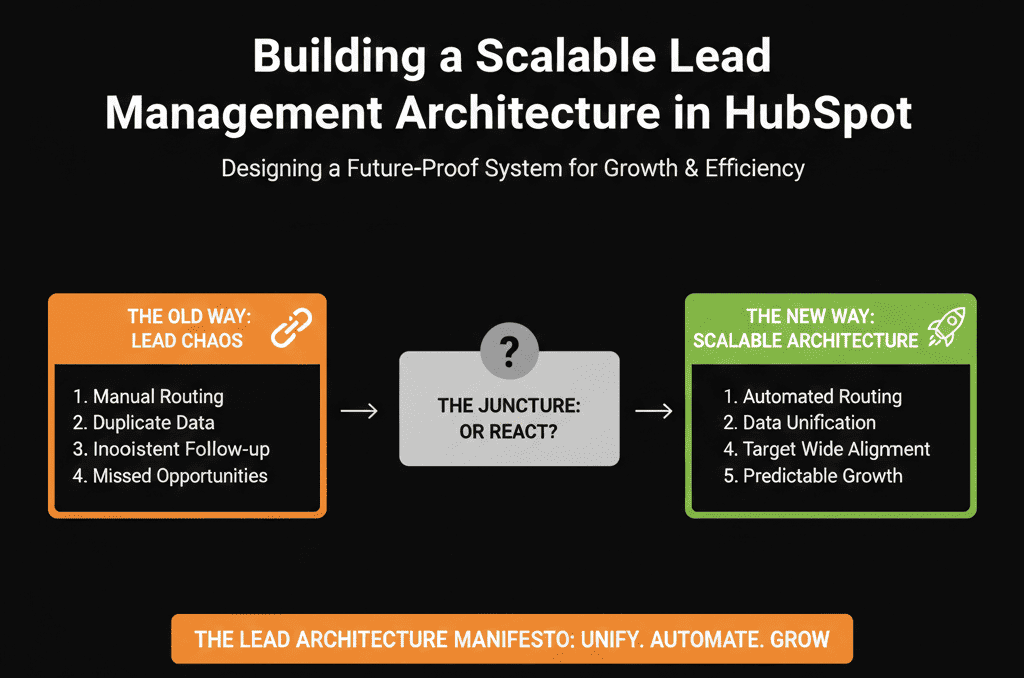
Step 1 – Define Your Lead Stages Before You Touch HubSpot
HubSpot has sensible defaults (Lifecycle stage, Lead status), but your architecture starts on paper.
We align your team around:
Lifecycle stages (funnel-level):
- Subscriber
- Lead
- MQL
- SQL
- Opportunity
- Customer
- (Optional) Evangelist / Other
Lead status (sales-level):
- New
- In Progress
- Connected
- Qualified
- Unqualified
- Nurture / Bad Timing
For each, we define in plain language:
- What must be true to enter this stage/status.
- Who owns the record here (Marketing, SDR, AE, CS).
- What should happen next (SLA, follow-up, next step).
If you skip this and go straight to workflows, your automation will encode disagreement instead of clarity.
HubSpot lifecycle stages are designed to categorize contacts and companies by where they are in your marketing/sales process, and HubSpot supports setting lifecycle stages automatically (e.g., default stage for new records, and updates based on associations).
Step 2 – Map All Lead Entry Points into HubSpot
Next, we document everywhere a lead can appear:
- Website forms (contact us, demo, pricing, content).
- Chat and chatbots.
- Imports from events, lists, or manual uploads.
- Integrations (ads, webinar tools, product sign-ups, partner referrals).
- Manual creations by reps.
For each entry point, we specify:
- Expected intent level: low/medium/high.
- Default lifecycle stage on creation.
- Default lead status (e.g., New).
- Routing rule owner (how it will be assigned).
This mapping becomes the backbone of your lead management workflows.
Step 3 – Design a Simple, Scalable Routing Strategy
Now we can create routing logic that will scale instead of becoming a tangle.
We define routing dimensions:
- Geography (country, region, time zone).
- Segment (SMB/mid-market/enterprise; industry if relevant).
- Channel or campaign type (inbound demo, outbound list, partner, event).
- Team coverage model (SDR vs AE direct, pooled vs named accounts).
For each dimension, we decide:
- Is routing based on round robin, territories, or ownership rules (e.g., existing account owner)?
- Do we route to SDRs first or directly to AEs?
- How do we handle after-hours or multiple time zones?
We aim to keep routing logic:
- Centralized: 1–3 main workflows, not 20+ copies.
- Documented: everyone knows “if X, then Y” in plain language.
- Measurable: we can see assignment speed and outcomes.
Step 4 – Build the Core HubSpot Lead Management Workflow
Now we translate design into HubSpot.
We usually implement:
Master lead intake workflow
Enrollment: any new contact created that meets basic criteria (e.g., not employee, has email, not partner).
Actions:
- Set initial lifecycle stage (Lead or MQL).
- Set default Lead status (New).
- Tag entry source (form/chat/import/integration).
- Pass to routing logic.
Routing workflow(s)
Enrollment: leads marked as New with certain attributes.
Branches:
- If existing account with owner → assign to that owner / that owner’s SDR.
- If region = X → country-specific or region-specific team.
- If segment = SMB / Mid-Market / Enterprise → queue or named owners.
Speed-to-lead supporting steps
- Create tasks for owners (due within SLA, e.g., 1–2 hours for high-intent).
- Optional notifications (Slack/email) for high-intent forms (demo/pricing).
The key is to keep this central and visible instead of creating a new routing workflow for every form or campaign.
HubSpot workflows can distribute ownership evenly using the Rotate record to owner action, which supports rotating assignments between multiple users (and can overwrite or only set when owner is unknown, depending on how you configure it).
Step 5 – Operationalize SLAs Inside HubSpot
Lead management architecture must include time-based expectations.
We define SLAs by lead type:
- Inbound demo / contact sales: reply within X minutes/hours.
- High-intent content (pricing page, bottom-of-funnel offers): reply within Y hours.
- Low-intent content downloads: follow-up within Z days or via nurture.
Then we use HubSpot to enforce this:
- Calculate Time to first touch or track last activity.
- Use workflows to: Alert owners or managers when SLAs are breached, reassign or escalate leads that sit untouched too long, tag SLA breaches for reporting.
Now your lead management isn’t just “who gets the lead”, it’s “how fast and how consistently do we follow up?”
HubSpot provides default lead properties that include metrics like Time to First Touch, which can support SLA reporting and enforcement workflows.
Step 6 – Define Clear Recycling and Nurture Paths
The real test of scalable lead management is what happens when a lead is not ready or not a fit.
We design:
Recycling criteria:
- Leads that were worked but did not convert.
- Leads that said “not now” or “check back in X months.”
Disqualification criteria:
- Leads that are genuinely bad fit (wrong geography, size, industry, use case).
For each, we define what happens in HubSpot:
- Lifecycle stage and Lead status values.
- Ownership (does it go back to marketing, stay with rep, or into a special queue?).
- Enrollment into relevant nurture workflows (for recycle) or suppression lists (for disqualified).
This prevents your database from becoming a graveyard of “New” or “In Progress” leads that nobody will ever touch again.
Step 7 – Align Reporting with Your Lead Architecture
Lead management isn’t complete until reporting matches the design.
We create a standard report set:
Lead volume by source & type
See how many leads enter by lifecycle stage and form type.
Lead routing & speed-to-lead performance
Time from creation to first owner assignment.
Time from assignment to first logged activity.
Lead progression funnel
Lead → MQL → SQL → Opportunity → Customer.
Conversion rates and drop-offs.
Lead status and recycling reporting
Breakdown by Lead status, over time.
Volume and performance of recycled leads.
This allows you to answer:
- Are we generating enough of the right leads?
- Are they being routed and worked fast enough?
- Where do we lose them?
- Are recycled leads ever coming back into real pipeline?
Step 8 – Governance: Who Owns Lead Management in HubSpot?
A scalable lead management architecture in HubSpot needs an owner.
We help clients assign:
A RevOps / HubSpot Architect who owns:
- Lead lifecycle definitions.
- Routing logic and workflows.
- SLA rules and reporting definitions.
A regular review cadence (monthly/quarterly) to:
- Revisit SLAs and routing as teams grow.
- Check for bottlenecks and misroutes.
- Test changes in a sandbox before rolling out.
Without ownership and governance, even the best-designed architecture will drift back into chaos as new campaigns, forms, and team members are added.
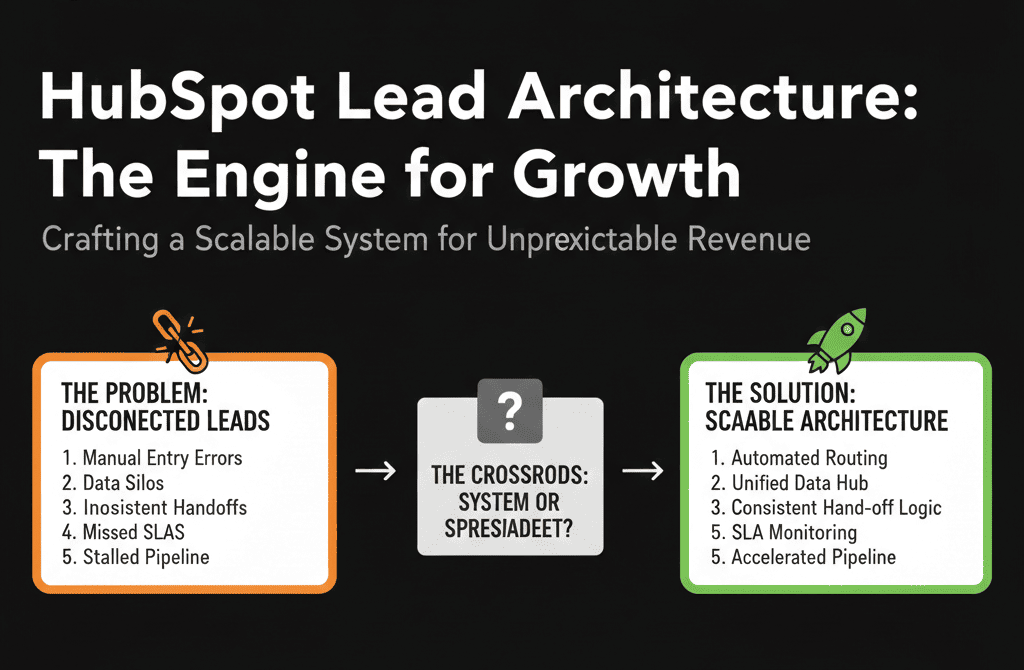
How to Start Improving Your Lead Architecture This Month
In the next 30 days, you can:
- Write down your current lifecycle stages and Lead statuses, with real definitions.
- List every lead entry point and what should happen next in each case.
- Identify the top 1–2 break points:
- Leads not getting assigned.
- Leads getting assigned but not worked.
- Leads being worked but never recycled or nurtured.
Turn those into concrete changes in HubSpot:
- One master intake workflow.
- One routing logic revamp.
- One SLA + escalation rule for high-intent leads.
If you already feel your portal is “scaling but breaking,” your lead management architecture is almost certainly part of the issue.
Want an Architect to Review Your Lead Management in HubSpot?
If you’re not sure where your lead management is failing—or you suspect multiple issues across routing, SLAs, and lifecycle—the fastest path is an external diagnostic.
As a HubSpot Gold Solutions Partner, our team runs a structured HubSpot Portal Health Check / HubSpot Audit that includes:
- A deep review of your lead management architecture: lifecycle, Lead status, routing, SLAs.
- Identification of the biggest leaks in your funnel (speed-to-lead, handoffs, recycling).
- A prioritized 30–90 day roadmap to fix the underlying architecture, not just symptoms.






