



You’re “Live on HubSpot.” Now the Real Work Starts.
After a HubSpot migration, it’s tempting to declare victory:
- Data is in.
- Users have logins.
- Dashboards exist.
But the first 30 days are when you find out if:
- Data is actually trustworthy.
- Leads and deals are flowing properly.
- Teams can do their jobs without workarounds.
If you don’t monitor the right things, small issues become lost leads, stalled deals, broken reports, and quiet user rebellion back to old tools.
In this article, we’ll walk through what to monitor closely in the first 30 days after your HubSpot migration—broken down by focus area and week—so your new portal stabilizes instead of sliding into chaos.
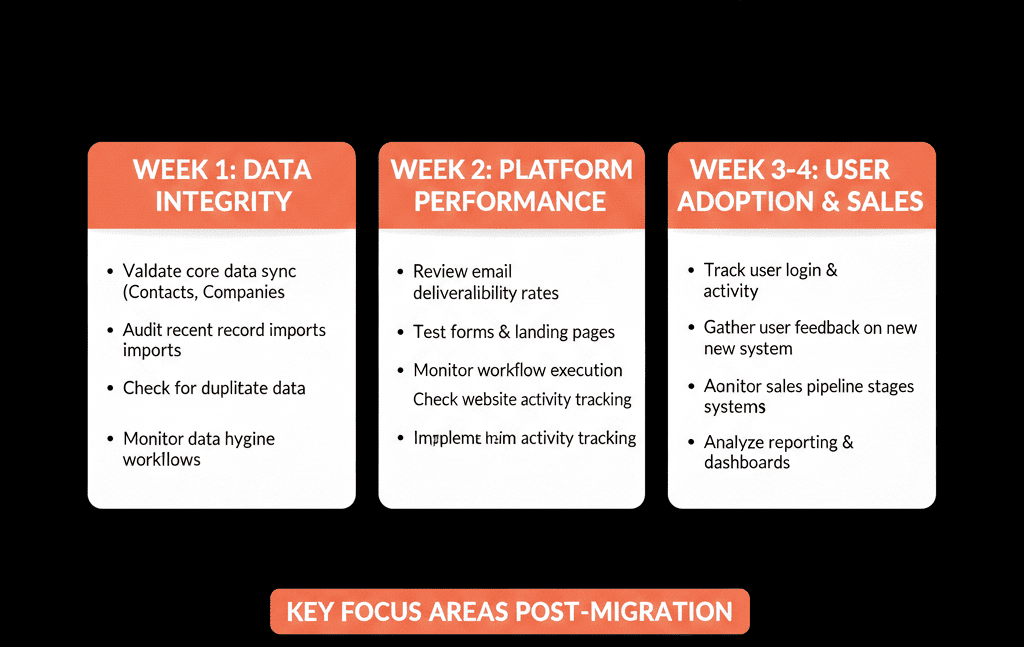
Week 1 – Validate Data Integrity and Basic Functionality
In the first week, you’re checking: “Did we break anything fundamental?”
Record counts and key segments
Compare total counts vs your old system:
- Contacts.
- Companies.
- Deals (especially open pipeline).
- Tickets (if you migrated Service).
Compare for key segments:
- % of active customers.
- % of open opportunities above a certain value.
If there are big gaps, investigate immediately.
Core fields and associations
Spot‑check sample records for:
- Correct lifecycle stages and owners.
- Reasonable contact ↔ company ↔ deal associations.
- Key segmentation fields (region, industry, product) populated.
Look especially at:
- Your top 20–50 accounts.
- Active opportunities in late stages.
Critical views and lists
Confirm saved views show what each team expects (“My open deals”, “New leads last 7 days”, “Active customers”).
Week 2 – Protect Lead Flow and Sales Activity
Once basic data integrity is confirmed, focus on momentum.
New lead capture and routing
Monitor:
- # of new contacts created per day from website forms and integrations.
- Assignment: % of new leads with an owner.
- Time from creation to first task/engagement.
If leads are unassigned or stuck, audit workflows and form settings immediately.
Time‑to‑first‑touch and follow‑up consistency
Track time between lead creation and first logged activity, and % touched within your SLA (e.g., 24 hours).
Sales activity and pipeline movement
Compare pre‑ and post‑migration for new deals created, stage changes, and activities logged per rep; investigate sudden drops tied to UX or process confusion.
Week 3 – Watch Marketing Automation, Emails, and Nurtures
As Marketing ramps up, make sure you’re not spamming the wrong people or missing key journeys.
Subscription types, consent, and suppression
Verify opt‑outs and subscription types behave as expected, then run a controlled test send to confirm suppression rules are working.
Live workflows and nurture sequences
Monitor enrollments, completion, and errors for critical workflows, and use workflow enrollment history to see what enrolled and when.
If records aren’t enrolling (or are enrolling unexpectedly), use HubSpot’s workflow troubleshooting guidance to identify why a record did or didn’t enroll based on the criteria at the time.
Email deliverability basics
Watch early bounce/complaint signals and confirm email authentication (DKIM/SPF/DMARC) is set up for your sending domains, since HubSpot guides DKIM setup via two CNAME records.
Week 4 – Check Support, CS, and Reporting Stability
By week 4, major firefighting should be tapering off, so you focus on stability and trust.
Ticketing and support flows (if using Service Hub)
Monitor ticket creation volume, assignment, first response time, and resolution time vs pre‑migration benchmarks, and confirm customer‑facing channels are creating tickets correctly.
Core dashboards and forecast accuracy
Compare pipeline and forecast trends to your old CRM’s numbers for the same period, and rebuild gaps using sales analytics reports that are designed to track pipeline health and forecast outcomes.
User adoption and feedback
Track active usage patterns and run office hours; triage feedback into quick fixes (views, small workflow tweaks) vs structural issues (pipeline design, routing rules).
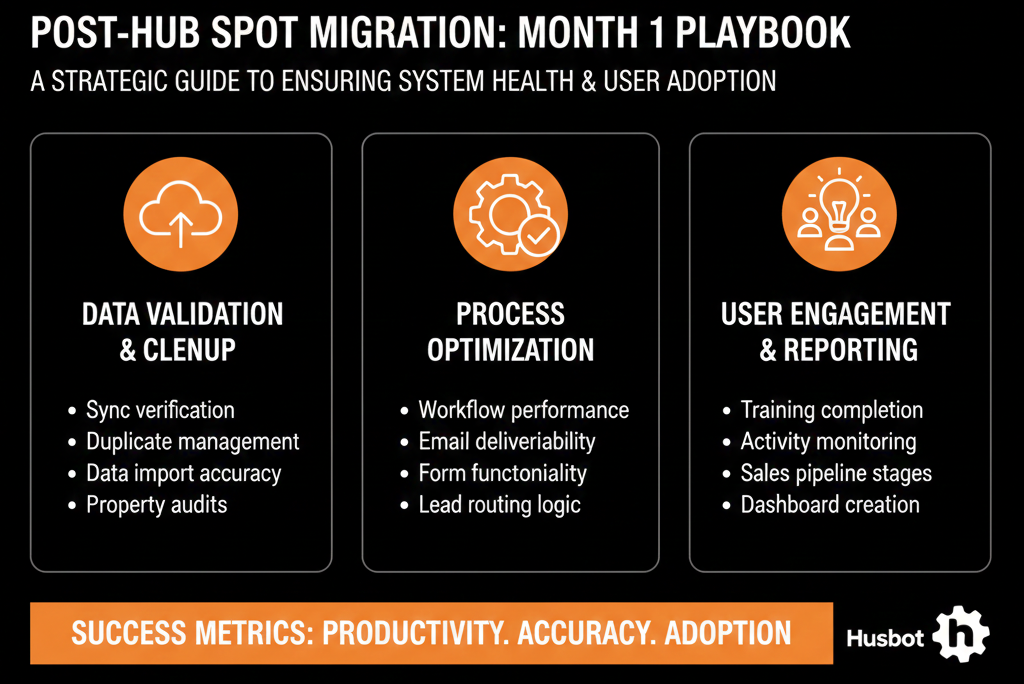
Cross‑Cutting: Is the Old CRM Still Alive?
Throughout the month, watch for reps updating legacy spreadsheets/CRMs or managers relying on old reports.
If you see it, make the old system read‑only where possible and fill the missing HubSpot views/reports that are pulling people back.
Turn 30 Days of Monitoring into a 90‑Day Improvement Plan
At the end of the month, convert findings into a short plan: what’s working, what’s fragile, and the 3–5 changes that will improve reliability and adoption in the next 60 days.
Your migration is technically “done” when data moves, but it’s operationally successful when HubSpot becomes the trusted system to run the business.
Want a Structured 30‑Day Post‑Migration Health Check?
If you’ve just gone live on HubSpot—or are about to—and want confidence you’re watching the right things, this is where we can help.
Our HubSpot Portal Health Check and Migration & ROI Plan are designed to:
- Audit your new portal’s data, routing, workflows, and reporting.
- Compare pre‑ and post‑migration performance on key GTM metrics.
- Give you a prioritized 60–90 day improvement roadmap based on what we see in your first month.






